Introduction
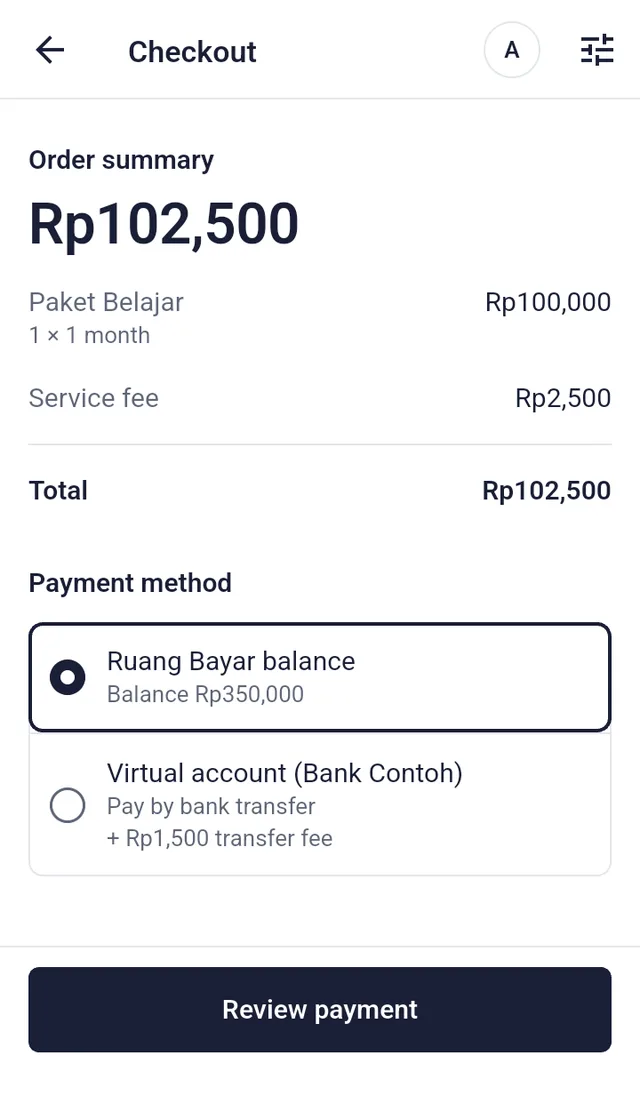
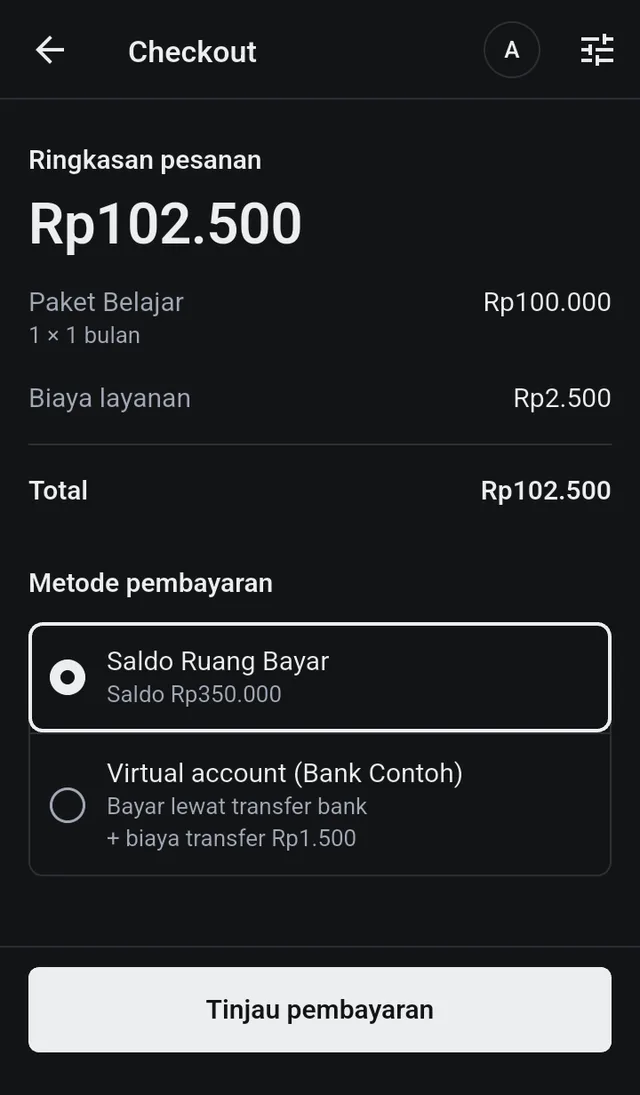
rakit_ui provides widgets and copyable blocks for mobile product screens, with a dedicated Payments category for checkout, payment status, receipts and optional identity verification (KYC).
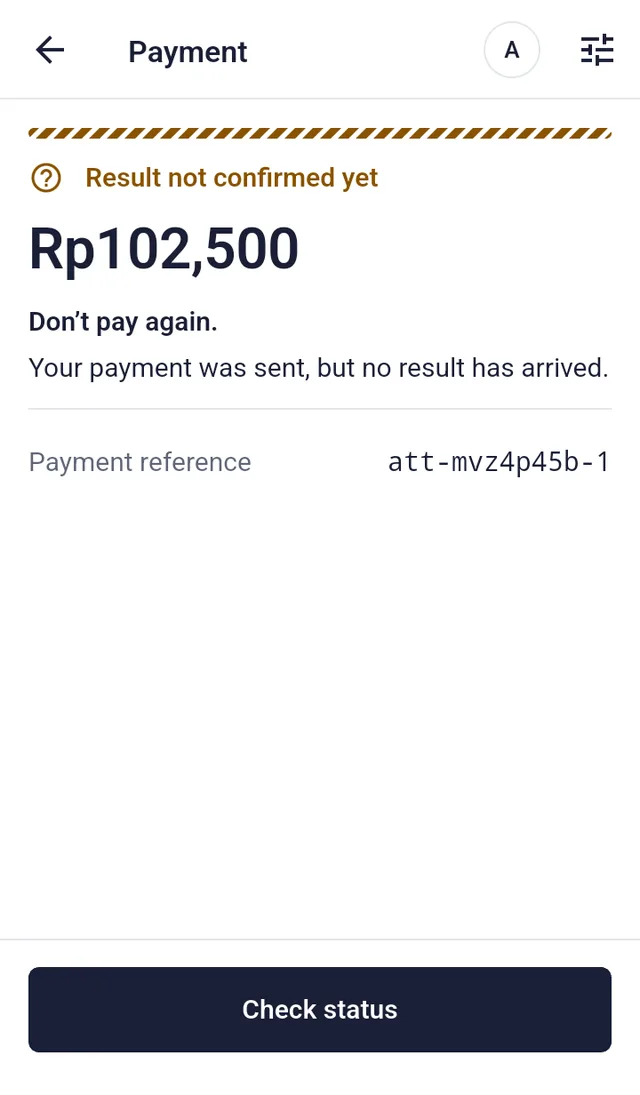
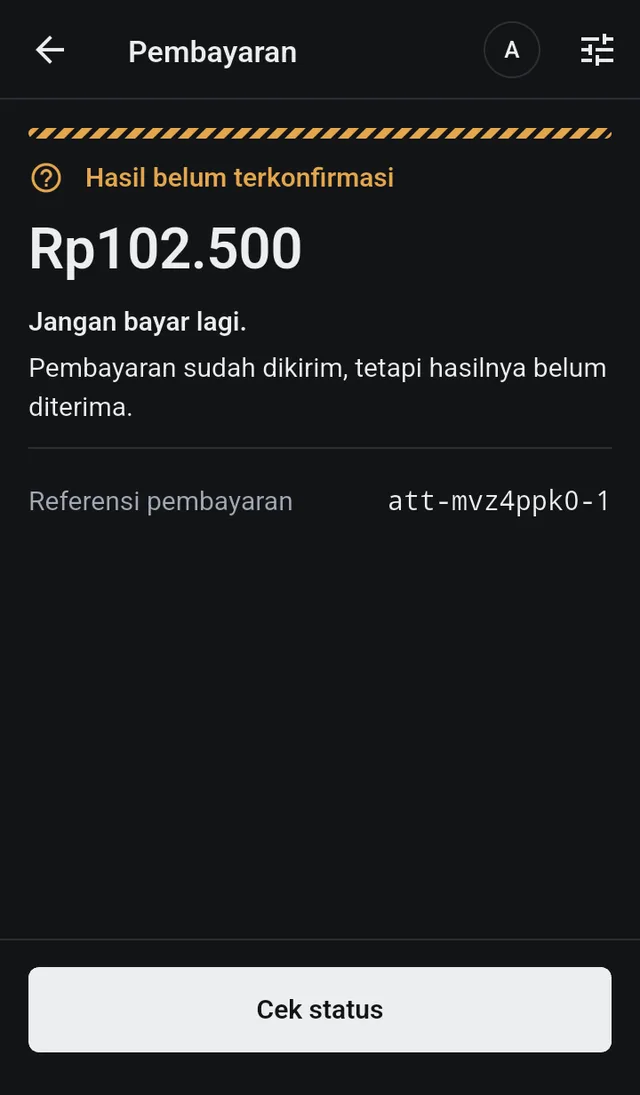
The package includes authentication, collections, forms, navigation, action menus, sheets, charts, feedback, video controls, promotions and transaction history. The Payments category includes pending, failed and unknown-result screens, manual payment instructions and host-owned authorization.
Adopt selected components in your own branded app while keeping your theme, router, state and localization: existing-app guide.
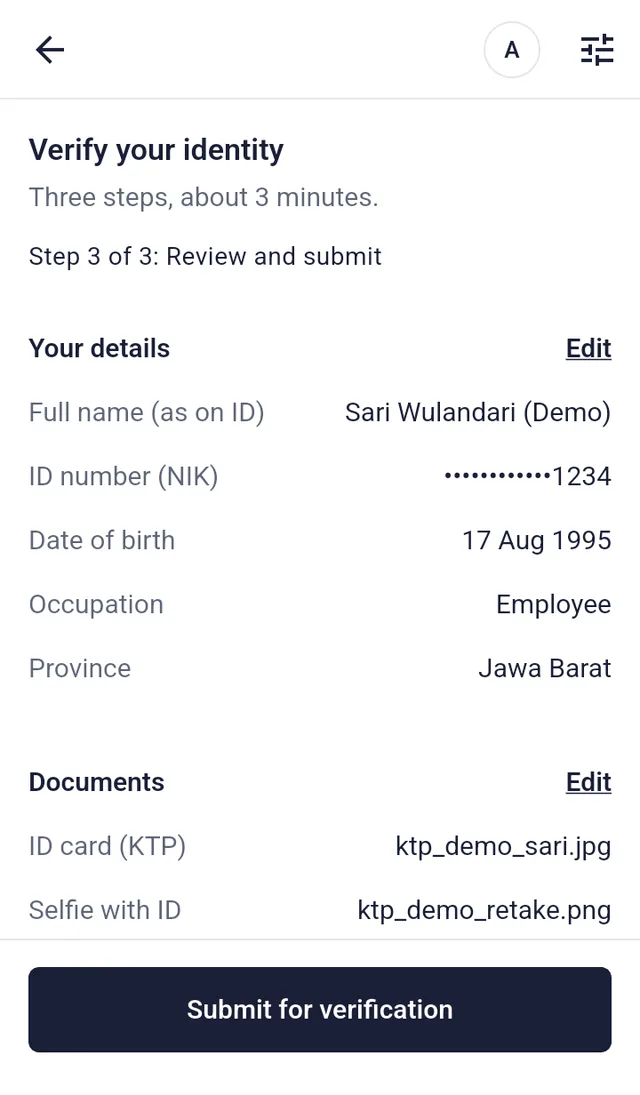
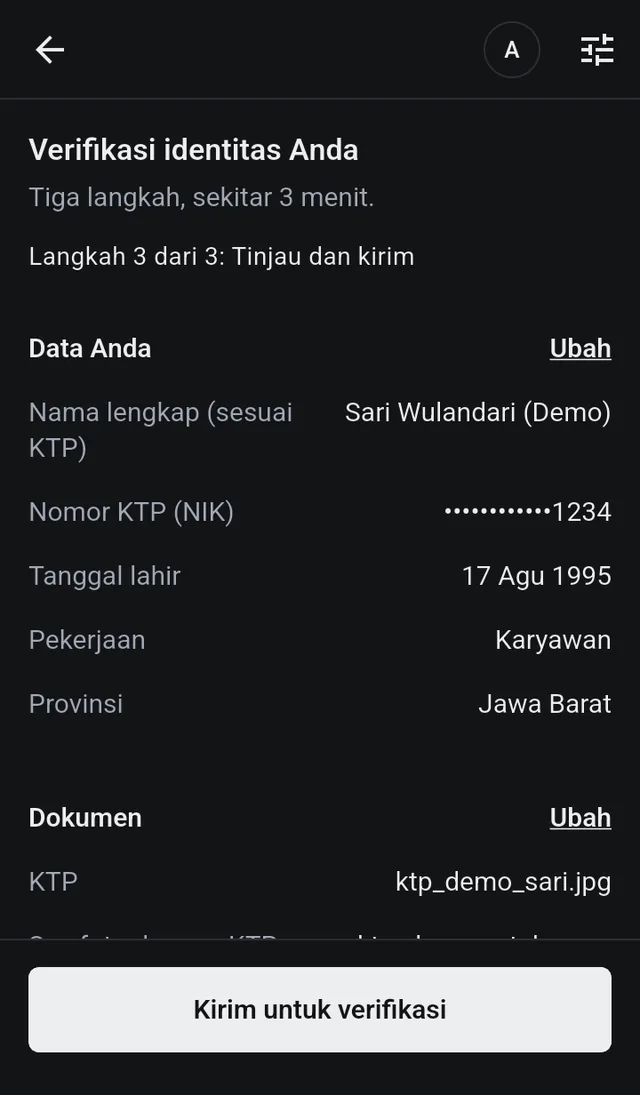
What the kit owns, and what you keep
Section titled “What the kit owns, and what you keep”The package renders structured data from your app and reports user intent through callbacks. It does not process money, make network calls, or need a router, state manager, camera or payment SDK.
| Concern | Owner | What the kit does |
|---|---|---|
| Input, focus, local validation | Widget | Interaction and presentation-level validation |
| Identity rules, consent policy | Host | Renders the host’s fields, validators and reasons |
| KYC decision, document validation | Host/backend | Shows progress, structured errors and the result |
| Price, fees, limits, quote expiry | Host/backend | Renders the snapshot; asks for re-approval when terms change |
| PIN/OTP/biometric challenge | Host auth SDK | Shows the challenge state; never receives the secret |
| Payment status, idempotency, refund | Host/backend/provider | Renders authoritative snapshots; never infers success |
| Polling, recovery, lifecycle | Host coordinator | Exposes callbacks; widgets never poll on their own |
“Host” means your app and the backend behind it. Host-owned decisions explains each row.
Invariants the kit helps keep
Section titled “Invariants the kit helps keep”Start with Blocks to run and copy a complete mobile screen. Patterns explain payment and KYC behavior; Guides cover layout, forms and loading states.
verifiedcomes only from the host, never from a finished upload.- One active submit per attempt:
PaymentButtonblocks repeated taps while its callback runs. - Timeouts, offline refreshes and an elapsed countdown never become “failed” or “paid”.
- Older or duplicate snapshots cannot overwrite newer ones; a success changes only through an official provider correction.
- A changed total or method requires review and a new authorization.
- Refunds are a separate lifecycle shown beside the original payment.
- No KYC documents, PINs or credentials in public models; the host stores only an opaque attempt reference for recovery.
Status
Section titled “Status”Install version 0.9.0 from pub.dev. Browse the example app and source in the GitHub repository. All example data is synthetic.
Documentation captures use Flutter 3.44.6 on a 360×640 dp Android API 37 phone emulator and a 1280×800 dp Android tablet emulator. See Compatibility for platform requirements and verification coverage.
The kit targets iOS and Android phones and tablets. The web build is a documentation preview; desktop is outside the supported product scope.
Current verification limits:
- The 30-minute checkout integration goal has not been tested with an external developer.
- The Flutter web gallery has not been browser-tested.
- Android 7–10 has not been runtime-tested.
Where to go next
Section titled “Where to go next”- Installation: add the dependency.
- Quick start: run the block demo, then build a checkout from quote to receipt, including the states that go wrong.
- Payment attempt and status: the rules behind “unknown is not failure”.
After that, pick a component from the catalog, copy a complete host screen from Blocks, and connect your backend through Host-owned decisions.
Using a coding agent? Point it at llms.txt: a short index of these pages, the exported API and the rules the kit keeps. In the repository, agents start with AGENTS.md and the README’s Start here table.