Info row
InfoRow is a label and value pair: a fee and its amount, a reference and its number, a deadline and its countdown. Rows stack into the property lists of summaries, receipts and transaction details.
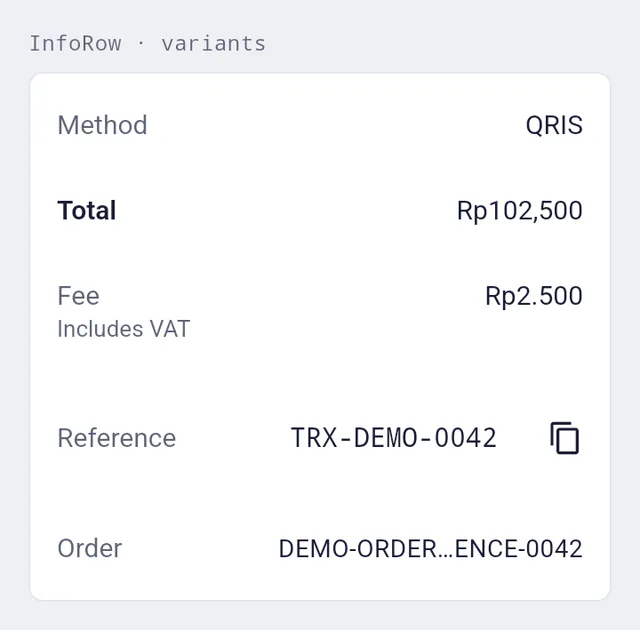
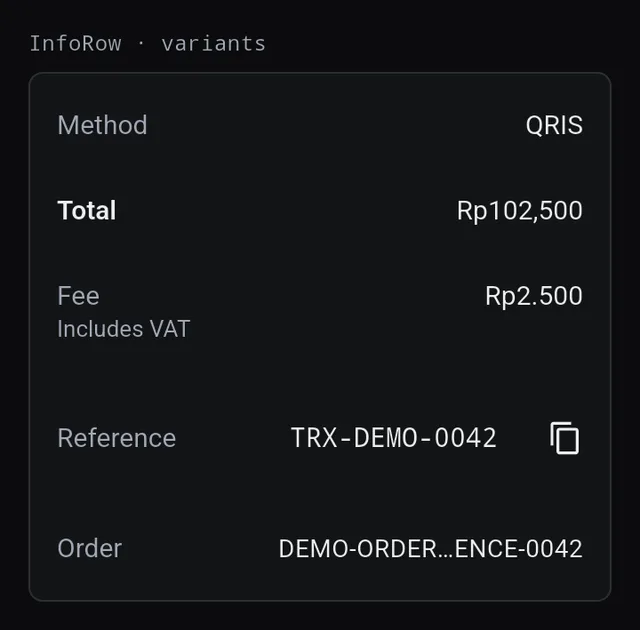
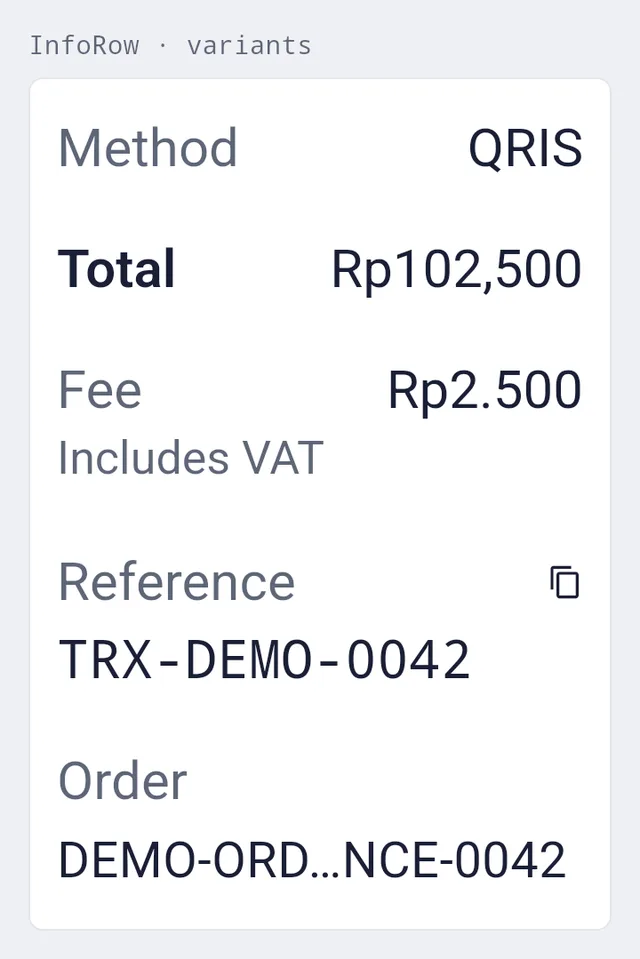
InfoRow(label: 'Total', value: AmountText(Money.idr(104000)));Variants
Section titled “Variants”Variants: plain, emphasis, caption, trailing action.
Emphasis
Section titled “Emphasis”emphasis: true sets the label in the heading style, for a “Total” row.
InfoRow( label: 'Total', value: AmountText(quote.total, variant: AmountTextVariant.total), emphasis: true,);With a trailing action
Section titled “With a trailing action”trailing puts an action after the value, such as a 48 dp copy button. The action centres on the first line. A PaymentIconButton or PaymentCopyButton there puts its glyph on the value edge, in line with the other rows’ values, and keeps its 48 dp target inside the row.
References and IDs
Section titled “References and IDs”Set reference: true for a transaction ID, VA number or order reference. The value becomes monospace tabular text on the value edge with no fill, and a copy button follows it. Keep PaymentCode for multi-line technical text; its grey block reads as a disabled field inside a row.
InfoRow( label: 'Reference', valueText: attempt.attemptId, reference: true, trailing: PaymentCopyButton(value: attempt.attemptId, onCopy: copy),);The same flag exists on PaymentPropertyListItem.reference and PaymentDetailValue.reference; PaymentDetailValue.onCopy adds the copy button.
Long values
Section titled “Long values”At normal text size the value keeps its natural width up to 60% of the row, and the label wraps in the rest. A short label never squeezes a file name or reference into breaking mid-word. AmountText values always keep their natural width.
For names and references whose start and end both matter, use MiddleEllipsisText as the value. It keeps the extension plus a few characters before it, and elides the middle: ktp_demo_ret…ake.png.
InfoRow( label: 'File', value: MiddleEllipsisText(document.fileName),);Large text
Section titled “Large text”Above 1.5× text, label and value still share a line when they fit. When they do not, the value starts the next line at the left edge. Short rows stay one line, and nothing overflows.
Which variant when
Section titled “Which variant when”| Situation | Variant / composition | Payment example |
|---|---|---|
| Checkout total and receipt facts | emphasis | Reserve emphasis for the total; captions explain a fact and trailing copy delegates to the host. |
Use Property list for a group of facts.
States
Section titled “States”The row displays the host value. Keep an unavailable amount distinct from zero, and show copy feedback beside the reference it belongs to.
Do and don’t
Section titled “Do and don’t”Do: Reserve emphasis for the total; captions explain a fact and trailing copy delegates to the host.
Don’t: Render every value in display typography.
Content guidelines
Section titled “Content guidelines”- Labels are short nouns in sentence case: “Service fee”, “Payment reference”.
- Keep values as the host gave them. Do not shorten references yourself; let
MiddleEllipsisTextdo it, so screen readers still get the whole value.
Accessibility
Section titled “Accessibility”- Label, caption and value are merged into one screen-reader node, read in order.
MiddleEllipsisTextgives screen readers the full text, not the elided one.
In the example app
Section titled “In the example app”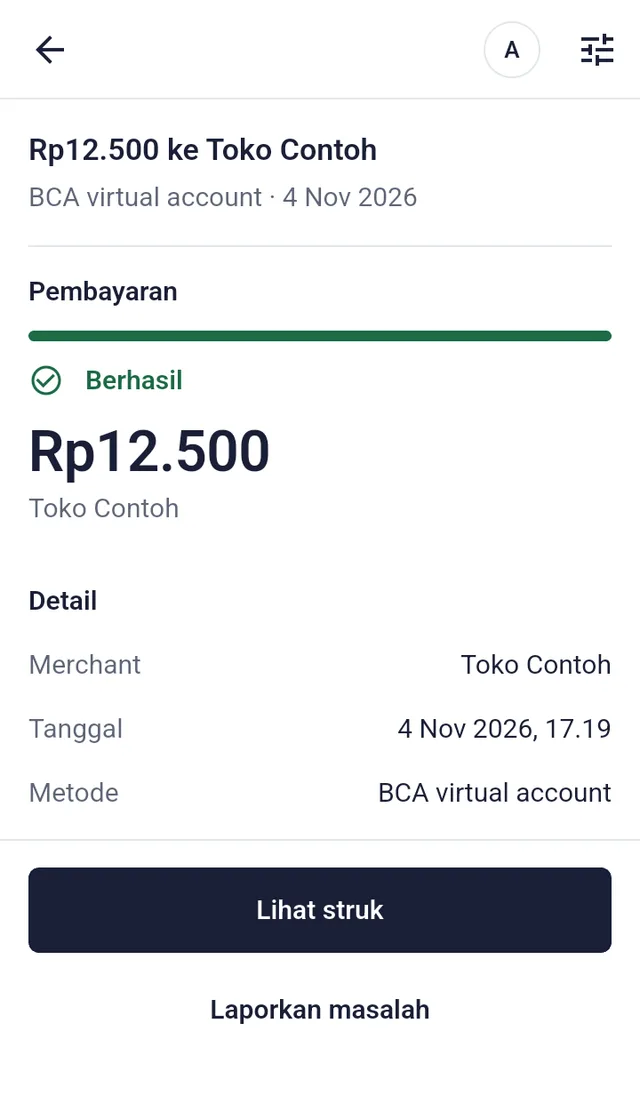
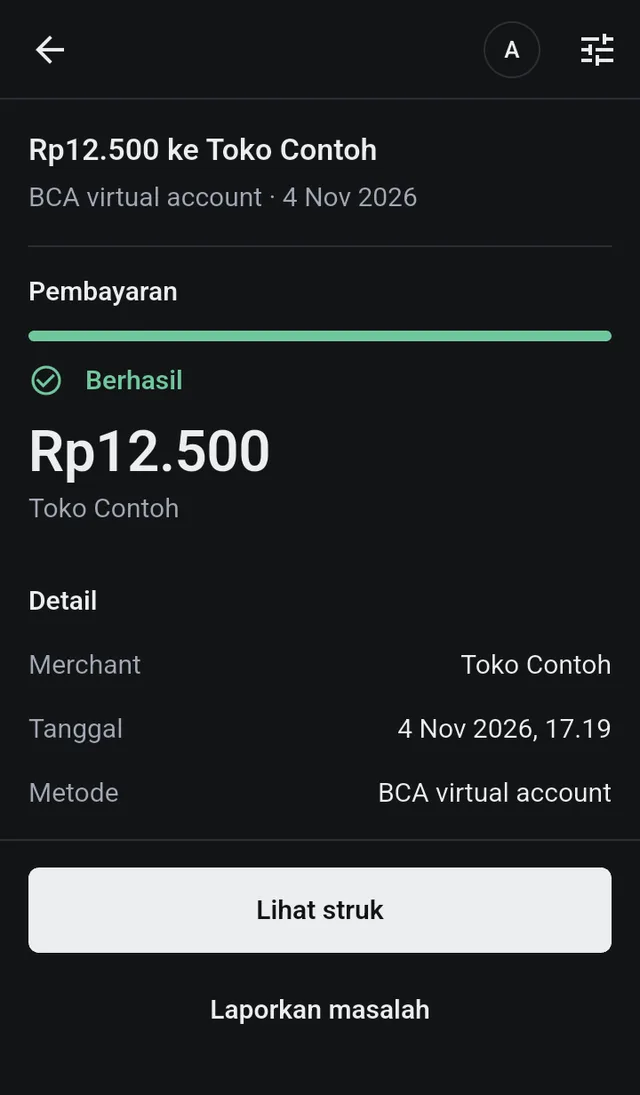
InfoRow
class InfoRow extends StatelessWidget · lib/src/foundation/primitives.dart
A label/value row. At large text scales the value moves under the label only when the two do not fit on one line, so long labels and big amounts never overflow and short rows stay one line.
| Parameter | Type | Default | Description |
|---|---|---|---|
label:required | String | — | — |
value: | Widget? | — | — |
valueText: | String? | — | — |
emphasis: | bool | false | — |
caption: | String? | — | — |
trailing: | Widget? | — | Optional action after the value, such as a 48 dp copy button. It centres on the first line, and an icon button's glyph sits on the value edge while its 48 dp target stays inside the row. |
reference: | bool | false | Shows valueText as a reference or ID: tabular figures in the reference font, end-aligned with the other values and without a fill (D57). Pair it with a PaymentCopyButton in trailing. Use PaymentCode only for multi-line technical text. |
MiddleEllipsisText
class MiddleEllipsisText extends StatelessWidget · lib/src/foundation/primitives.dart
Single-line text that, when too long, keeps both ends and elides the middle: ktp_demo_ret…ake.png. Use it for file names, references and IDs whose start and extension both matter. Screen readers get the full text.
| Parameter | Type | Default | Description |
|---|---|---|---|
textrequiredpositional | String | — | — |
style: | TextStyle? | — | — |
textAlign: | TextAlign | TextAlign.end | — |
See also
Section titled “See also”- Amount text
- Section to group rows under a title.
Use Property list for grouped payment facts and Table for fee schedules.