Media
PaymentVideoPlayer plays a how-to clip with play/pause, seek, mute, retry and loading, buffering, ended and error states. The package has no media dependency: you adapt your player once by extending PaymentVideoController.
You create and dispose the controller; the widget never disposes it.
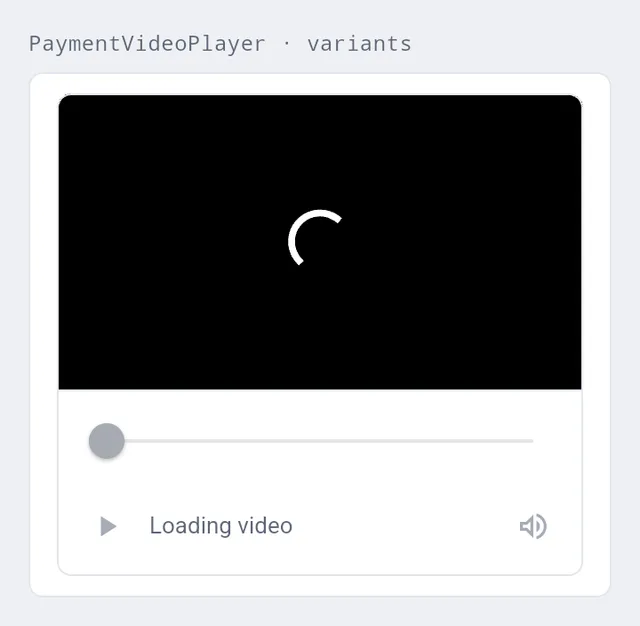
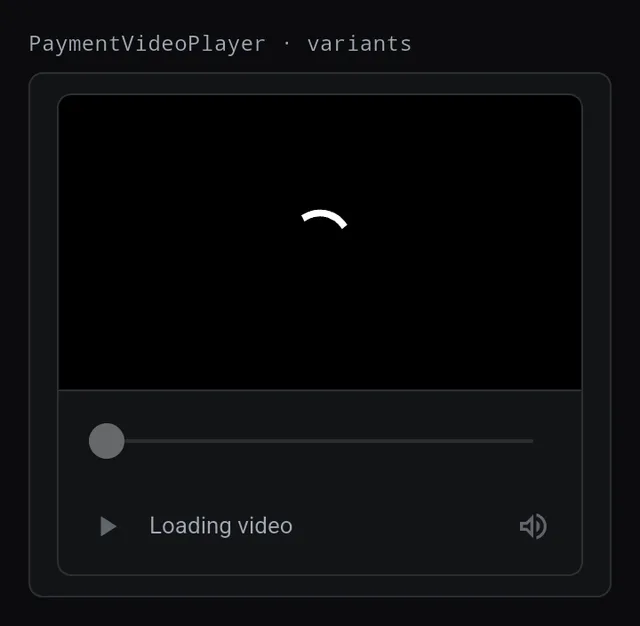
PaymentVideoPlayer( controller: switch (_video) { 'missing' => _broken, 'loading' => _loading, _ => _playable, }, title: t( 'How to pay with a virtual account (demo clip)', 'Cara bayar virtual account (klip demo)', ), );Variants
Section titled “Variants”Variants: idle, loading, ready, playing, paused, buffering, ended, error.
Behavior
Section titled “Behavior”- No autoplay unless
autoPlay: true, and never under reduced motion. - Pauses when the app goes to the background, inside an inactive IndexedStack tab, under a covering route, inside
TickerMode(false), and on dispose. It does not resume by itself: people press play again. - Controls sit below the picture, not over it, so they never hide content, keep their contrast on any frame and stay usable at 200% text.
- Every control has a label, the seek slider speaks “0:04 of 0:08”, and loading, buffering and finished states are announced.
Pattern adoption
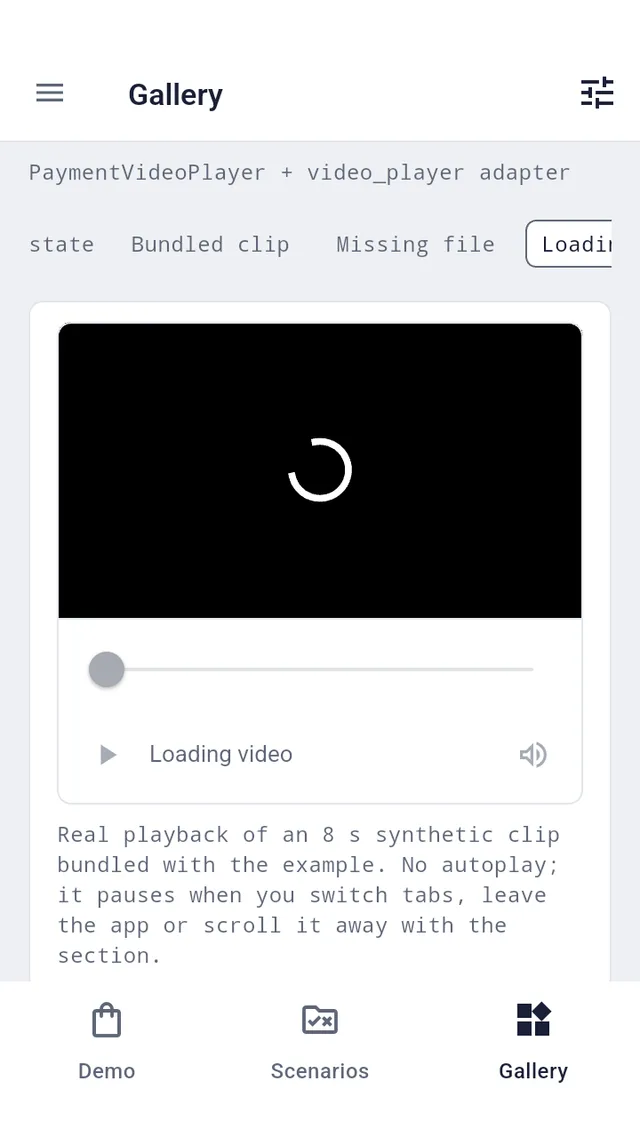
Section titled “Pattern adoption”The loading state uses a white 32 dp spinner; reduced motion substitutes a still hourglass at the same size. The status line owns the loading announcement.
Media controls use secondary text icons. Retry uses PaymentLink.
Which variant when
Section titled “Which variant when”| Situation | Variant / composition | Payment example |
|---|---|---|
| Host video adapter | loading | Your adapter controls playback and source; show loading or error without guessing readiness. |
Use Image for a static preview.
States
Section titled “States”The host controller reports loading, buffering, playback, completion and error. A playback error offers retry without changing any payment state.
Do and don’t
Section titled “Do and don’t”Do: Your adapter controls playback and source; show loading or error without guessing readiness.
Don’t: Put media transport or decoding policy into the kit.
Content guidelines
Section titled “Content guidelines”Give instructional clips a descriptive title and a useful error message. Keep video separate from payment completion or identity-verification status.
Accessibility
Section titled “Accessibility”Playback state is announced. Give the clip a label, and keep play, seek and mute controls available to keyboard and screen-reader users.
PaymentVideoPlayer
class PaymentVideoPlayer extends StatefulWidget · lib/src/media/video.dart
Video with accessible controls below the picture.
- Never starts by itself unless autoPlay is set, and not even then under reduced motion or when iOS Auto-Play Video Previews is off. - Pauses when the app goes to the background, when the widget is hidden (an inactive IndexedStack tab, a covered route, TickerMode(false)) and when it is removed. It does not resume on its own: people press play again. - Controls sit below the picture rather than over it, so they never hide content, keep their contrast on any frame and stay usable at 200% text.
| Parameter | Type | Default | Description |
|---|---|---|---|
controller:required | PaymentVideoController | — | — |
title:required | String | — | Describes the video for screen readers, e.g. "How to pay with QRIS". |
poster: | Widget? | — | Shown before the first frame is ready. |
aspectRatio: | double | 16 / 9 | Used until the media reports its own ratio. |
autoPlay: | bool | false | — |
PaymentVideoController
abstract class PaymentVideoController extends ValueNotifier<VideoPlaybackValue> · lib/src/media/video.dart
Bridge between PaymentVideoPlayer and the host's media engine.
The kit ships no media plugin. A host adapts its player of choice (the example uses the official video_player package) by extending this class, updating value as playback changes and implementing the commands. The host creates and disposes the controller; the widget never disposes it.
| Parameter | Type | Default | Description |
|---|---|---|---|
valuepositional | VideoPlaybackValue | const VideoPlaybackValue() | — |
VideoPlaybackValue
class VideoPlaybackValue · lib/src/media/video.dart
A snapshot of playback that a PaymentVideoController publishes.
| Parameter | Type | Default | Description |
|---|---|---|---|
phase: | VideoPhase | VideoPhase.idle | — |
position: | Duration | Duration.zero | — |
duration: | Duration | Duration.zero | — |
muted: | bool | false | — |
aspectRatio: | double? | — | Width / height of the decoded video, once known. |
errorMessage: | String? | — | Safe, user-facing message. Never a raw player or network error. |
VideoPhase
enum VideoPhase · lib/src/media/video.dart
Where a video is in its lifecycle.
| Value | Description |
|---|---|
idle | — |
loading | — |
ready | — |
buffering | — |
playing | — |
paused | — |
ended | — |
error | — |