Detail page table
Payment attempts as a detail module. Variants: pending, ready, empty, error. Composes DataTable with pagination null and no selection. Your app handles row actions, retry and Create. Module errors use warning tone. Extra actions render as a dropdown.
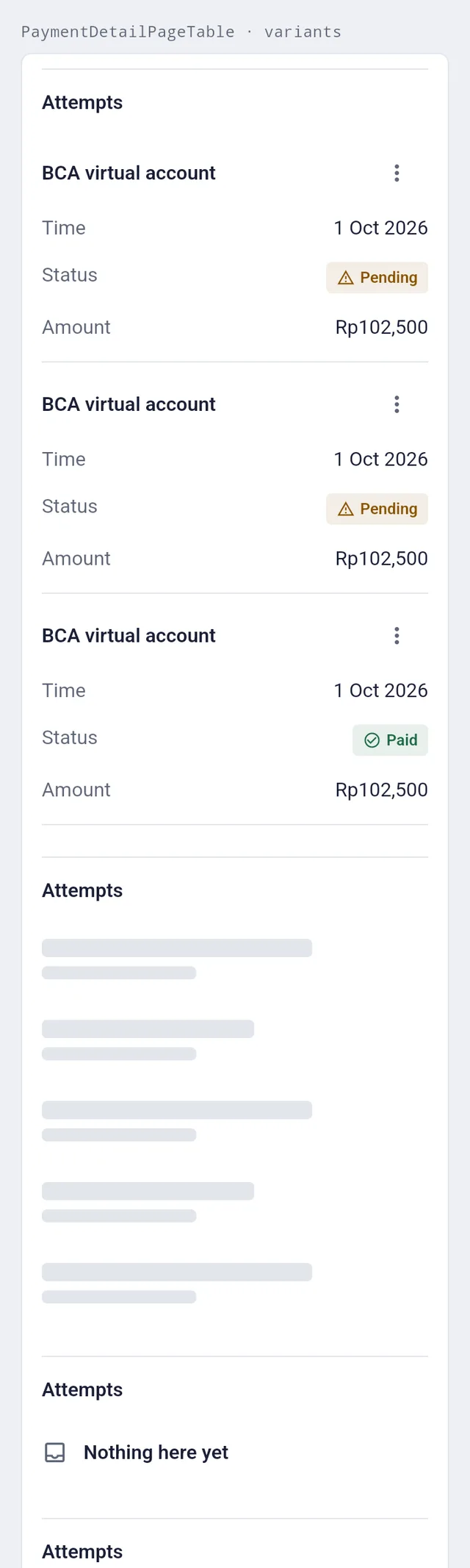
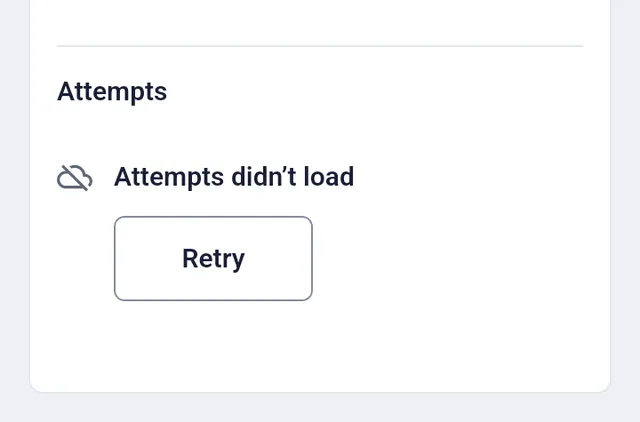
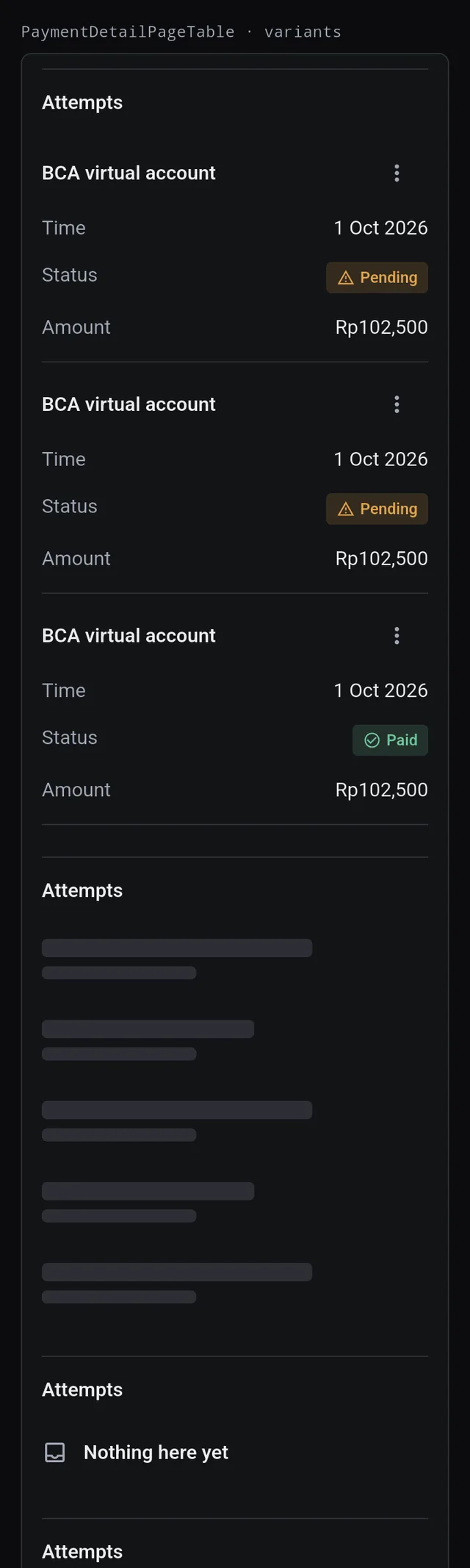
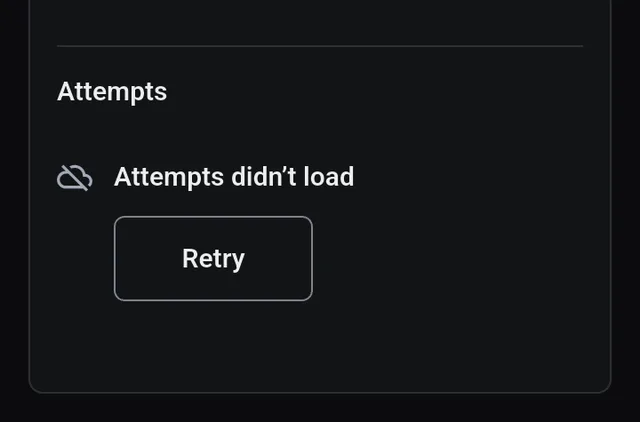
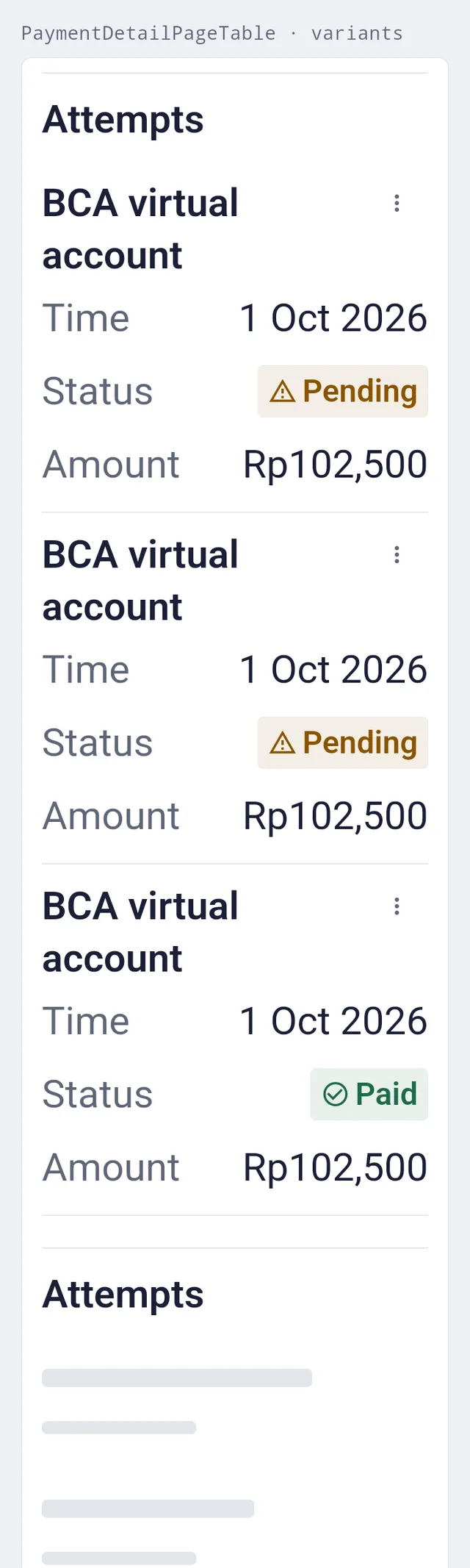
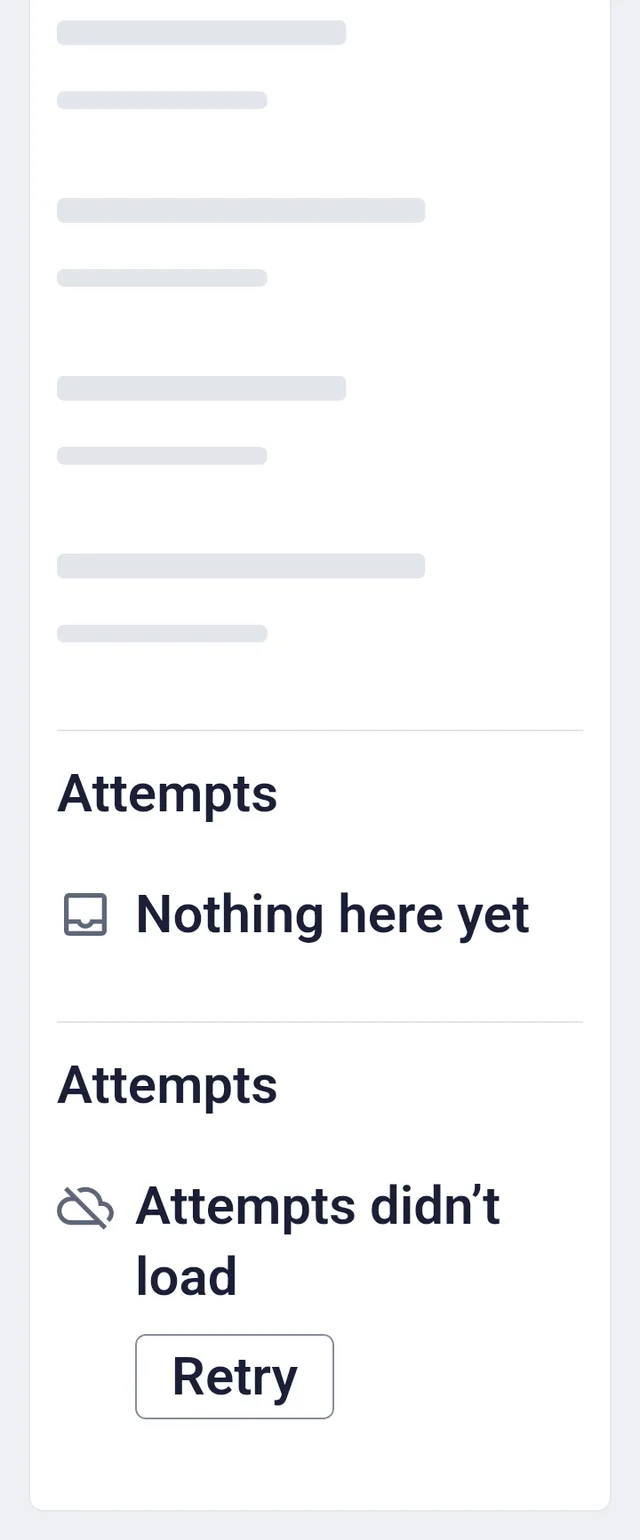
PaymentDetailPageTable<int>( title: 'Attempts', pending: pending, errorText: error ? 'Attempts didn’t load' : null, onRetry: () {}, columns: [ PaymentDataColumn<int>( key: 'time', label: 'Time', value: (r) => DateTime(2026, 10, 1, 10, r), cell: PaymentCellType.date, ), PaymentDataColumn<int>( key: 'method', label: 'Method', value: (r) => 'BCA virtual account', pinned: true, ), PaymentDataColumn<int>( key: 'status', label: 'Status', value: (r) => r == 3 ? 'Paid' : 'Pending', cell: PaymentCellType.status, statusMap: {'Paid': StatusTone.success, 'Pending': StatusTone.warning}, ), PaymentDataColumn<int>( key: 'amount', label: 'Amount', value: (r) => const Money.idr(102500), cell: PaymentCellType.currency, ), ], rows: empty ? const [] : const [1, 2, 3], rowKey: (r) => '$r', rowActions: [ PaymentRowAction<int>( id: 'view', label: 'View attempt', onPressed: (_) {}, ), ], );Variants
Section titled “Variants”Variants: pending, ready, empty, error.
States and content
Section titled “States and content”This detail module composes PaymentDataTable without paging or selection. Use the standalone data table when those interactions are needed.
Which variant when
Section titled “Which variant when”| Situation | Variant / composition | Payment example |
|---|---|---|
| Payment attempts | ready | Use direct columns and explicit status mapping; the module omits paging and selection. |
Use Data table for selectable settlement pages.
States
Section titled “States”Use pending while attempts load. An empty result explains that there are no attempts; a failed load shows a warning and a host retry action.
Do and don’t
Section titled “Do and don’t”Do: Use direct columns and explicit status mapping; the module omits paging and selection.
Don’t: Add a duplicate Attempts wrapper heading.
Content guidelines
Section titled “Content guidelines”Name each attempt’s reference, method, time and status. Use an explicit unknown label when no result is confirmed.
Accessibility
Section titled “Accessibility”Keep the attempt status in words and retain column labels when rows collapse on phones.
Show an unknown status as an explicit label in the neutral tone.
In the example app
Section titled “In the example app”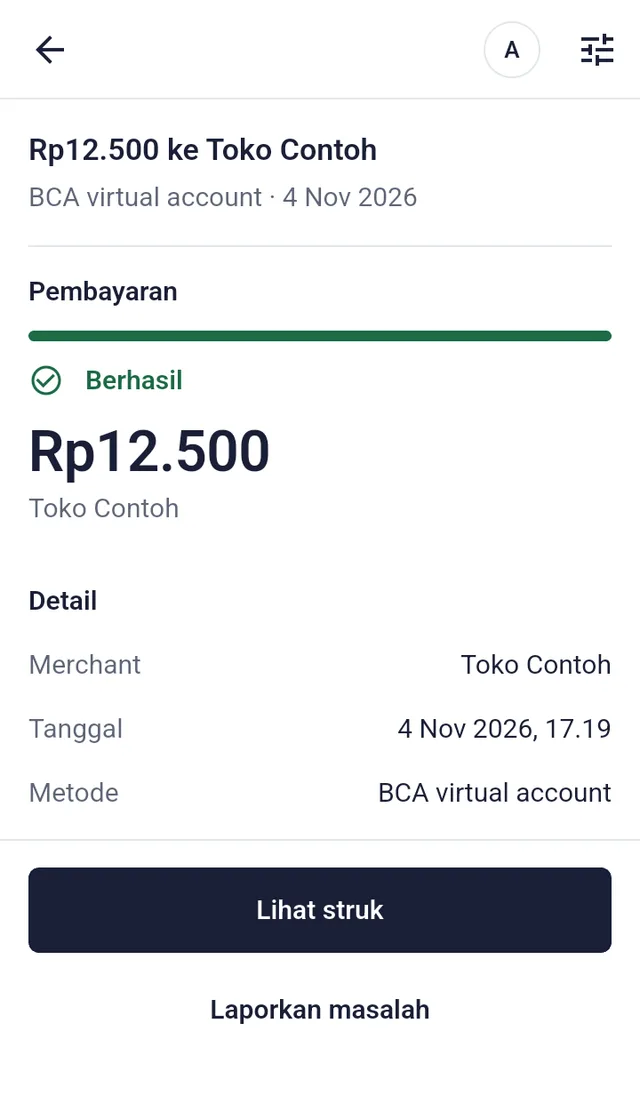
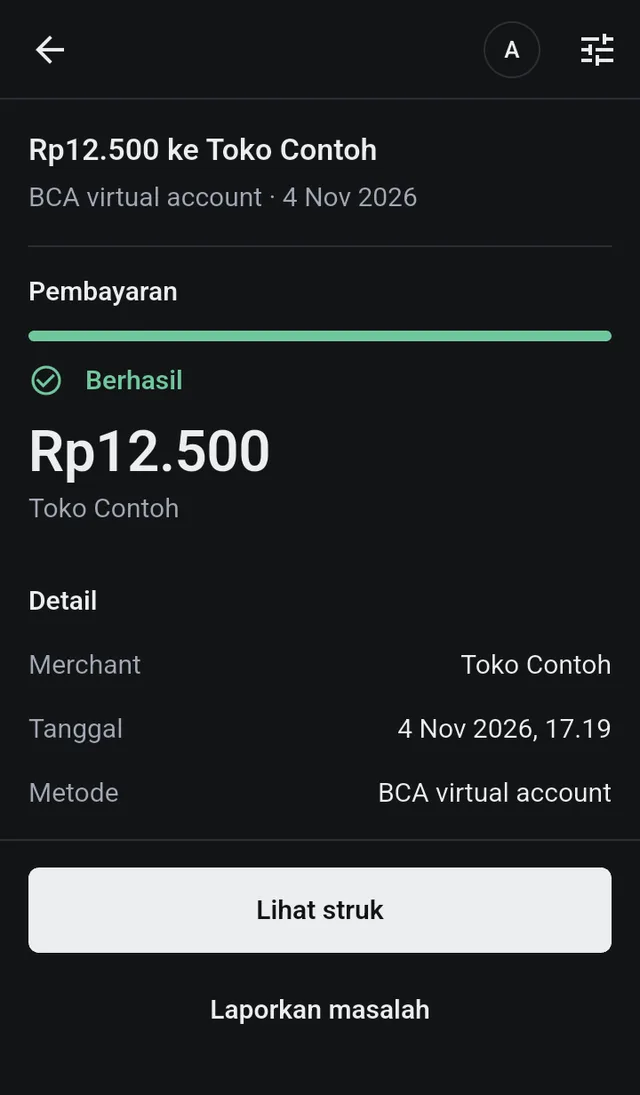
PaymentDetailPageTable
class PaymentDetailPageTable extends StatelessWidget · lib/src/pages/detail_page_table.dart
A table module with host row actions and no selection or pagination.
| Parameter | Type | Default | Description |
|---|---|---|---|
title:required | String | — | Heading displayed above the content. |
pending:required | bool | — | Shows placeholders while the host loads content. |
columns:required | List<PaymentDataColumn<T>> | — | Columns defining how host row values are rendered. |
rows:required | List<T> | — | Host records displayed by the table module. |
rowKey:required | String Function(T row) | — | Stable host identifier for each row. |
onRowPressed: | void Function(T row)? | — | Opens a host destination for the chosen row. |
rowActions: | List<PaymentRowActionEntry<T>> | const <Never>[] | Host actions offered for each record. |
onCreate: | VoidCallback? | — | Host action for adding a detail record. |
emptyMessage: | PaymentEmptyMessage? | — | Explanation and optional recovery action for missing content. |
errorText: | String? | — | Safe error copy displayed with the affected content. |
onRetry: | VoidCallback? | — | Retries the failed host request. |
extraActions: | List<PaymentLink> | const [] | Supporting actions in the module header. |
PaymentDataColumn
class PaymentDataColumn · lib/src/content/data_table.dart
One host-owned data column.
| Parameter | Type | Default | Description |
|---|---|---|---|
key:required | String | — | Stable column identifier. |
label:required | String | — | Visible and spoken label. |
value:required | Object? Function(T row) | — | Extracts a display value from a host row. |
cell: | PaymentCellType | PaymentCellType.text | Presentation for the extracted value. |
statusMap: | Map<String, StatusTone>? | — | Maps status text to semantic tones. |
onPressed: | void Function(T row)? | — | Host action for this row. |
hideHeaderLabel: | bool | false | Hides the visual heading while retaining its spoken label. |
pinned: | bool | false | Keeps this column fixed during horizontal scrolling. |
sortable: | bool | false | Enables the ascending, descending, host-order cycle. |
compare: | int Function(T a, T b)? | — | Optional comparison of host rows for local sorting. |
PaymentEmptyMessage
class PaymentEmptyMessage · lib/src/content/empty_message.dart
Empty-state explanation and an optional next action.
| Parameter | Type | Default | Description |
|---|---|---|---|
titlerequiredpositional | String | — | What is empty. |
message: | String? | — | Why it is empty. |
actionLabel: | String? | — | Next action label. |
onAction: | VoidCallback? | — | Host action, supplied together with its label. |
icon: | IconData | Icons.inbox_outlined | Supporting visual cue. |