Flutter package · rakit_ui 0.9.0 · MIT
Flutter UI for mobile product screens. Payments get the extra rigor money deserves.
Composable widgets and copyable blocks for authentication, collections and product UI, plus a dedicated Payments category for checkout, status, receipts and optional KYC. Your app owns identity, prices and outcomes; Rakit UI shows them clearly, in English or Indonesian, light or dark.
pub.dev (0.9.0)flutter pub add rakit_ui
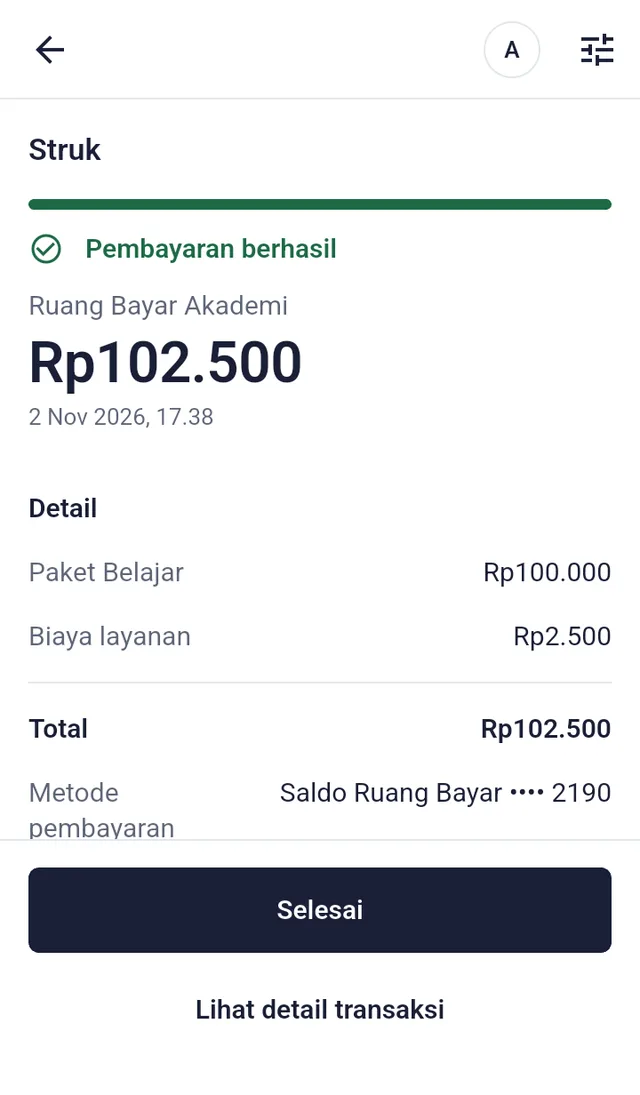
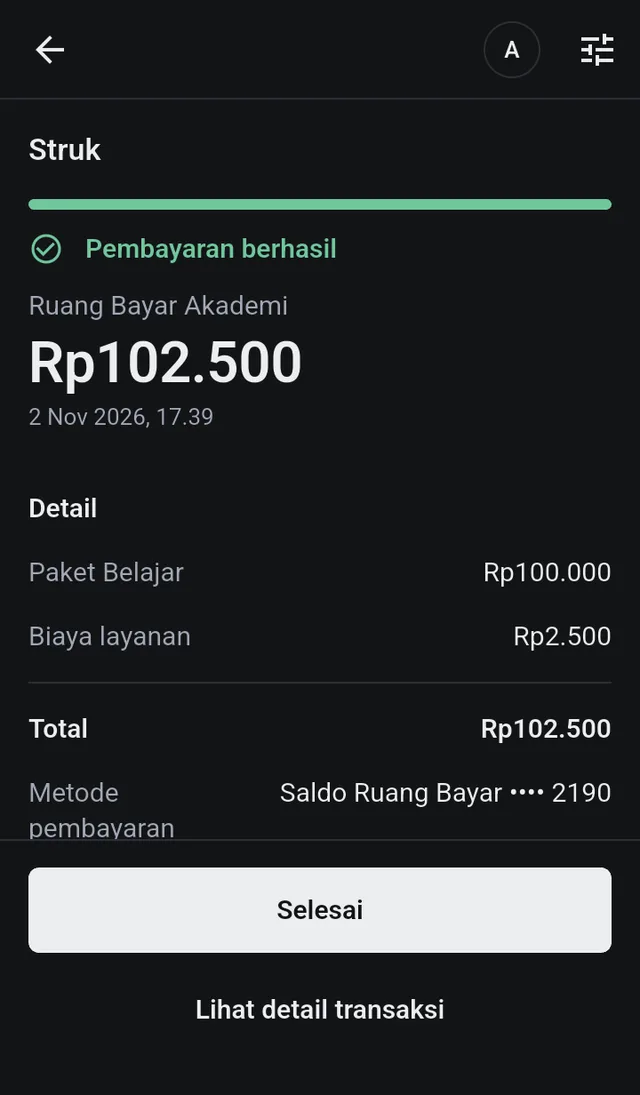
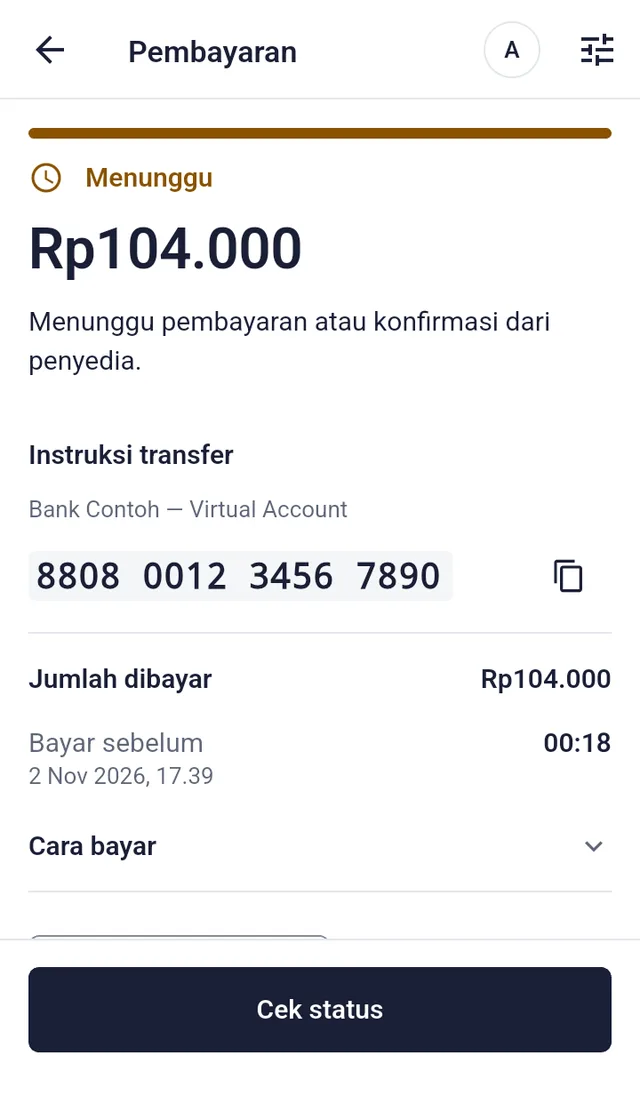
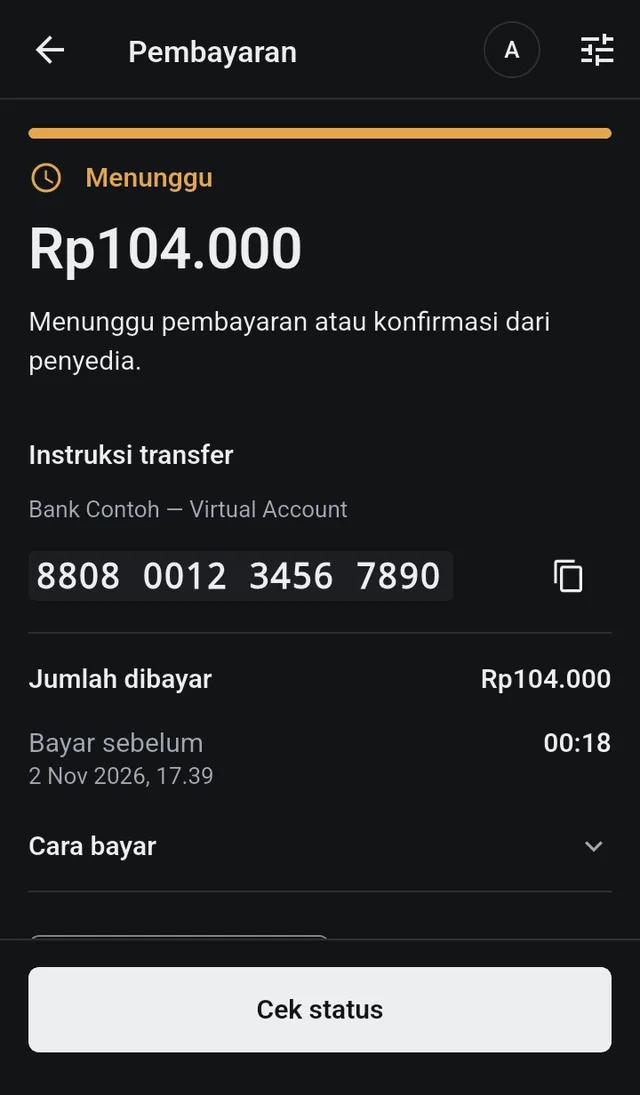
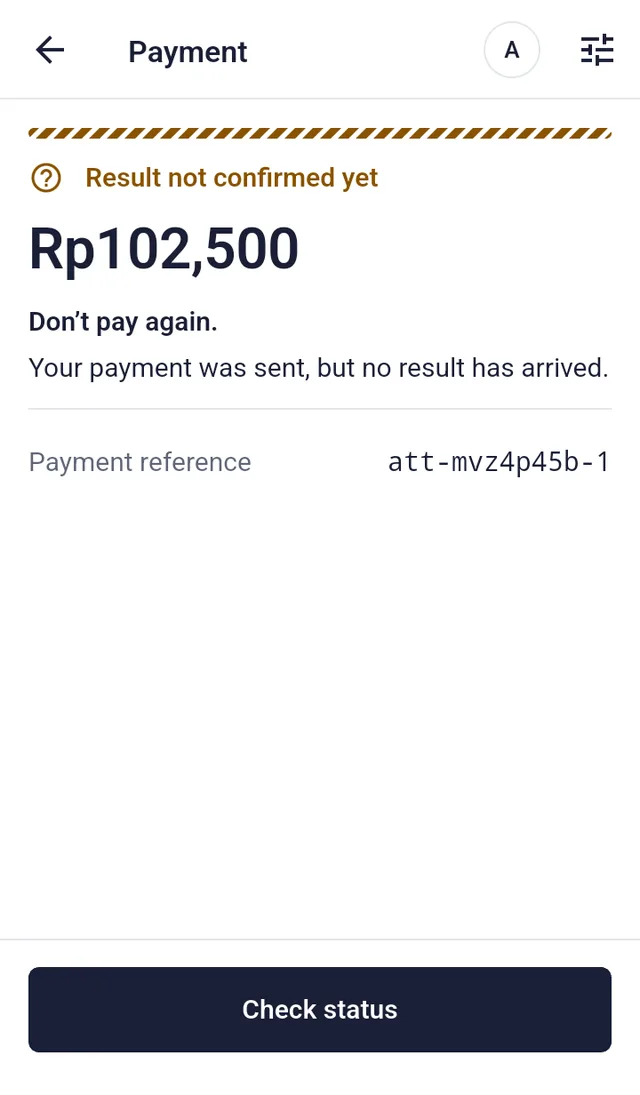
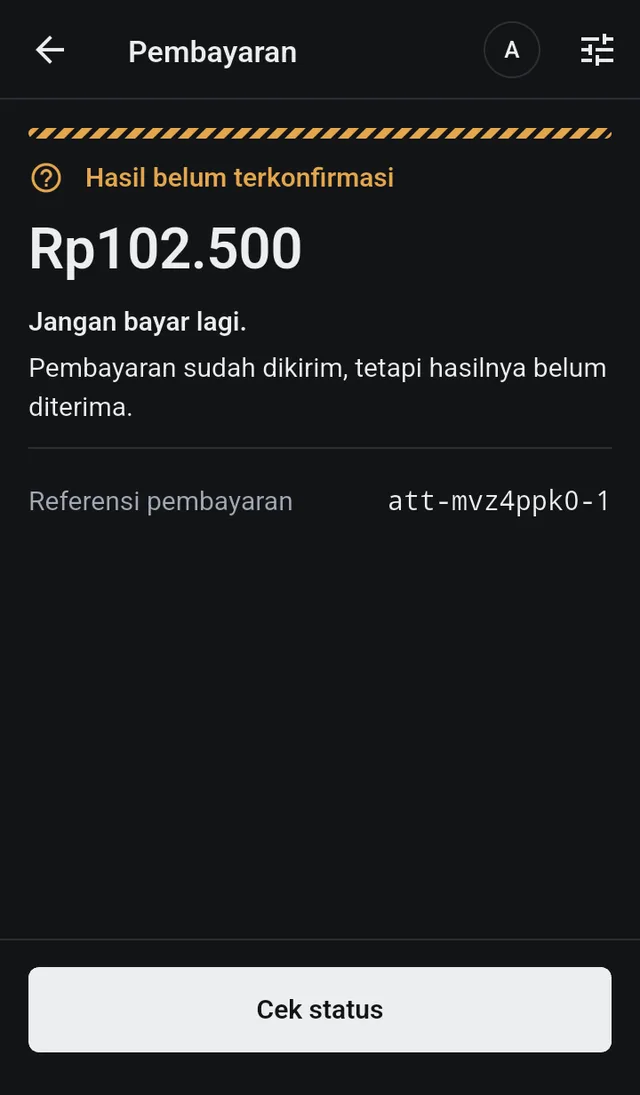
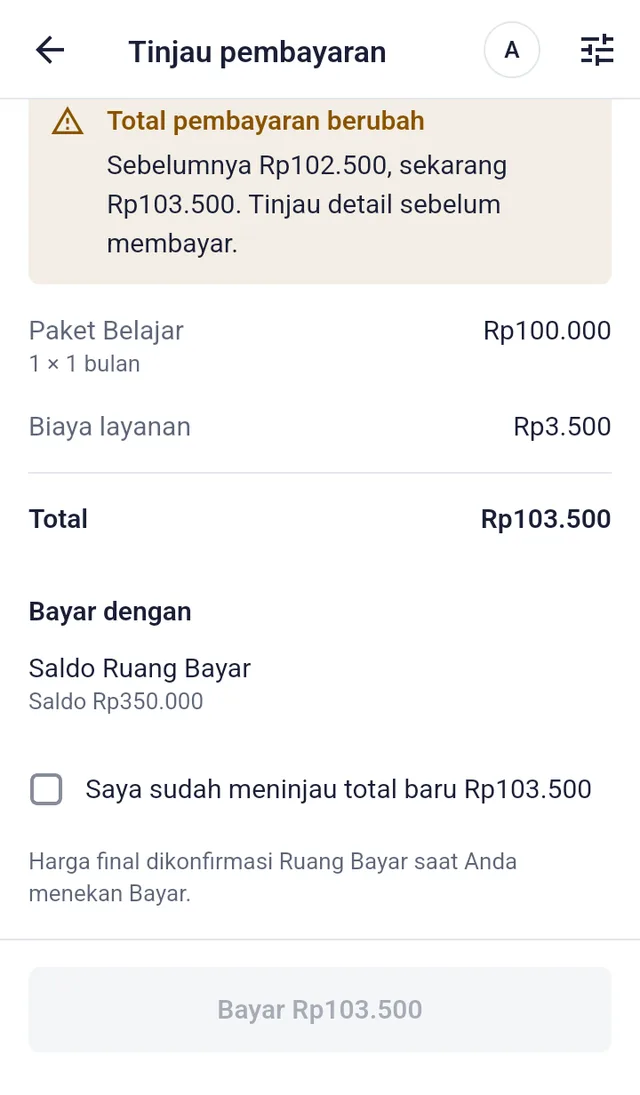
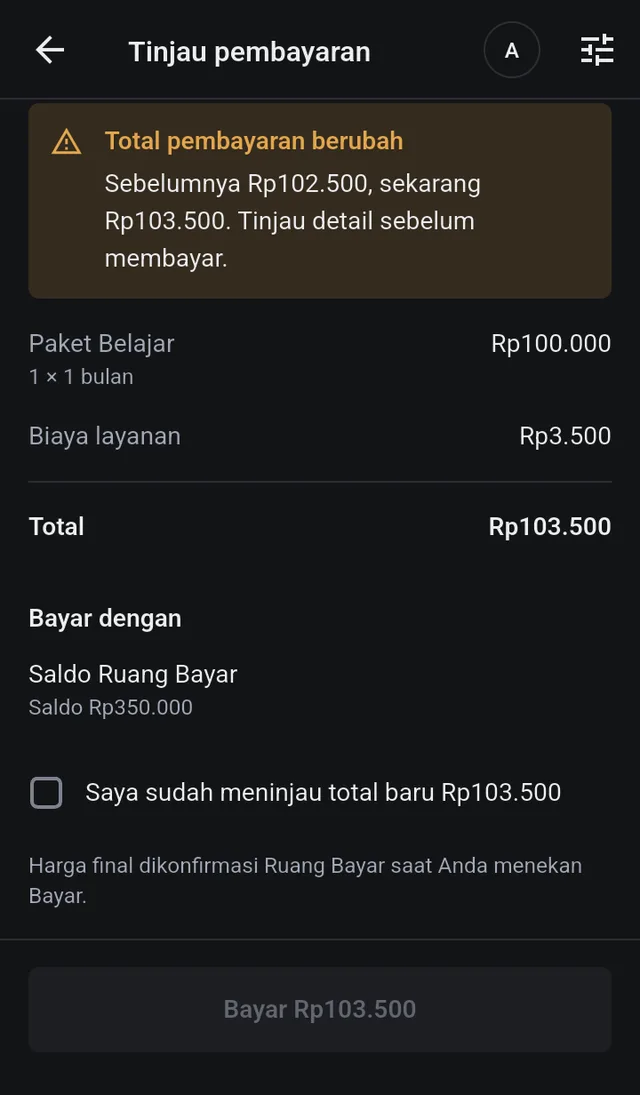
Real Flutter output from the example app on Android.
General product UI first, Payments as a dedicated category
Section titled “General product UI first, Payments as a dedicated category”Start with the screens almost every mobile product needs. The Login and Register blocks are host-owned authentication compositions with validation, pending and failure states, recovery and verification navigation. Collection supplies lazy host-built rows and paging states. They copy as Dart source and use the same primitives, accessibility floor and theming as the payment surfaces.
Payments stays a dedicated category rather than a separate kit: checkout, status, receipts, history, method selection, wallet handoff and optional KYC carry stricter financial and host-ownership rules. General blocks never become a payment runtime, and payment blocks never become an identity or backend service.
One payment, a lost response, no second payment offered
Section titled “One payment, a lost response, no second payment offered”Pay once
The customer reviews the item, the visible service fee and the method, then pays. The host starts one payment attempt.
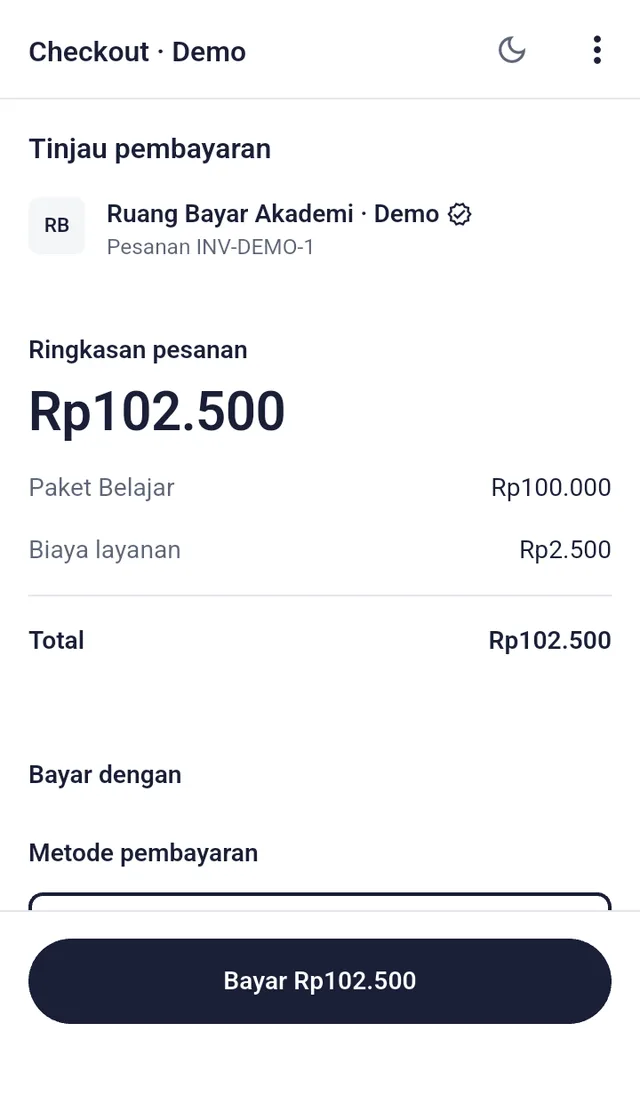
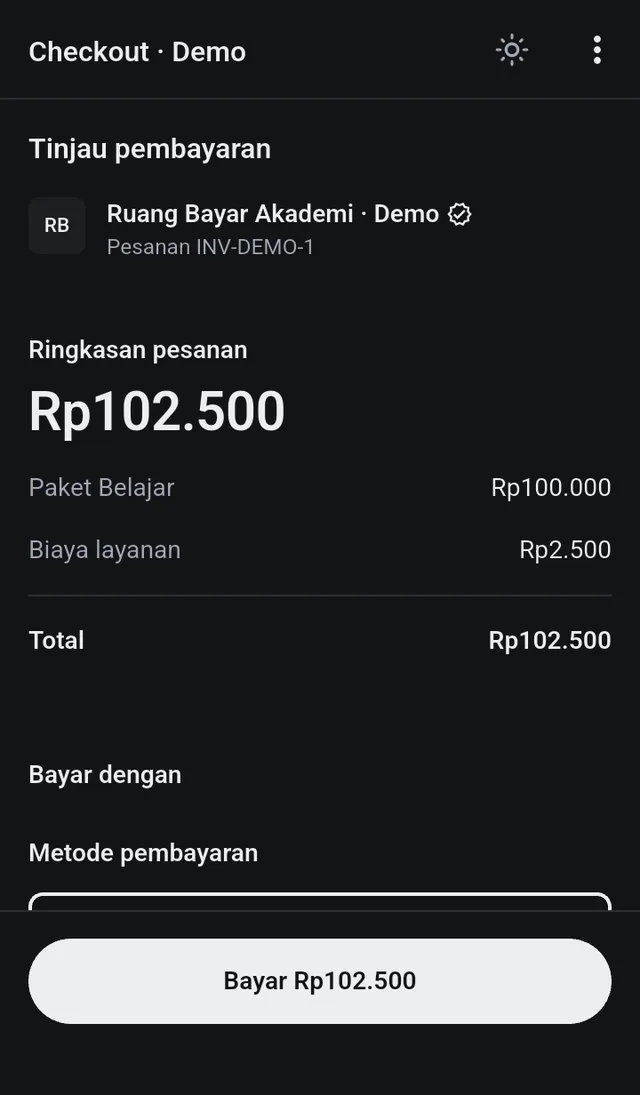
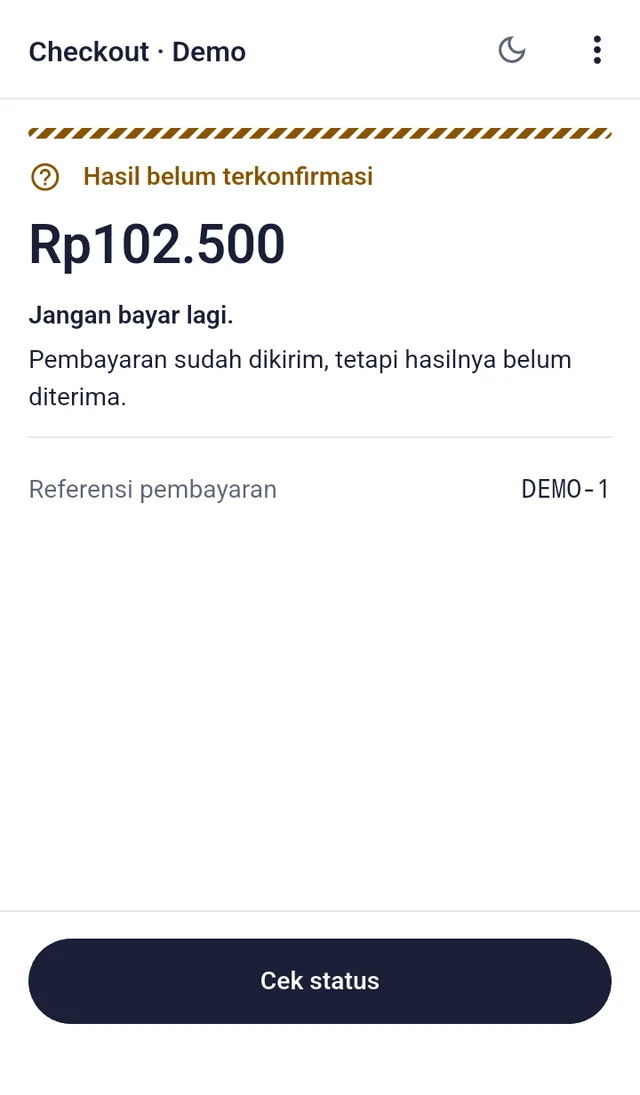
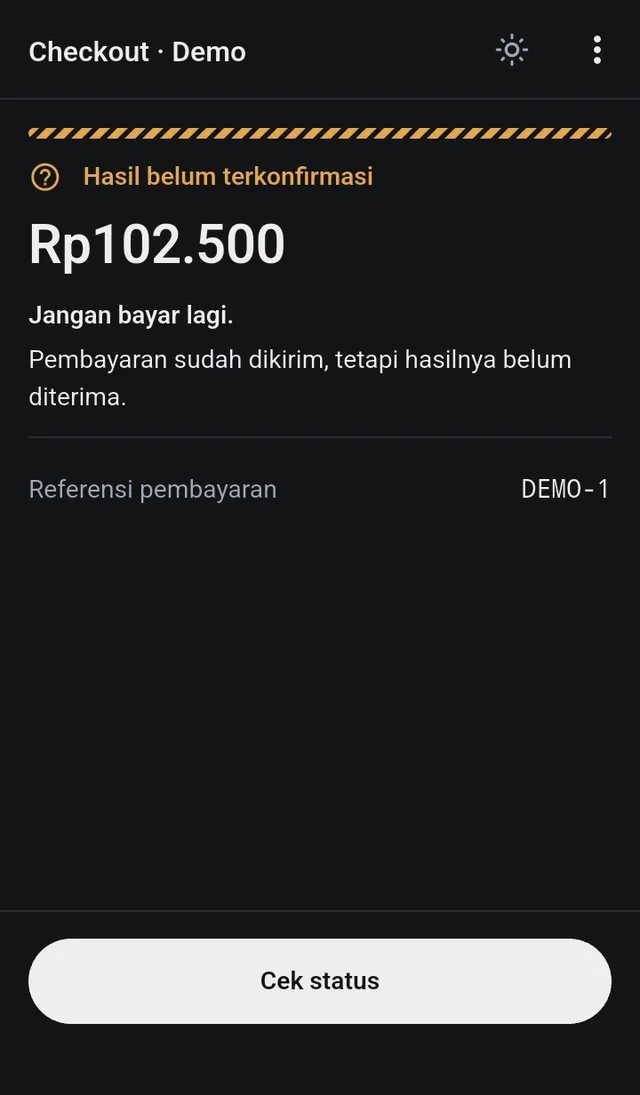
The response is lost
No receipt and no pay-again button. The screen says “Don’t pay again” and offers one action: check status of the same attempt.
Confirmed, then the receipt
The host confirms that same attempt. Only then does the matching receipt appear, with the same reference and total.
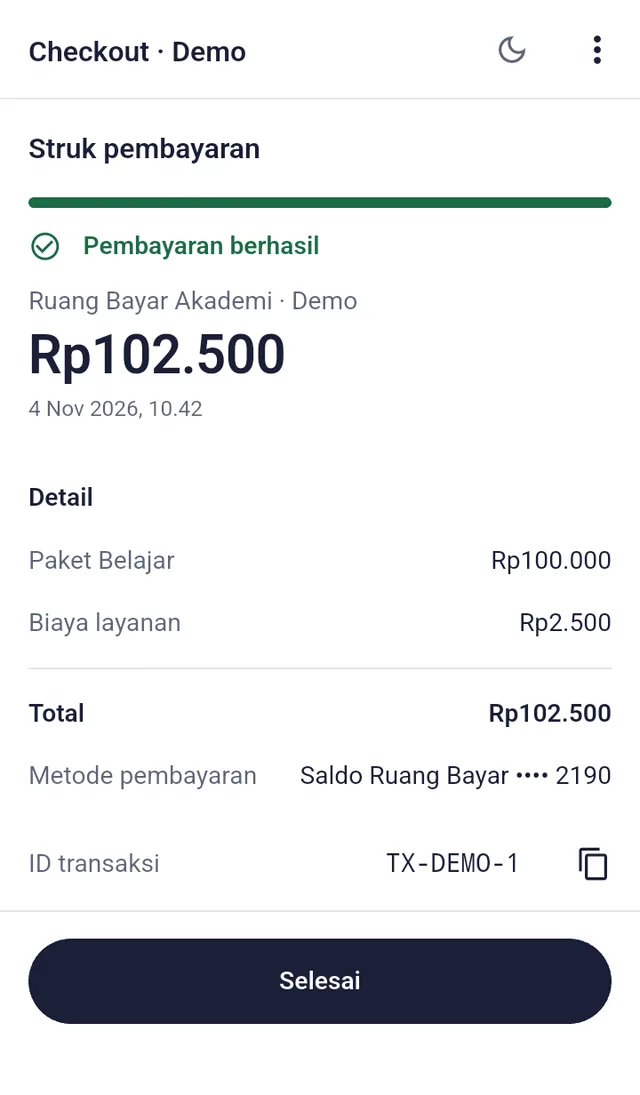
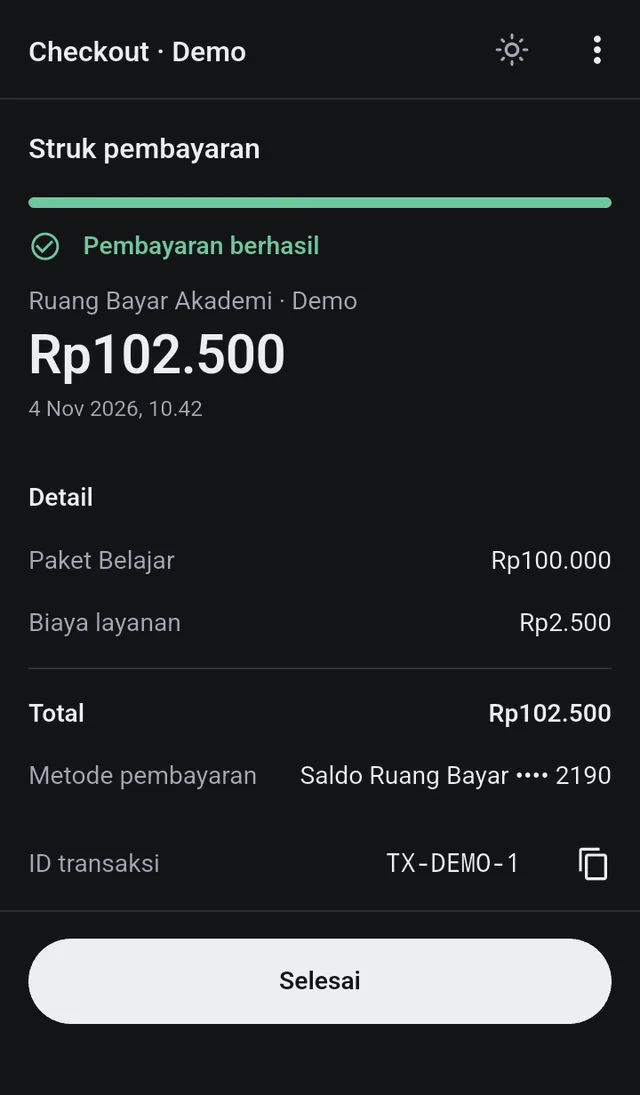
This is the example app’s checkout demo. It runs on an Android emulator or an iOS Simulator with synthetic data and a fake host: no money moves and no network calls are made. Walk through the demo or run it yourself.
The hard states are already designed
Section titled “The hard states are already designed”These cases cost money and support time. Each has a designed answer; switch between them at the top.
The submit timed out after the server accepted it
The screen says “Don’t pay again.” A hatched band never looks like ordinary pending, and the one action is check status with the same attempt reference.
An older status arrives after a newer one
PaymentAttempt.reconcile rejects stale revisions, another attempt’s data, a mismatched server reference, and a success that turns into anything else without an official provider correction.
The total changed after the customer chose a method
PaymentConfirmation shows the old and new total and keeps confirm unreachable until the customer accepts.
The payment is still pending or unknown
No pay-again action. A new attempt appears only when the host allows it and the previous attempt is final and not a success.
// Every status response goes through reconcile. Rejected snapshots leave the// attempt as it was and tell you why.final result = attempt.reconcile(snapshotFromYourAdapter);if (!result.applied) debugPrint('ignored: ${result.rejection}');attempt = result.attempt;
PaymentStatusView( attempt: attempt, amount: quote.total, onAction: (action) => host.handle(action), // only attempt.availableActions);Components and blocks, captured on Android
Section titled “Components and blocks, captured on Android”Use single components, follow the patterns, or copy a whole block and wire your own callbacks. Every image is a real capture from the example app.
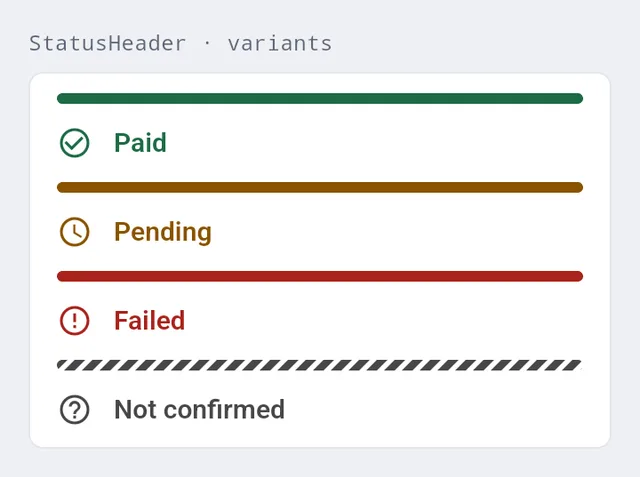
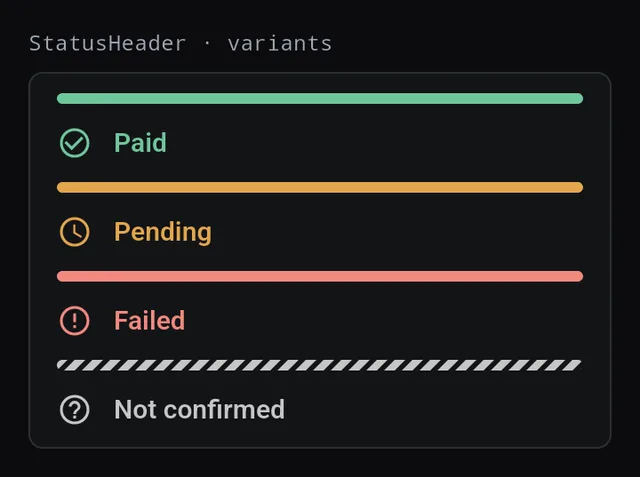
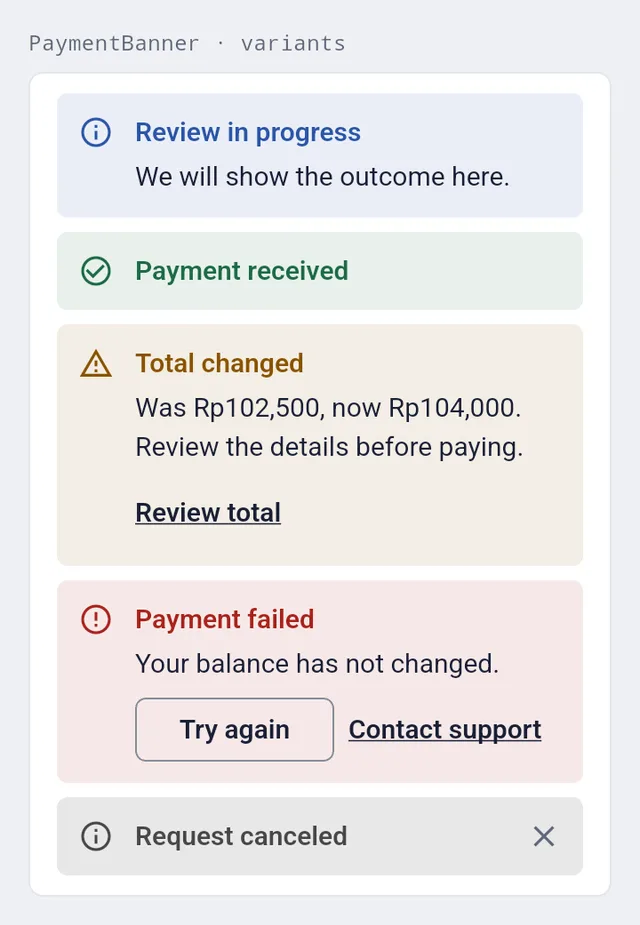
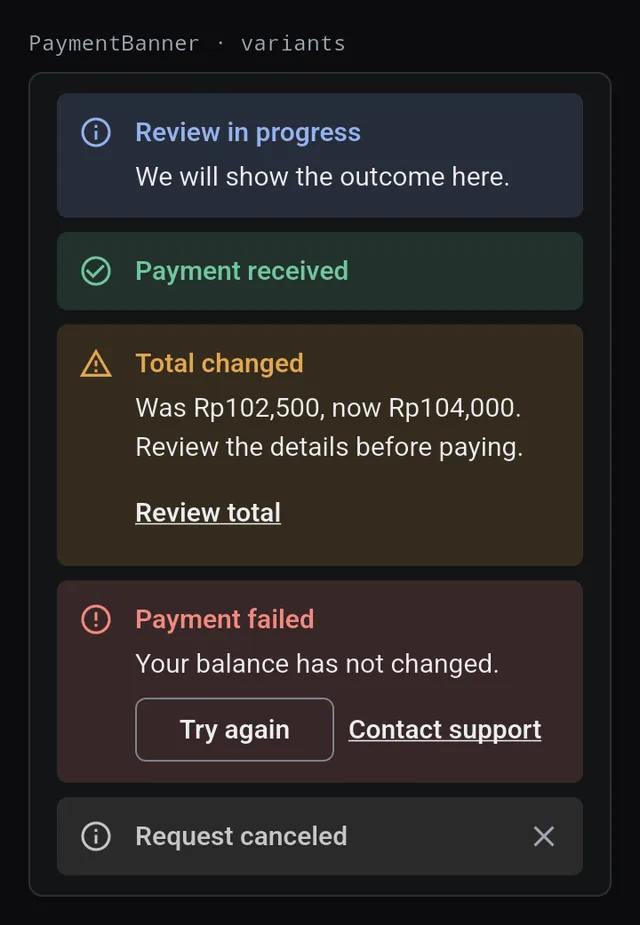
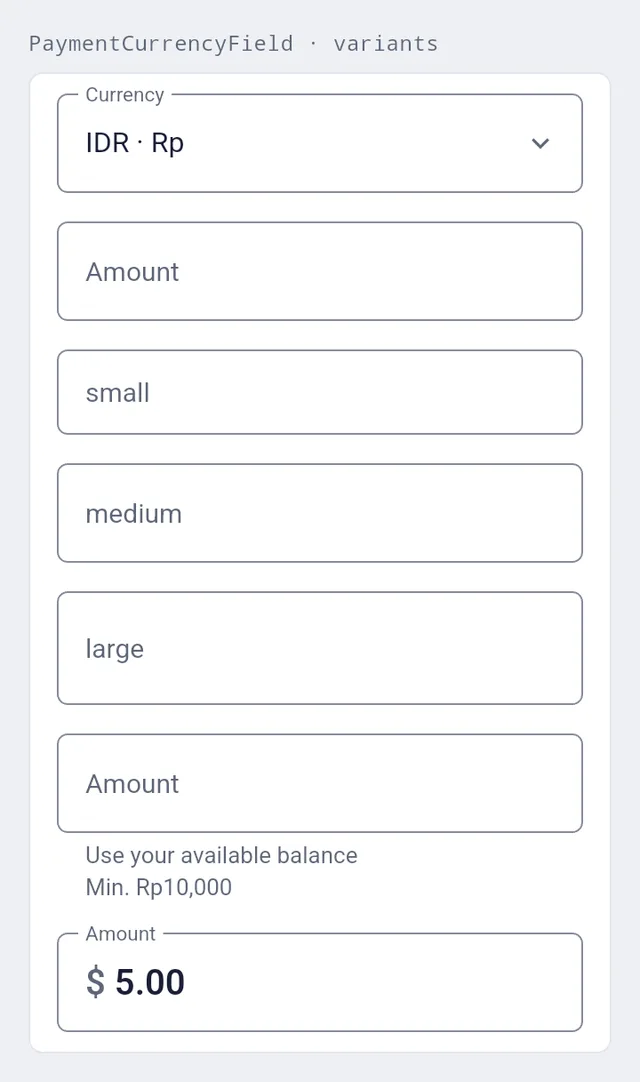
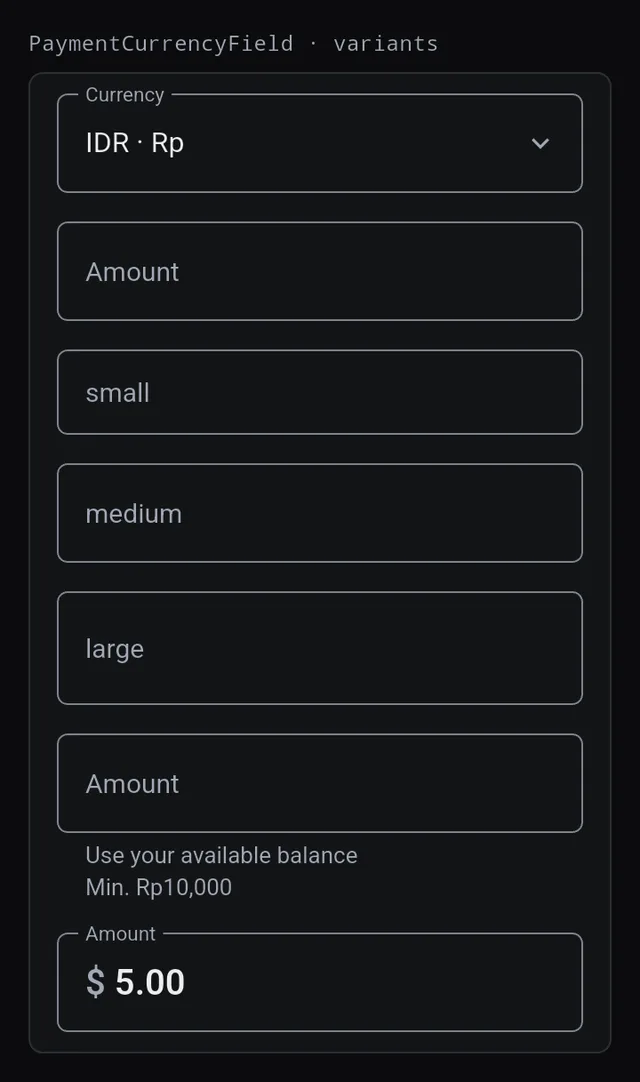
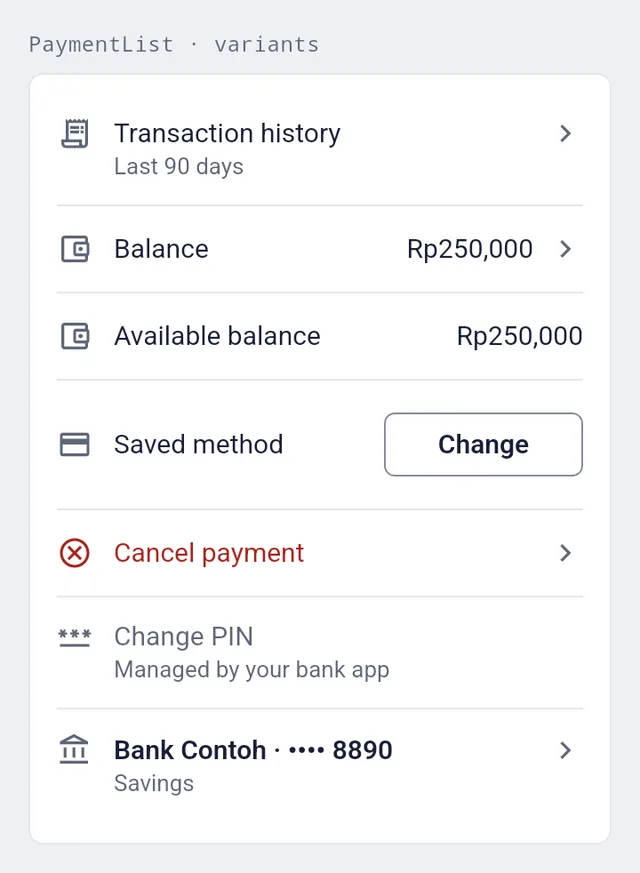
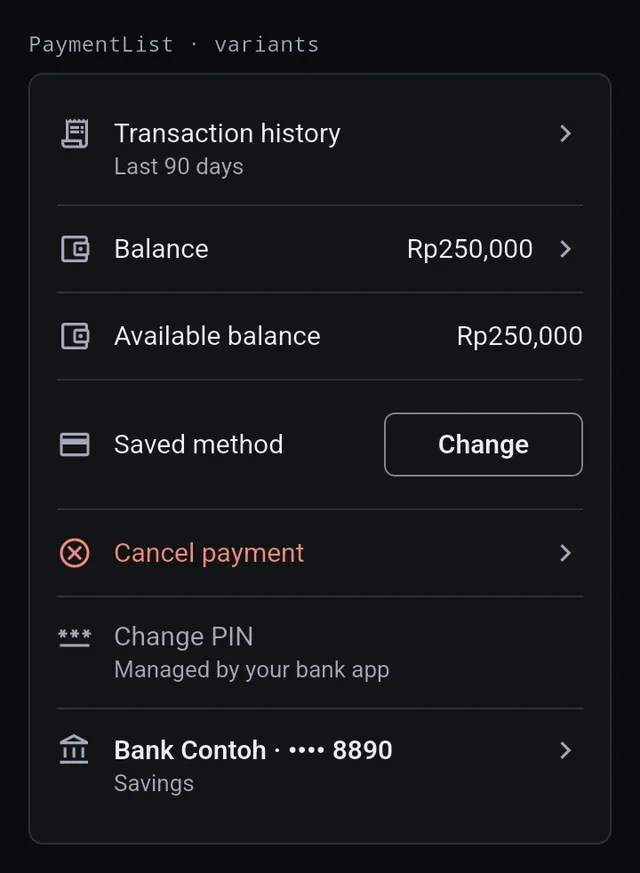
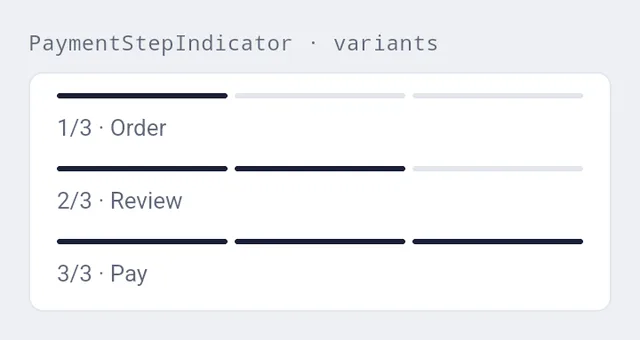
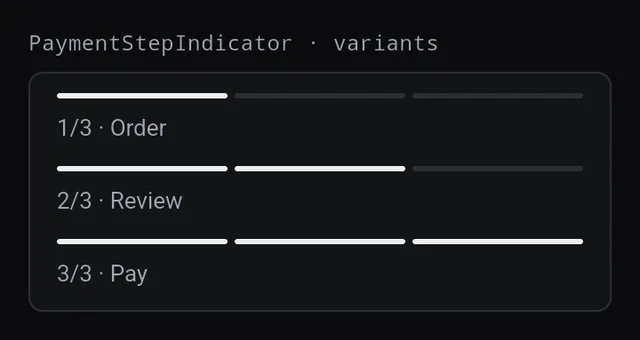
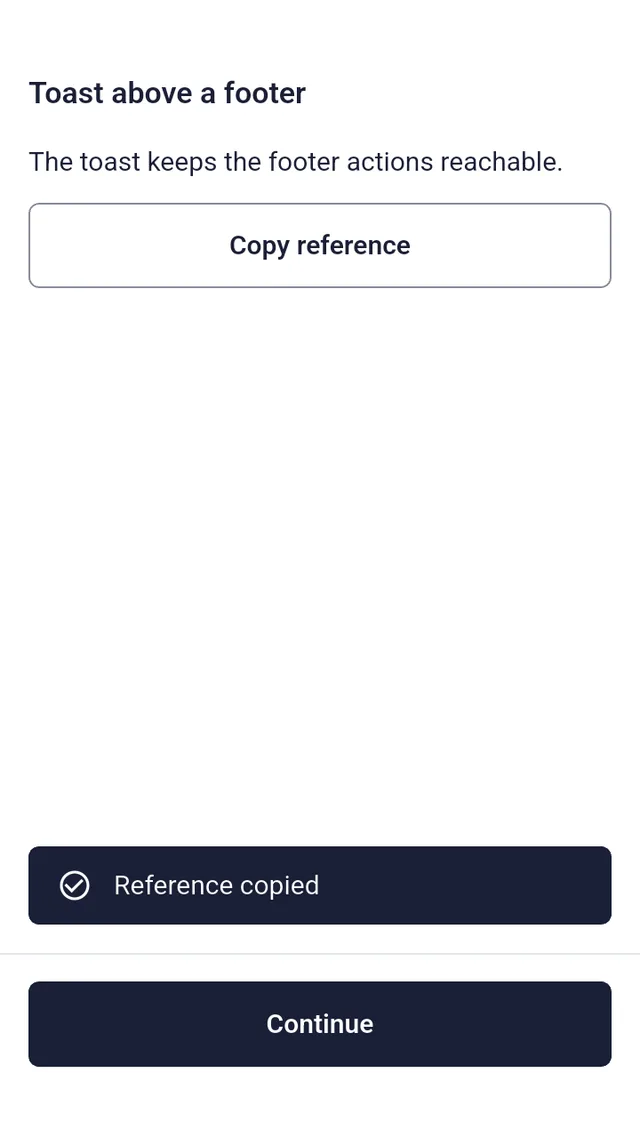
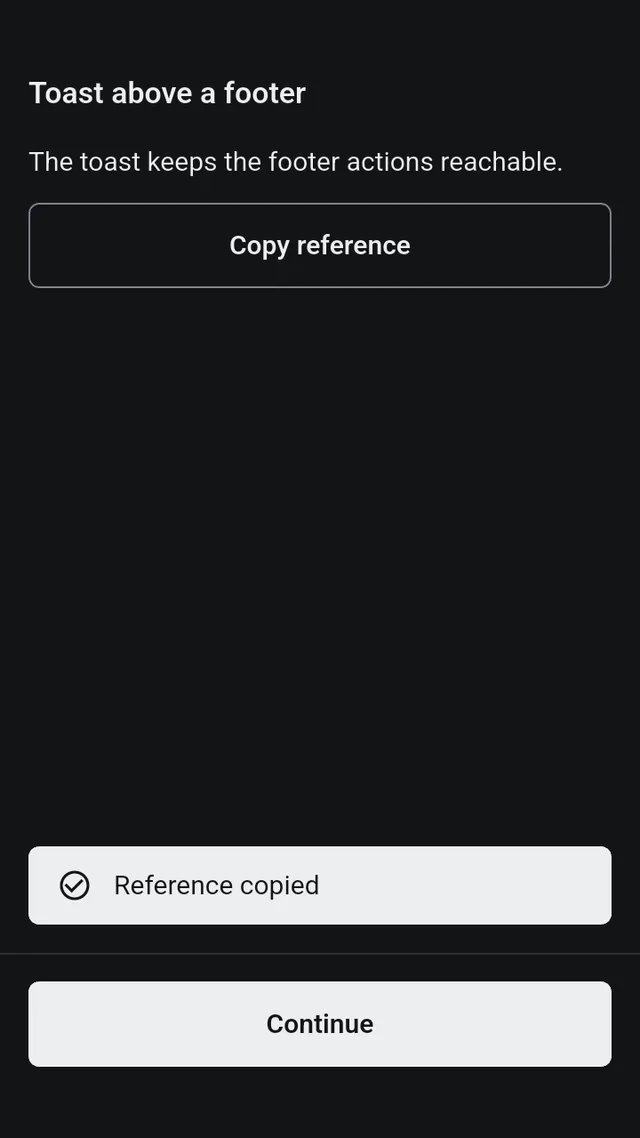
Your brand, light and dark
Section titled “Your brand, light and dark”PaymentTheme is a ThemeExtension. Without it the kit follows your ColorScheme; with it you set colors, radius and amount style for light and dark. Same block, two looks, one package. Theming
Hairline
The default look: one surface, 1 px rules, ink actions.
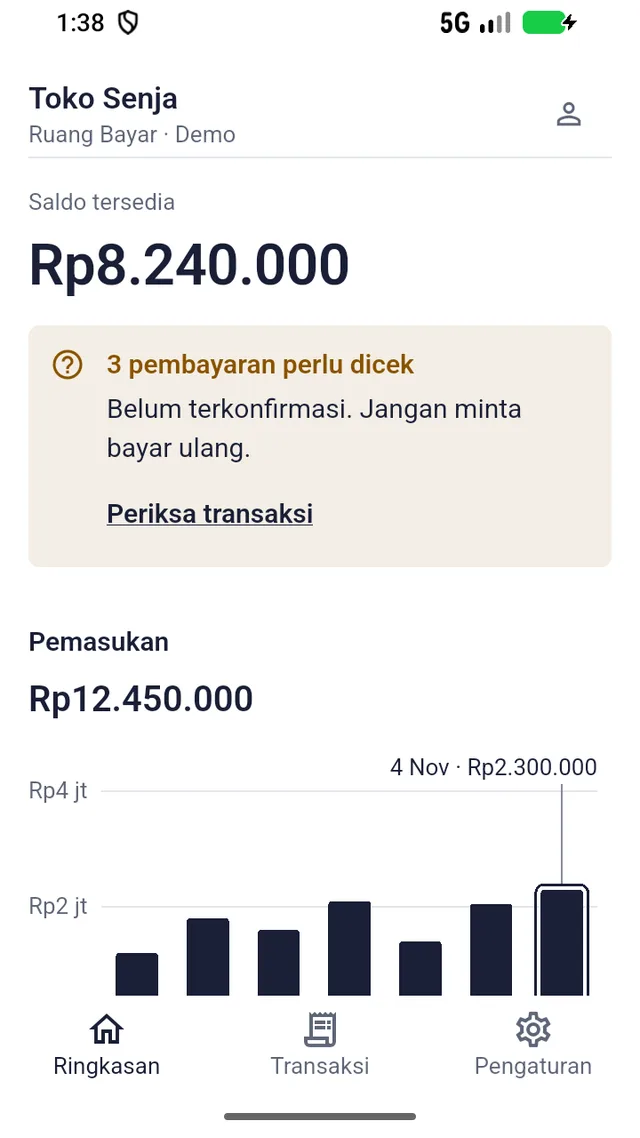
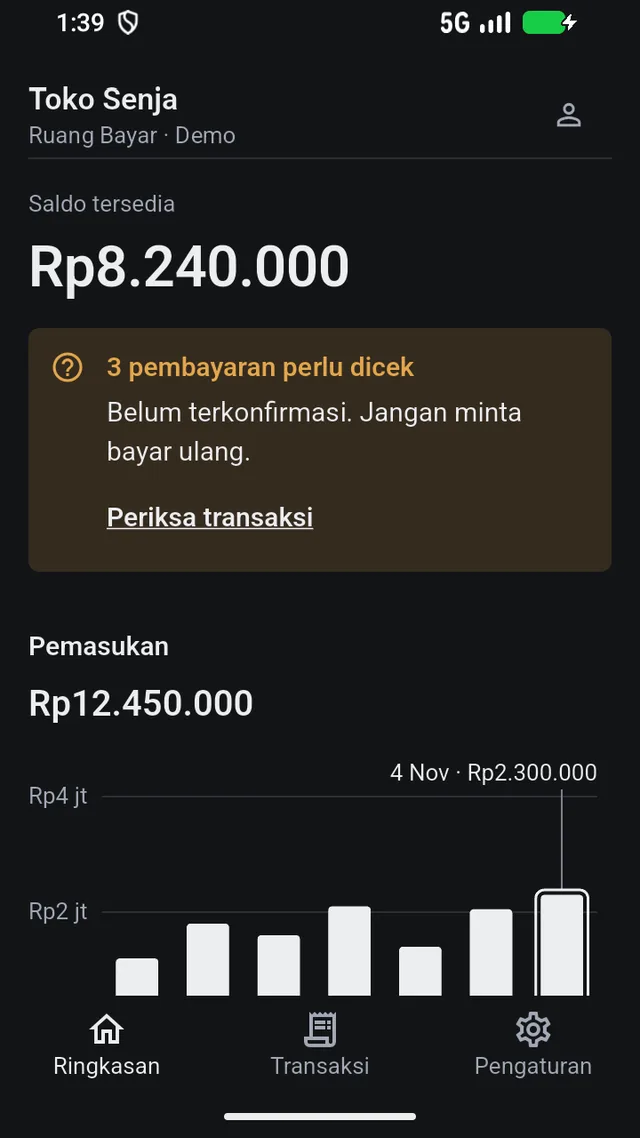
Soft
A preset in the example app: tinted page, inset panel, rounder corners, indigo accent.
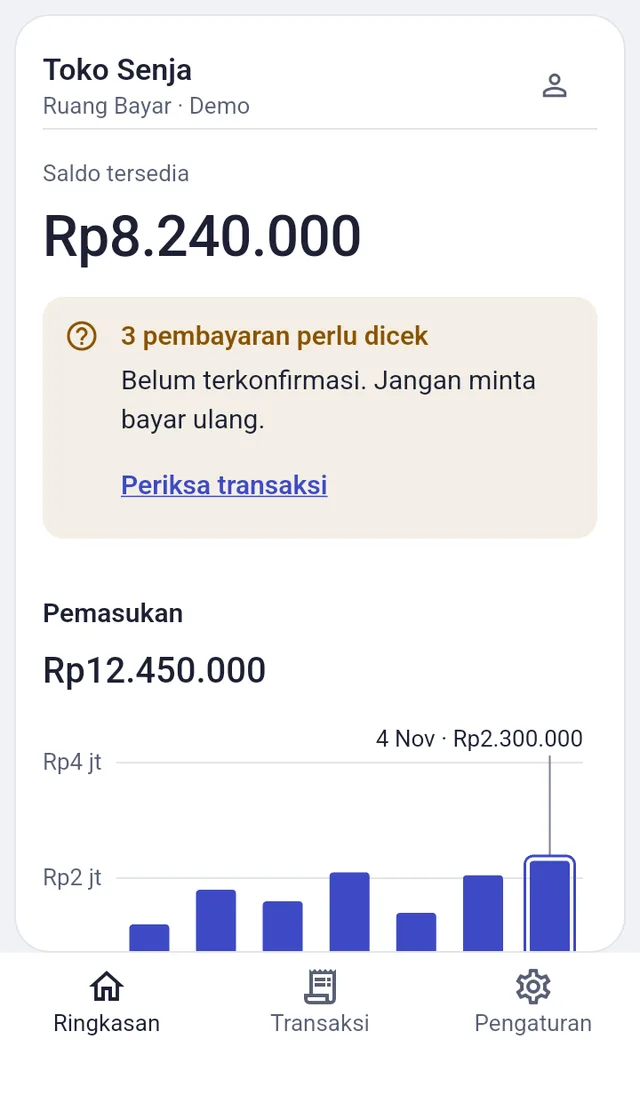
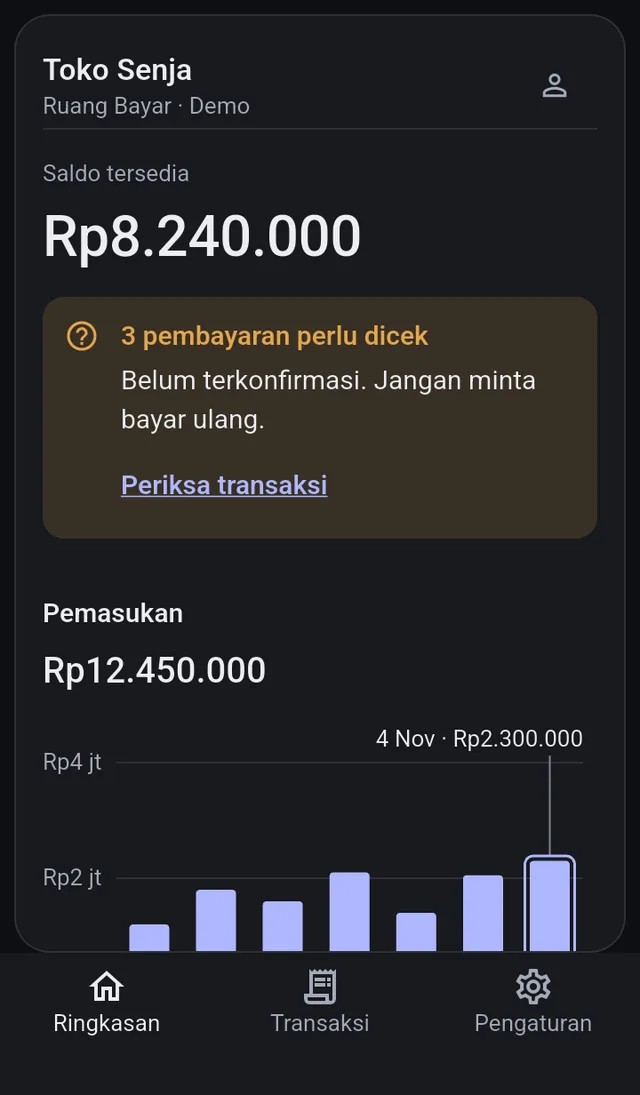
Built to fit your app, not replace it
Section titled “Built to fit your app, not replace it”The kit never decides a price, a payment result or an identity check. Widgets render the data your backend passes and report what the customer did through callbacks. No network calls, no payment SDK, no router or state manager required.
| Concern | Rakit UI does | Your backend does |
|---|---|---|
| Price, fees, limits and quote expiry | Renders the quote you pass. Asks the customer to approve again when the total changes. | Calculates prices, fees and limits, and decides when a quote expires. |
| PIN, OTP or biometric challenge | Shows the challenge state. Never receives the secret. | Runs the challenge through your auth SDK. |
| Payment status, idempotency and refunds | Renders the snapshots you pass and rejects stale ones. Never infers success. | Creates and settles payments with your provider, and enforces idempotency. |
| Polling and recovery | Reports what the customer tapped through callbacks. Widgets never poll. | Decides when to check status, retry or recover. |
| KYC decision and document checks | Shows capture, progress, structured errors and the result. | Validates documents and makes the decision. |
The full list, including input and consent, is on Host-owned decisions. Optional KYC capture, review and onboarding screens follow the same split: KYC capture.
Accessibility is documented, not implied. Status never relies on color alone, focus is visible, and the captured checkout and status screens reflow at 200% text with the key action still reachable. Accessibility
Proof you can check yourself
Section titled “Proof you can check yourself”Rakit UI is new and has no verified production testimonials yet. Each fact below links to where you can check it.
- The only package dependency
- flutter
The flow test passed earlier on an iPhone 16 simulator; there are no iOS performance numbers. What was run
Be one of the first teams to try it. Build a checkout in a fresh Flutter app, then tell us what blocked you or what was missing. Try it and send feedback
Questions
Section titled “Questions”Does Rakit UI process payments?
No. It is UI only. Your backend and payment provider create, authorize and settle payments, and enforce idempotency. The kit displays the snapshots they return.
Which payment provider or backend does it need?
Any. You map your provider’s responses to the kit’s models, such as PaymentAttempt snapshots, in your own adapter. Host-owned decisions
Which platforms are supported?
iOS (iPhone, iPad) and Android (phones, tablets). Flutter web is used only to preview the docs; desktop is out of scope. Compatibility
What does it cost?
Nothing. The package is MIT licensed and free to use in commercial apps. See the licence.
Is it ready for production?
It is an early 0.9.0 release with no known production users yet. Under Dart’s versioning convention, a 0.x minor release can include breaking changes. Review the code, test it with your backend, and report what you find.
Build your first mobile screen
Install rakit_ui, add the theme and localization, copy a block, then connect its callbacks to your own host.
Questions or stuck setting up?
Write to the maintainer, or open an issue so the answer helps the next team too.
- Emailnaufaldi.rafif@gmail.com
- GitHub IssuesAsk or report on GitHub