Overview page
A spending overview composes flat ruled modules. Variants: single column, primary/secondary columns at 840 dp. OverviewPage never scrolls vertically; place it in FullPageView or an existing host scroll region. Module actions are small hug buttons; extra actions collapse into a menu.
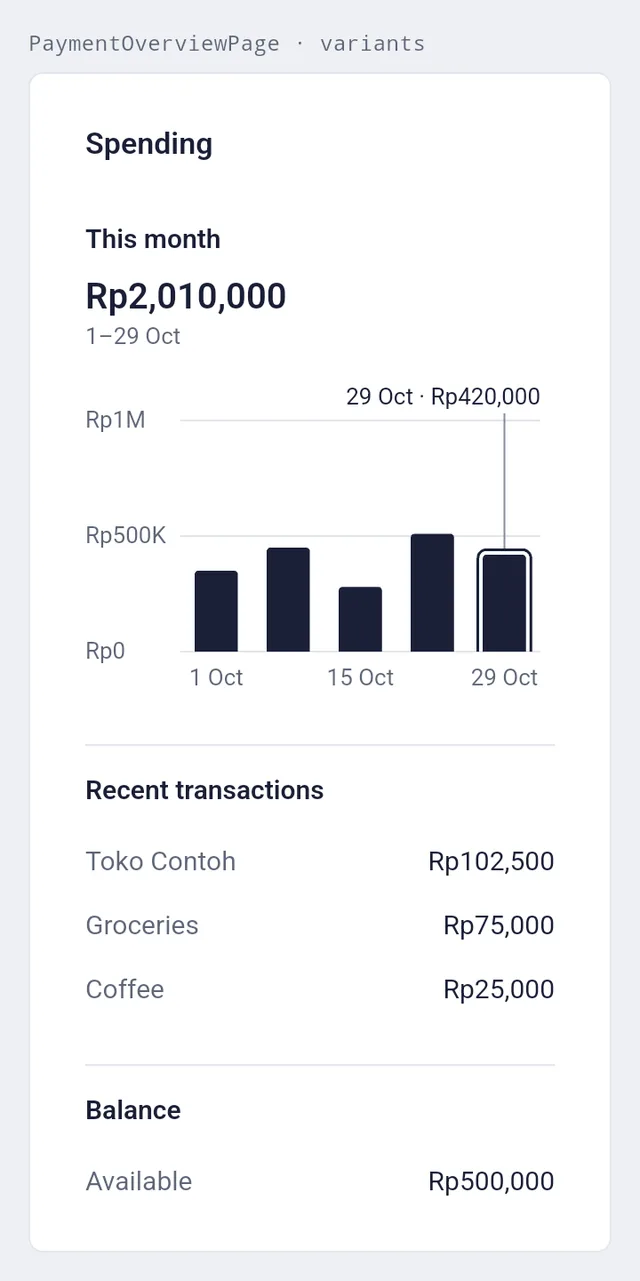
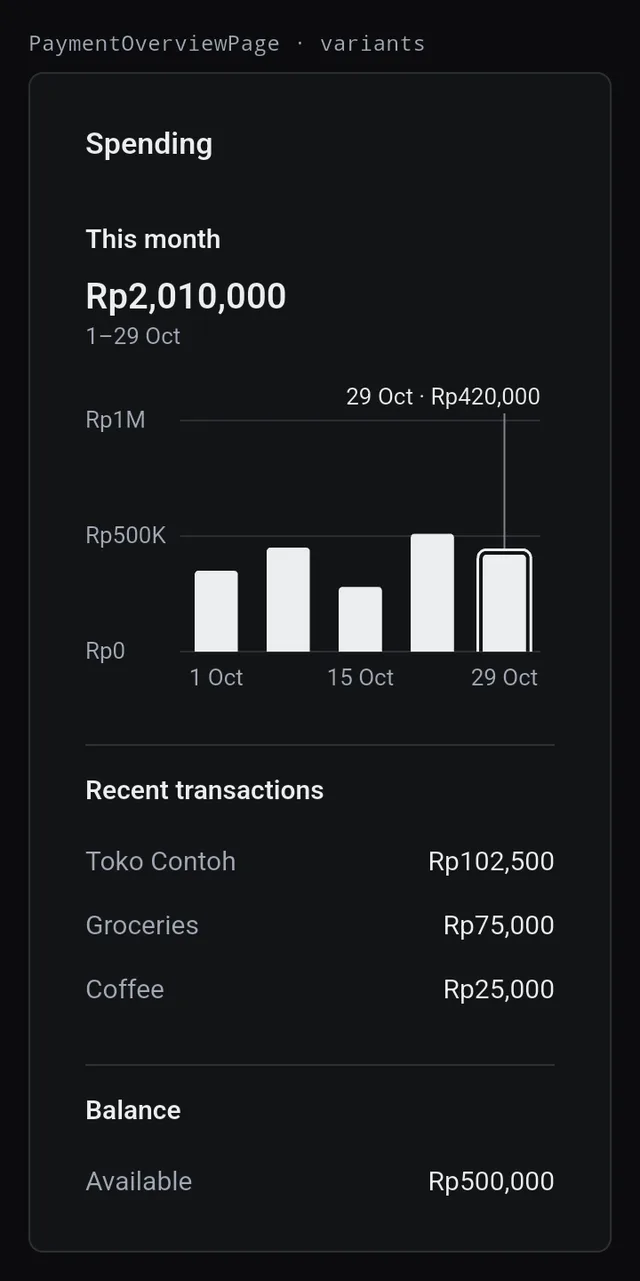
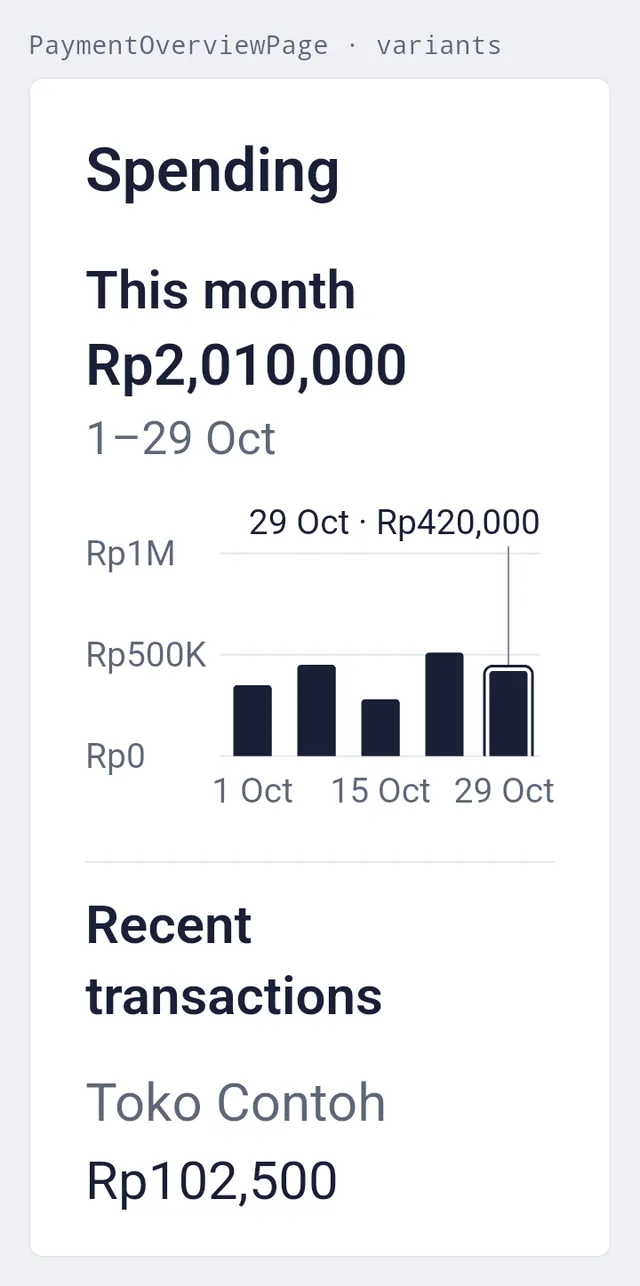
PaymentOverviewPage( primary: [ ChartModule( title: 'This month', state: ChartState.ready, chart: SizedBox( height: 240, child: PaymentBarChart(points: _chartFixture('typical')), ), ), const PaymentPageModule( title: 'Recent transactions', child: PaymentPropertyList( items: [ PaymentPropertyListItem( label: 'Toko Contoh', valueText: 'Rp102.500', ), PaymentPropertyListItem( label: 'Groceries', valueText: 'Rp75.000', ), PaymentPropertyListItem( label: 'Coffee', valueText: 'Rp25.000', ), ], ), ), ], secondary: const [ PaymentPageModule( title: 'Balance', child: PaymentPropertyList( items: [ PaymentPropertyListItem( label: 'Available', valueText: 'Rp500.000', ), ], ), ), ], );Spacing and width
Section titled “Spacing and width”Modules are spaced evenly: a chart module gets the same space under it as a page module (24 dp to the next module’s hairline). Inside a view, one column is capped at 640 dp; with a secondary column the page keeps two columns from 840 dp, capped at 1040 dp. Give a chart module the headline it summarises; a “—” beside a chart with data reads as missing.
Variants
Section titled “Variants”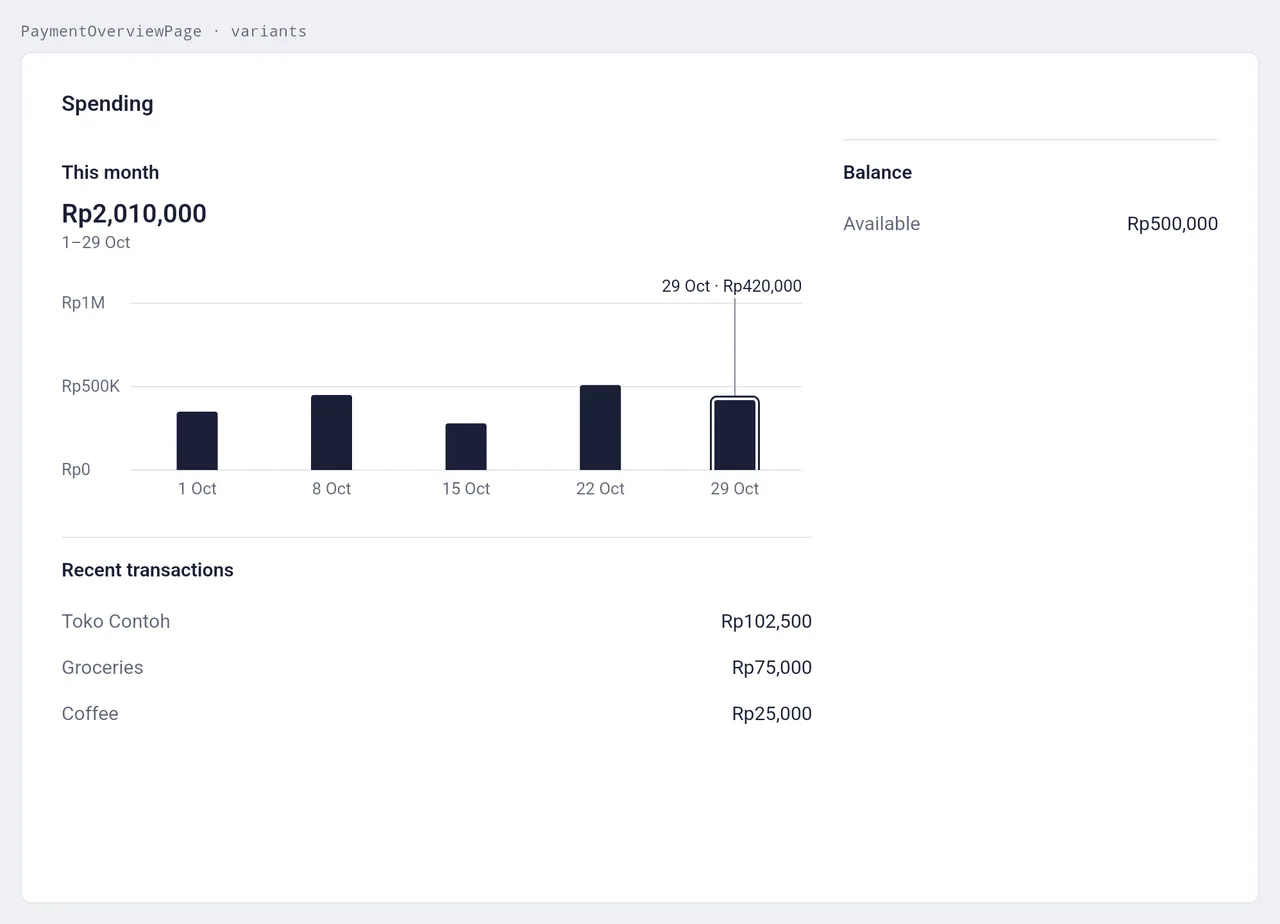
Variants: single column, primary/secondary columns.
States and content
Section titled “States and content”Use one column for a narrow overview or primary and secondary columns from 840 dp. Place the page inside an existing scroll region.
Which variant when
Section titled “Which variant when”| Situation | Variant / composition | Payment example |
|---|---|---|
| Spending and monthly facts | primary/secondary columns | Place ChartModule directly in primary and facts directly in secondary. |
Use Detail page for a transaction destination.
States
Section titled “States”Each module shows its own loading, empty or error state. A supporting module failure does not replace the rest of the overview.
Do and don’t
Section titled “Do and don’t”Do: Place ChartModule directly in primary and facts directly in secondary.
Don’t: Add a second scroll region inside FullPageView.
Content guidelines
Section titled “Content guidelines”Give each module one heading. Keep the most useful payment facts before optional spending summaries.
Accessibility
Section titled “Accessibility”Keep module headings in reading order. Stack columns on narrow screens so supporting facts follow the primary content.
Primary and secondary accept page modules, detail property lists, detail tables and chart modules directly. Arbitrary body widgets fail the debug admission check.
In the example app
Section titled “In the example app”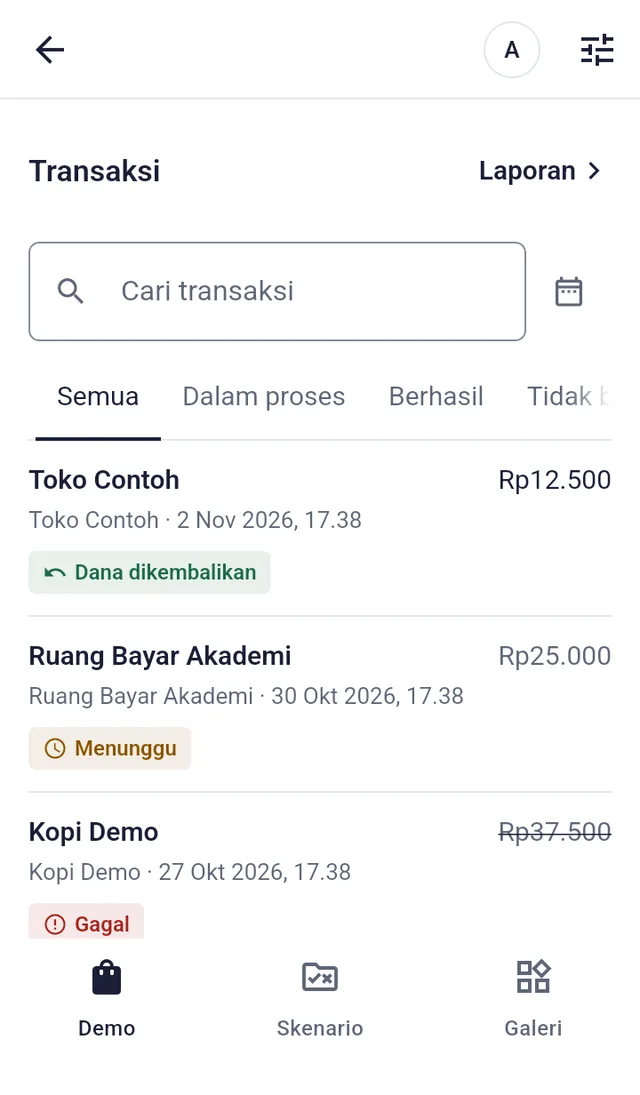
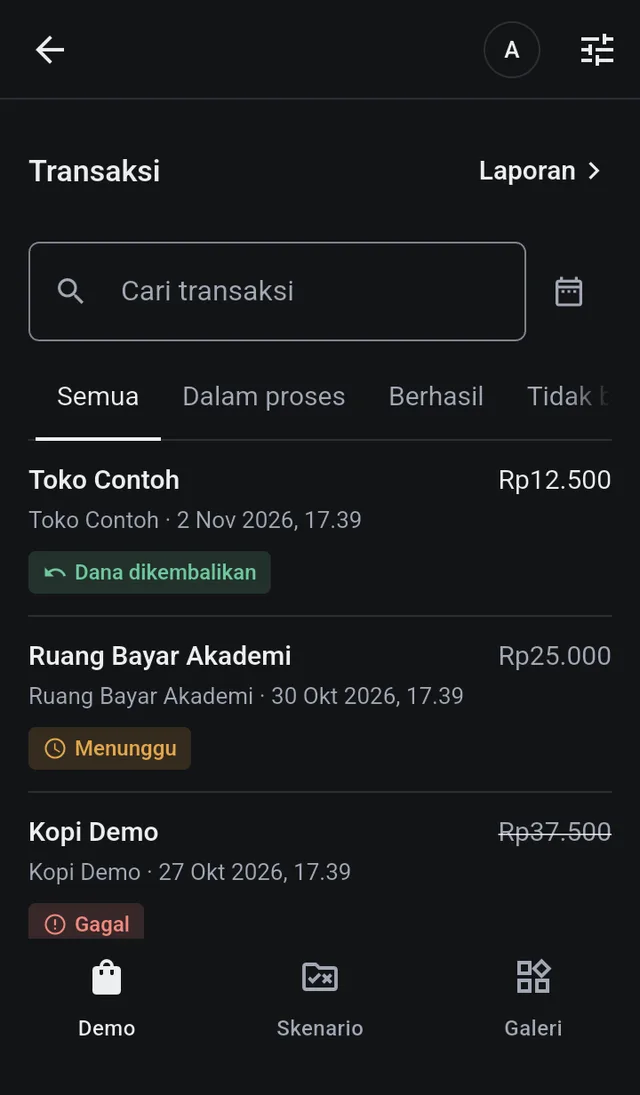
PaymentOverviewPage
class PaymentOverviewPage extends StatelessWidget · lib/src/pages/overview_page.dart
Non-scrolling page modules; place inside a FullPageView.
| Parameter | Type | Default | Description |
|---|---|---|---|
primary:required | List<Widget> | — | Primary page modules, in reading order. |
secondary: | List<Widget>? | — | Supporting page modules, below the primary on phones. |
pending: | bool | false | Shows placeholders while the host loads content. |
PaymentPageModule
class PaymentPageModule extends StatelessWidget · lib/src/pages/page_module.dart
A flat, ruled section of a page.
| Parameter | Type | Default | Description |
|---|---|---|---|
title:required | String | — | Heading displayed above the content. |
child:required | Widget | — | Content rendered inside this layout body. |
subtitle: | String? | — | Supporting text below the module title. |
extraActions: | List<PaymentButton> | const [] | Supporting actions in the module header. |