Table
PaymentTable presents host-provided payment facts. The host computes amounts and owns every action.
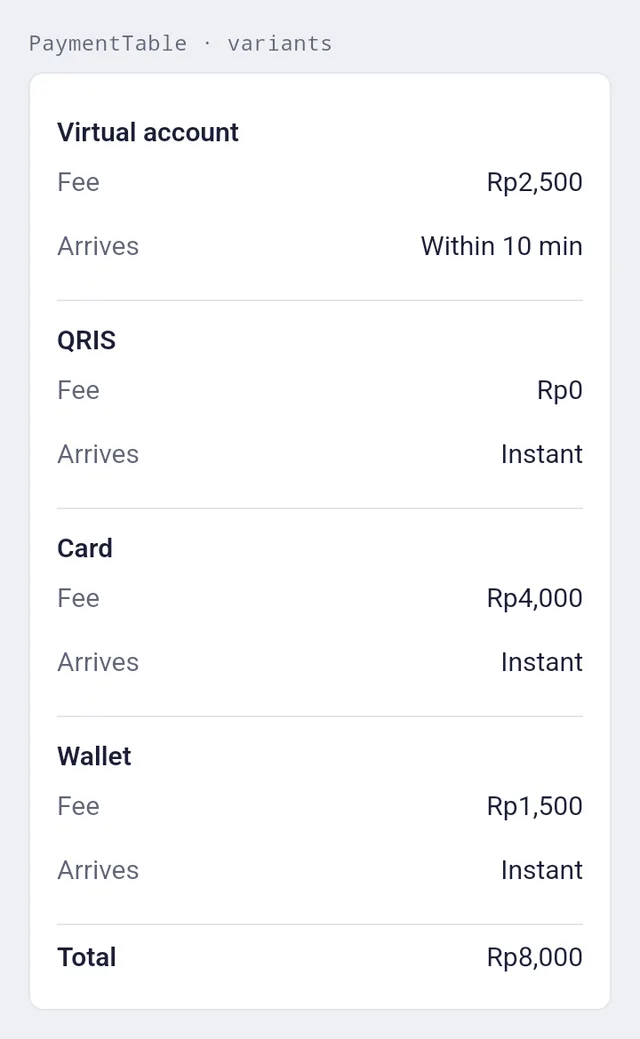
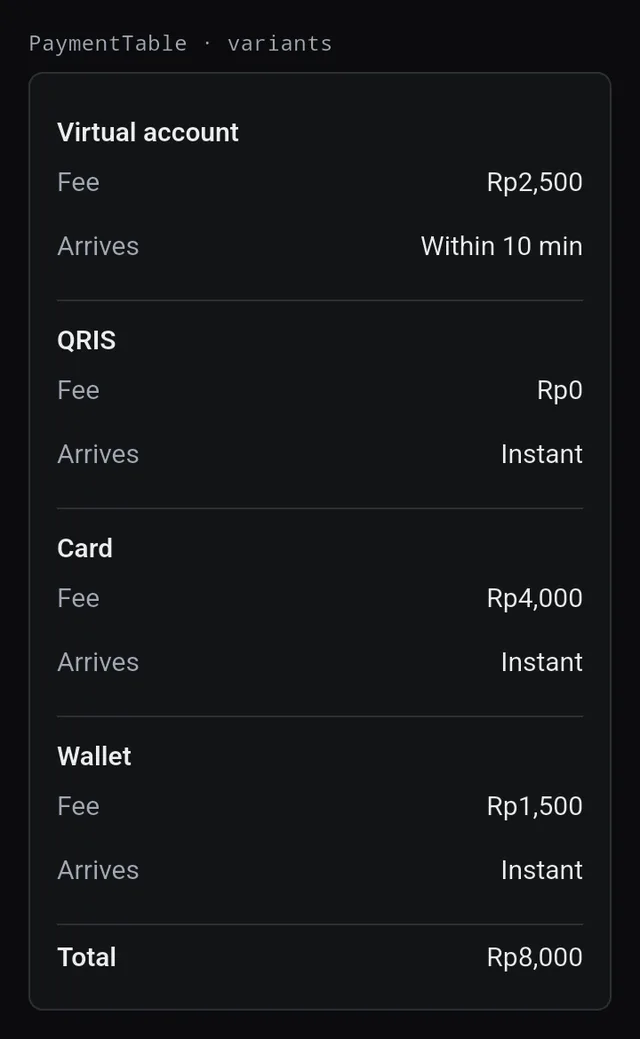
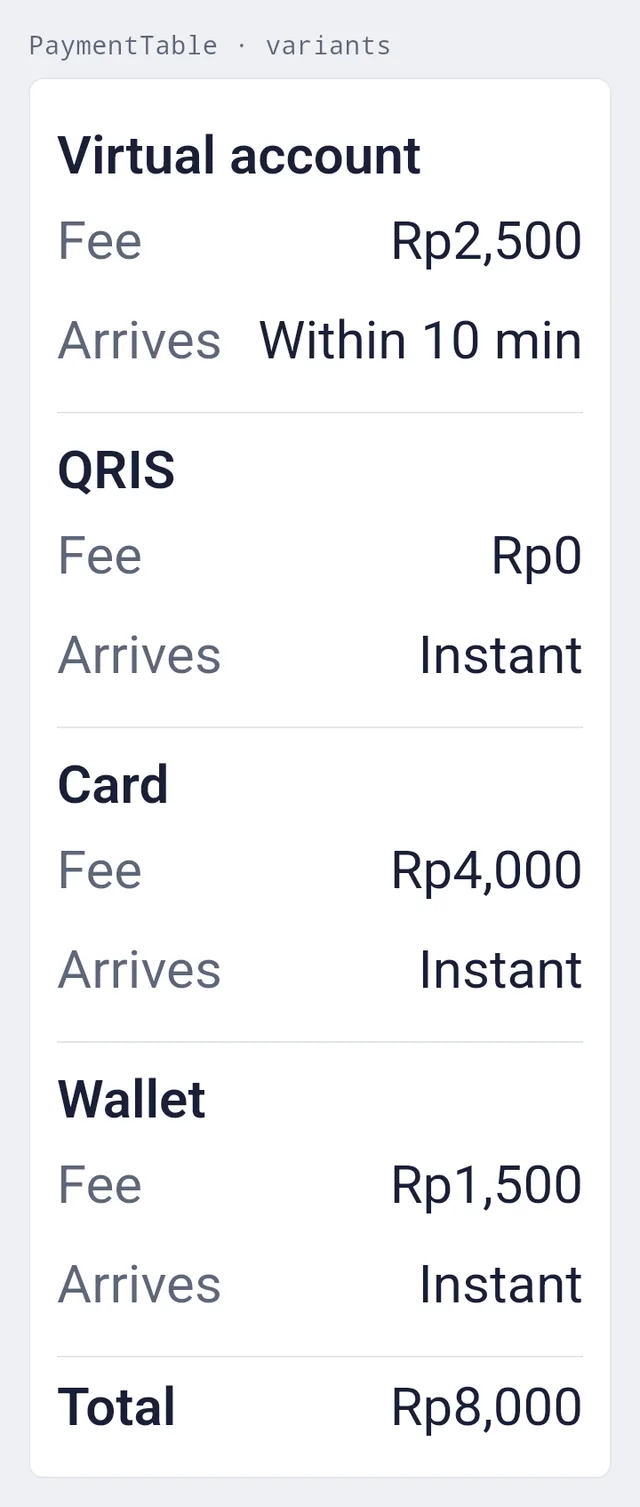
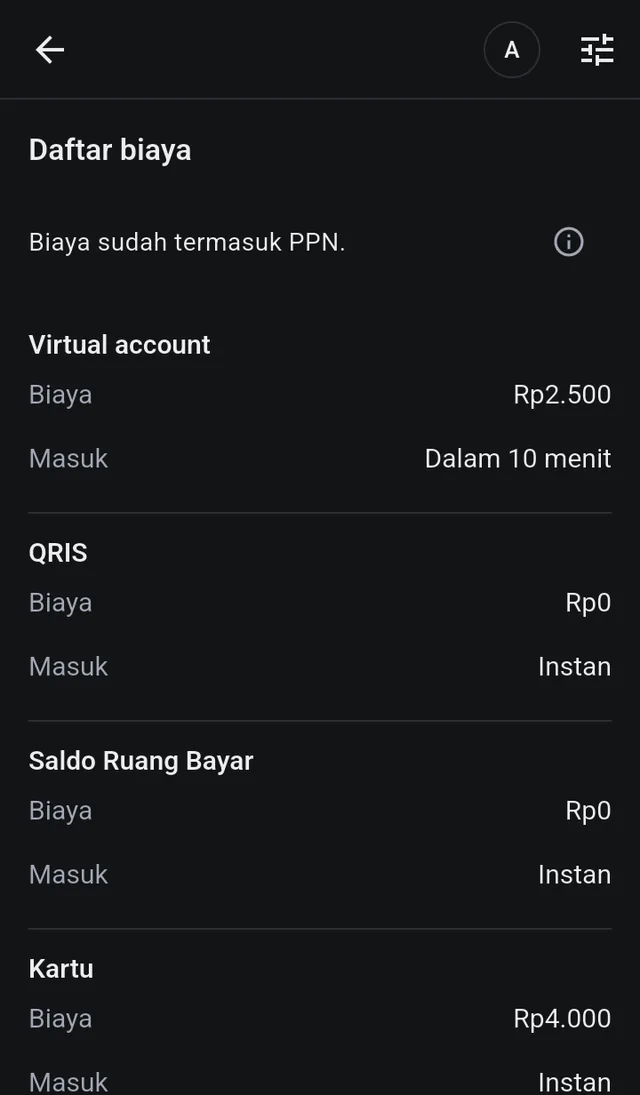
PaymentTable( caption: s.feesTitle, head: const [ PaymentTableHeaderCell('Method', rowHeader: true), PaymentTableHeaderCell('Fee', numeric: true), PaymentTableHeaderCell('Arrives'), ], rows: [ for (final (method, fee, arrives) in [ ('Virtual account', 2500, 'Within 10 min'), ('QRIS', 0, 'Instant'), ('Ruang Bayar balance', 0, 'Instant'), ('Card', 4000, 'Instant'), ]) PaymentTableRow([ PaymentTableCell(Text(method)), PaymentTableCell(AmountText(Money.idr(fee)), numeric: true), PaymentTableCell(Text(arrives)), ]), ], );Variants
Section titled “Variants”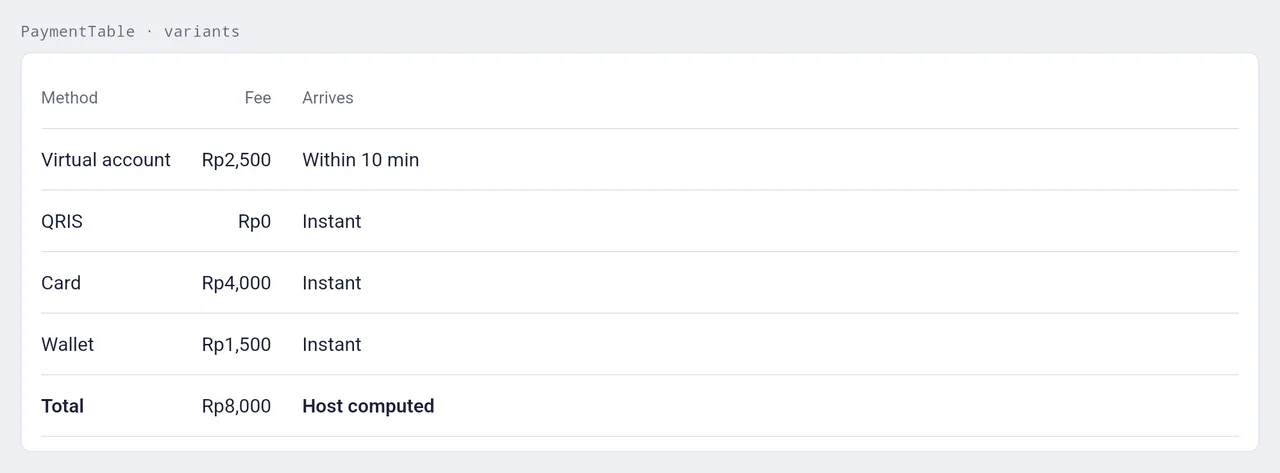
Variants: wide table, narrow labeled rows.
Use for fee schedules or host-computed statement summaries. Below 600 dp or at large text, rows become labeled lists. Wide tables pin the row-header column and scroll other columns with an edge fade. Numeric columns align to the end with tabular figures. No stripes. Spans, centered columns, and arbitrary cell widths are not supported.
Content and accessibility
Section titled “Content and accessibility”Use short, descriptive labels. Labels and narrow values wrap. Do show the currency beside an amount. Do not use color alone to communicate a result. Headings carry header semantics; facts merge their label and value. Wide table cells repeat their column label for assistive technology. Totals are computed by the host.
Which variant when
Section titled “Which variant when”| Situation | Variant / composition | Payment example |
|---|---|---|
| Fee comparison | wide table | Keep amounts numeric and method as the row header; phones collapse automatically. |
Use Data table for settlement selection and paging.
States
Section titled “States”Static rows collapse below 600 dp or at large text: the row header is the title and every other column, the amount included, is a label and value row on the value edge (D60, see Tables on phones). A divider separates the rows from the Total footer. Loading, empty and error presentation belongs to the surrounding host page.
Do and don’t
Section titled “Do and don’t”Do: Keep amounts numeric and method as the row header; phones collapse automatically.
Don’t: Add paging/selection controls around a static fee schedule.
Content guidelines
Section titled “Content guidelines”Give every column a descriptive heading. Include the currency with amounts and show unknown status explicitly.
Accessibility
Section titled “Accessibility”Keep column labels in the semantics of narrow rows. Use status words as well as color and tabular figures for amounts.
In the example app
Section titled “In the example app”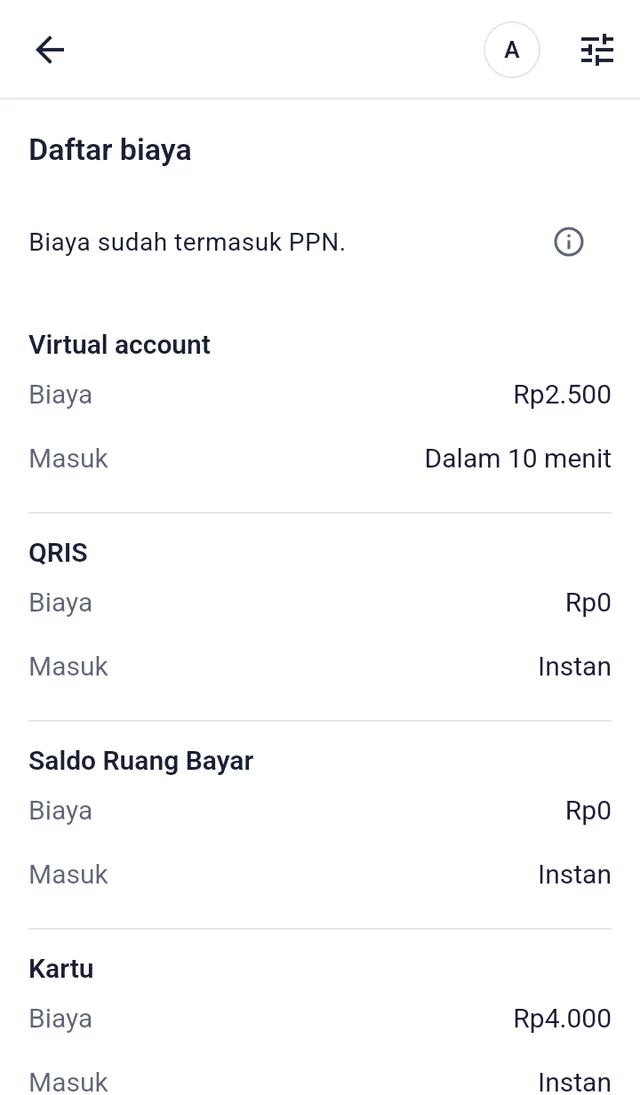
PaymentTable
class PaymentTable extends StatelessWidget · lib/src/content/table.dart
A static table that becomes labeled list rows on phones and at large text.
| Parameter | Type | Default | Description |
|---|---|---|---|
head:required | List<PaymentTableHeaderCell> | — | Column headings in display order. |
rows:required | List<PaymentTableRow> | — | Data rows matching the column headings. |
footer: | PaymentTableRow? | — | Optional host-computed summary. |
caption: | String? | — | Spoken table description. |
PaymentTableRow
class PaymentTableRow · lib/src/content/table.dart
A row with one cell per heading.
| Parameter | Type | Default | Description |
|---|---|---|---|
cellsrequiredpositional | List<PaymentTableCell> | — | Values in column order. |
PaymentTableHeaderCell
class PaymentTableHeaderCell · lib/src/content/table.dart
A labeled column.
| Parameter | Type | Default | Description |
|---|---|---|---|
labelrequiredpositional | String | — | Visible and spoken label. |
numeric: | bool | false | End-aligns tabular numbers. |
rowHeader: | bool | false | Pins this column and uses it as each narrow row's title. |
PaymentTableCell
class PaymentTableCell · lib/src/content/table.dart
A table value.
| Parameter | Type | Default | Description |
|---|---|---|---|
childrequiredpositional | Widget | — | Content rendered inside this layout body. |
numeric: | bool | false | Marks a numeric value. |
See also
Section titled “See also”Use Data table for settlement selection, actions and paging. Empty tables accept a host explanation and next action.