Focus view
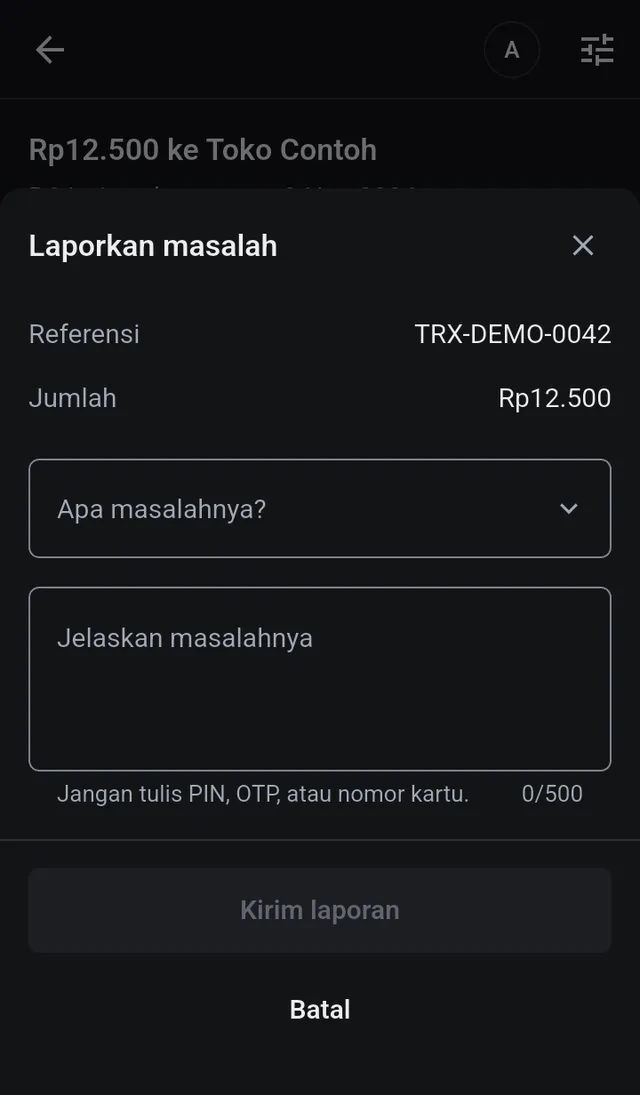
A report or other focused task presented through existing sheets. Variants: small, large. showPaymentFocusView(size:) returns a Future that completes when the view closes; PaymentConfirmClose sets the discard confirmation. On phones, including a phone in landscape (window shorter side under 600 dp, D92), it is a bottom sheet: small hugs content, large fills. On tablets it is a side panel 420/720 dp wide. Drag dismiss is disabled so it cannot bypass confirmation. Close, scrim, Escape and Back ask before discarding when confirmClose is supplied. Inline specimens do not block their host route. Both the phone sheet and the wide panel keep the themes around the caller, so a feature-scoped PaymentTheme or PaymentButtonTheme also styles the panel and its footer buttons.
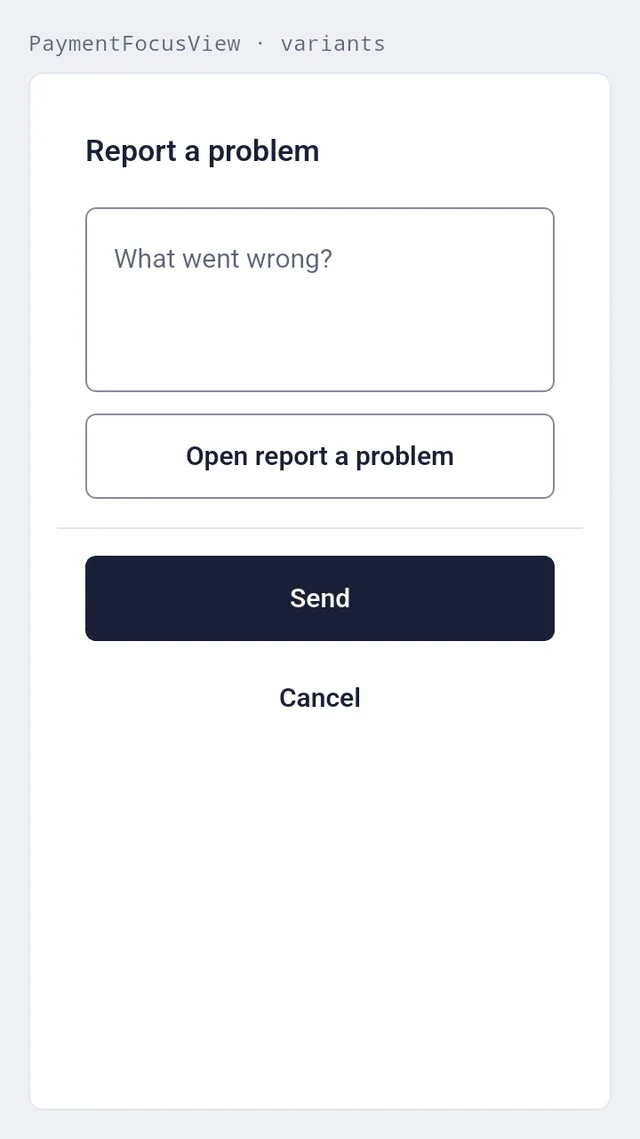
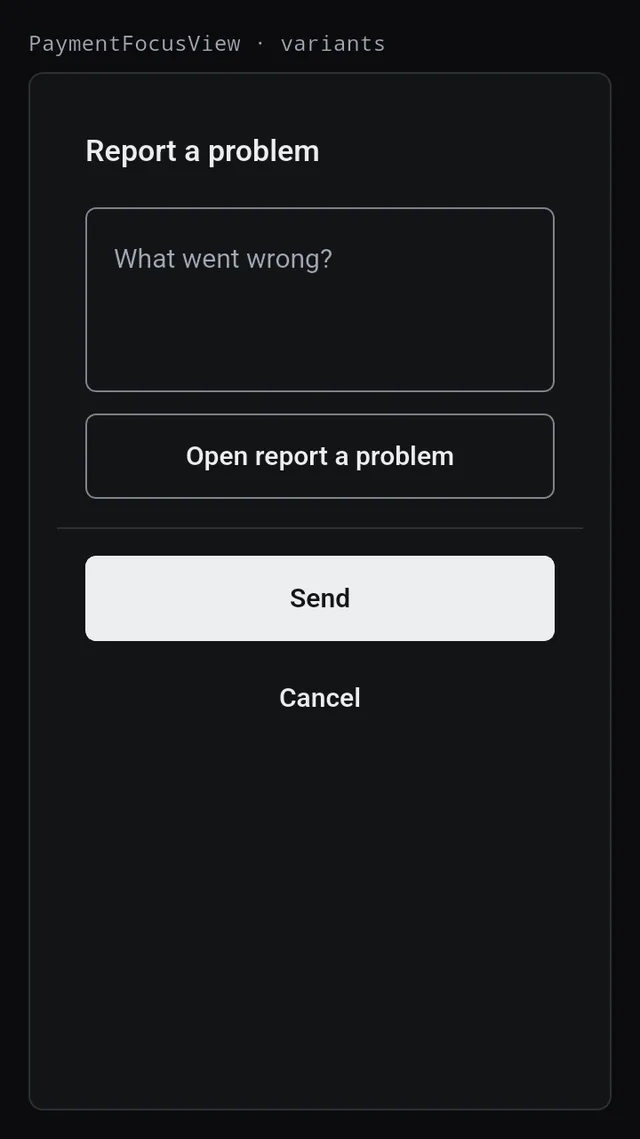
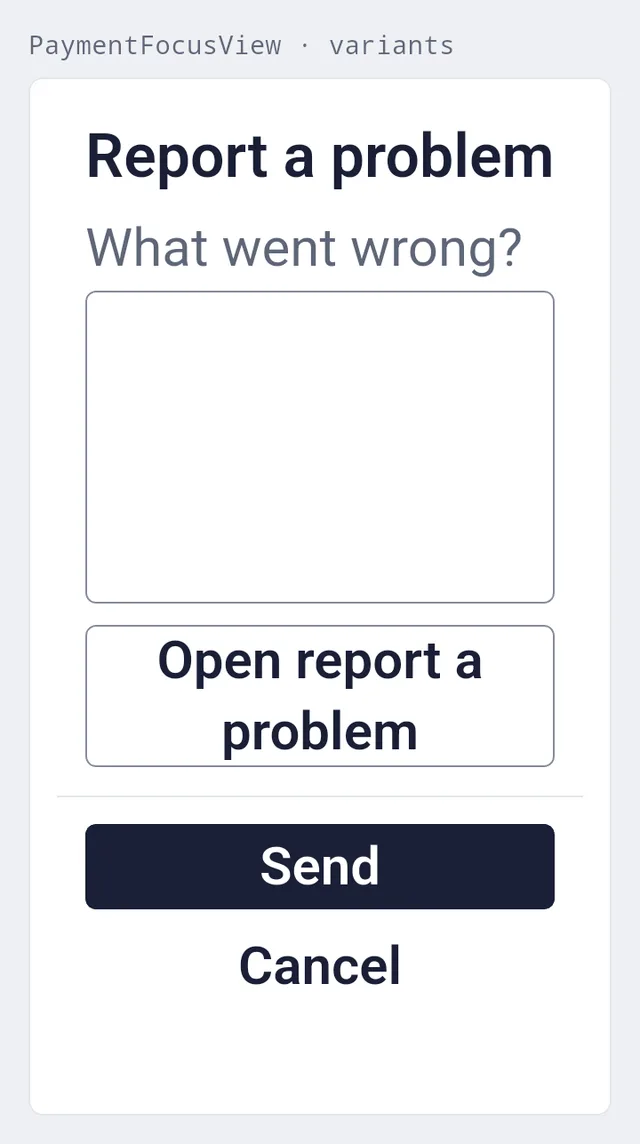
PaymentFocusView( title: 'Report a problem', confirmClose: PaymentConfirmClose( title: 'Discard report?', message: 'Your changes will be lost.', exitLabel: 'Discard', ), child: PaymentTextArea(label: 'What went wrong?'), );Footer width
Section titled “Footer width”The footer stacks its actions at full width, primary on top, whenever the footer is narrower than 600 dp or the text is large. Wider, the actions hug their labels at the end edge.
Variants
Section titled “Variants”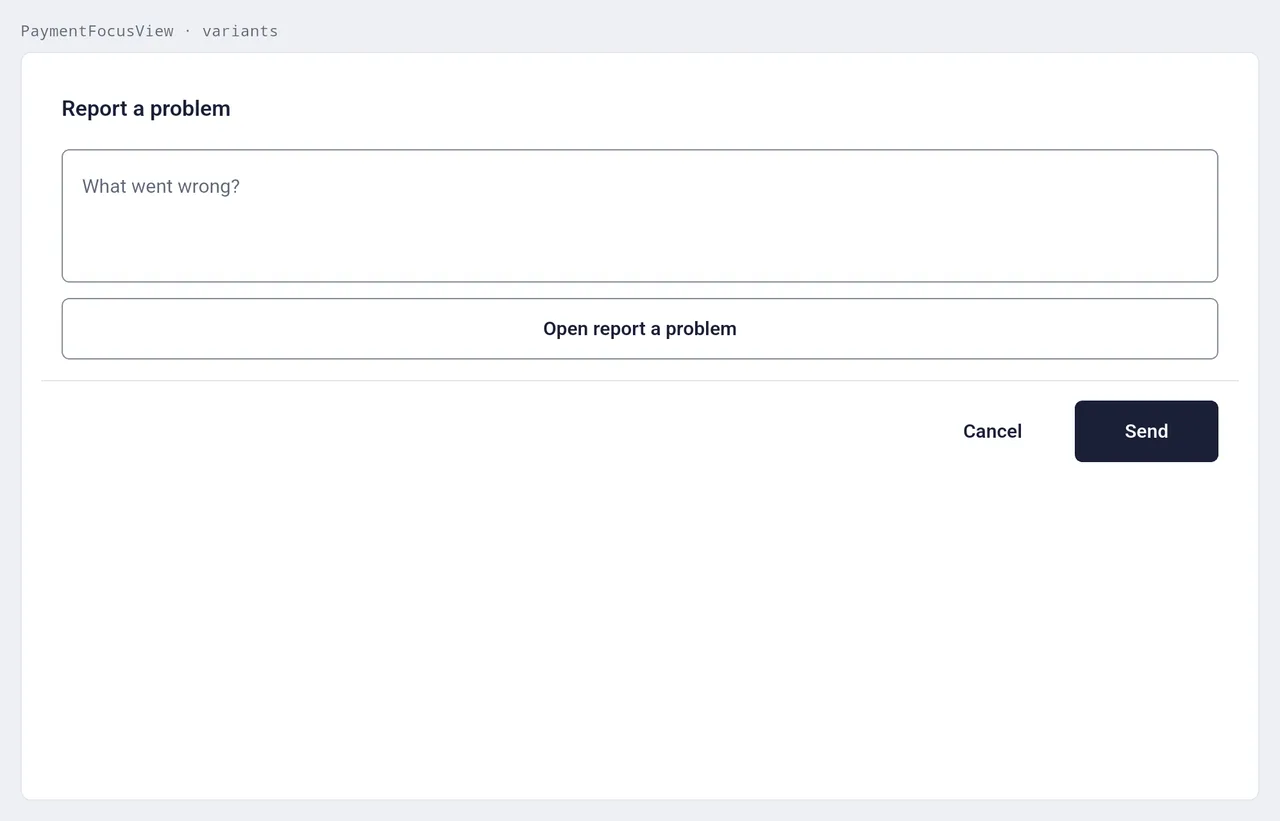
Variants: small, large.
States and content
Section titled “States and content”Choose small for a short task and large for a task that needs more room. Phone presentation is a bottom sheet; tablets use a side panel.
Which variant when
Section titled “Which variant when”| Situation | Variant / composition | Payment example |
|---|---|---|
| Report a transaction problem | small | Use large only for a wider task; confirm close only when the draft is dirty. |
Use Full page view for a destination in the main navigation.
States
Section titled “States”Pass confirmClose when a draft has unsaved changes. A failed submit should preserve the draft so the person can correct or retry it.
Do and don’t
Section titled “Do and don’t”Do: Use large only for a wider task; confirm close only when the draft is dirty.
Don’t: Log report text or keep a clean sheet behind a discard prompt.
Content guidelines
Section titled “Content guidelines”Name the task and its completion action. Explain what will be lost when asking the person to discard a draft.
Accessibility
Section titled “Accessibility”Close, Back, Escape and scrim dismissal use the same discard confirmation when supplied. Labels wrap at large text.
In the example app
Section titled “In the example app”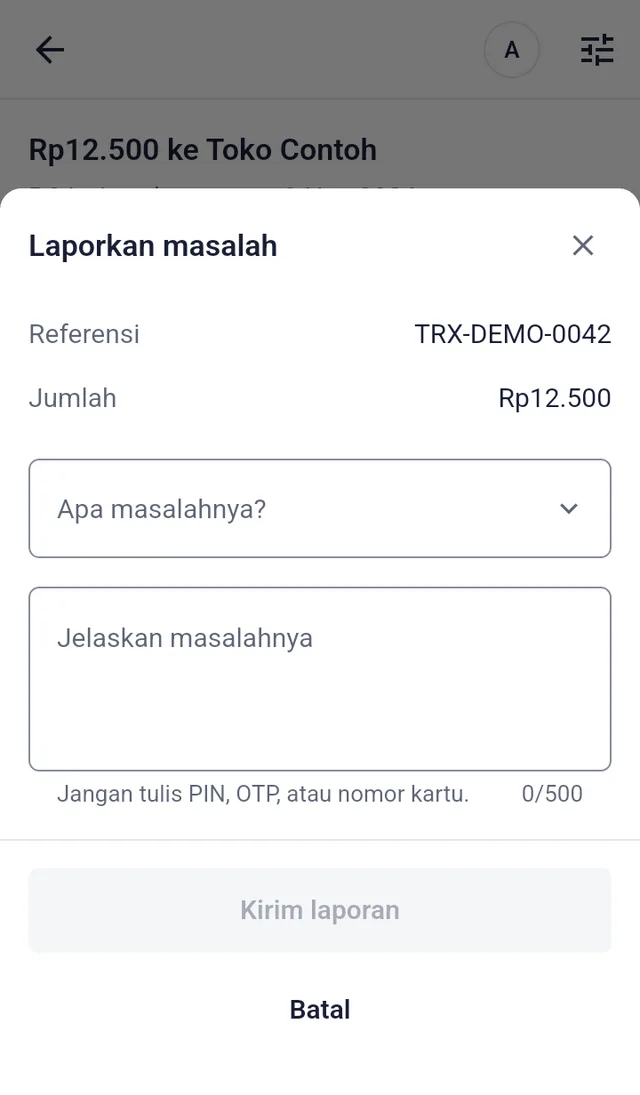
PaymentFocusView
class PaymentFocusView extends StatefulWidget · lib/src/overlay/sheets.dart
A focused task body; only its presentation function opens a sheet.
| Parameter | Type | Default | Description |
|---|---|---|---|
title:required | String | — | Heading displayed above the content. |
child:required | Widget | — | Content rendered inside this layout body. |
primaryAction: | PaymentButton? | — | The single main action in the task footer. |
secondaryAction: | PaymentButton? | — | Supporting or dismiss action in the task footer. |
footer: | Widget? | — | Supporting footer content alongside task actions. |
confirmClose: | PaymentConfirmClose? | — | Dirty-draft confirmation; null allows immediate close. |
PaymentFocusViewSize
enum PaymentFocusViewSize · lib/src/overlay/sheets.dart
Focus task size on phone and wide panels.
| Value | Description |
|---|---|
small | Content-height phone sheet or 420 dp side panel. |
large | Full-height phone sheet or 720 dp side panel. |
PaymentConfirmClose
class PaymentConfirmClose · lib/src/overlay/sheets.dart
Copy for protecting unsaved work on close.
| Parameter | Type | Default | Description |
|---|---|---|---|
title:required | String | — | Heading displayed above the content. |
message:required | String | — | Explanation of the consequence before confirmation. |
exitLabel:required | String | — | Action label naming the consequence of leaving. |
cancelLabel: | String? | — | Label for keeping the current task open. |
showPaymentFocusView
Future<T?> showPaymentFocusView<T>(…) · lib/src/overlay/sheets.dart
Presents a focused task through the existing sheet surfaces: a bottom sheet on phones (window shortest side under 600 dp, so also in landscape; D92) and a side sheet on tablets.
| Parameter | Type | Default | Description |
|---|---|---|---|
contextrequiredpositional | BuildContext | — | — |
builder:required | WidgetBuilder | — | — |
size: | PaymentFocusViewSize | PaymentFocusViewSize.small | — |