Detail page property list
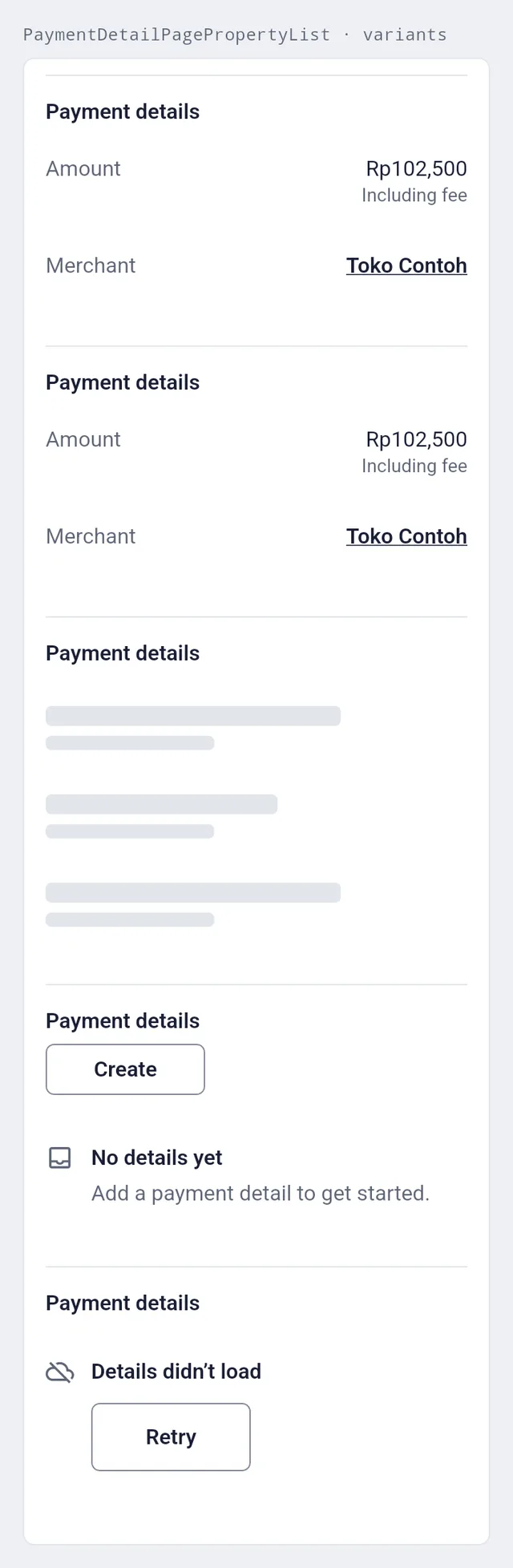
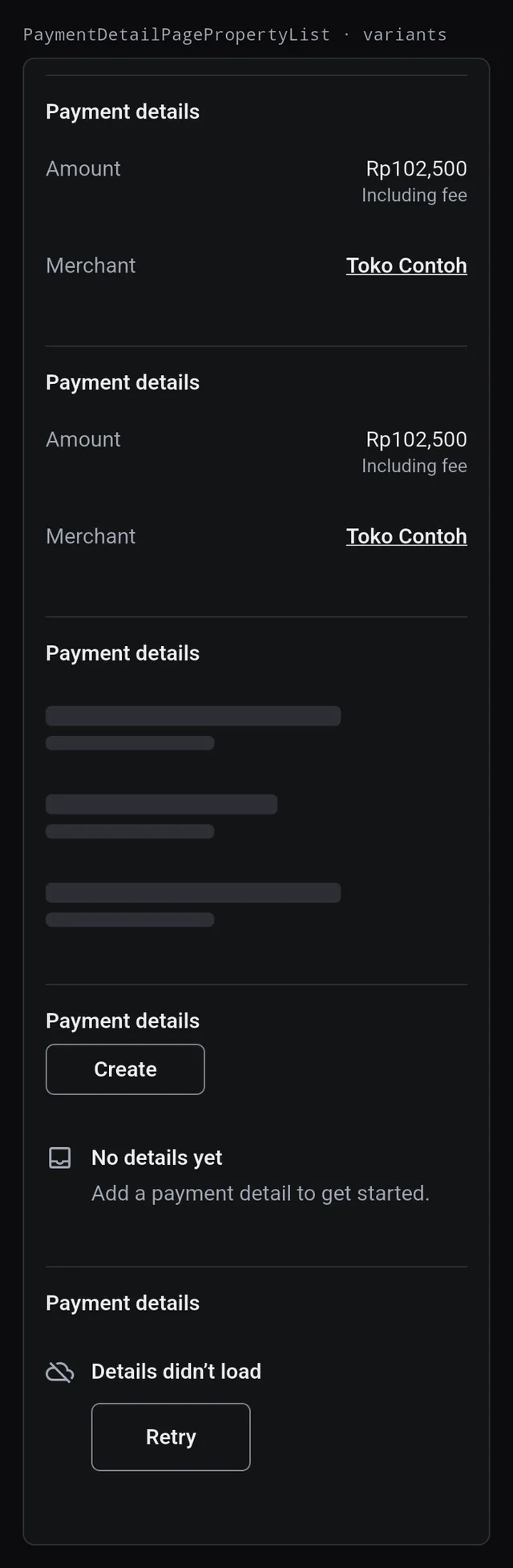
Transaction facts with optional linked values and subText. Variants: vertical, horizontal; pending, ready, empty, error. Values are PaymentDetailValue text or links with optional subText; extra actions are links in an overflow menu. A failed module uses warning tone because it is secondary content. Your app handles retry, Create and link destinations. Empty messages explain why and offer an action.
PaymentDetailPagePropertyList( title: 'Merchant', pending: false, items: [ const PaymentDetailProperty( label: 'Name', values: [PaymentDetailValue('Toko Contoh')], ), PaymentDetailProperty( label: 'Support', values: [ PaymentDetailValue.link( PaymentLink( label: 'Help centre', external: true, onPressed: () {}, ), ), ], ), ], );Variants
Section titled “Variants”Variants: vertical, horizontal; pending, ready, empty, error.
States and content
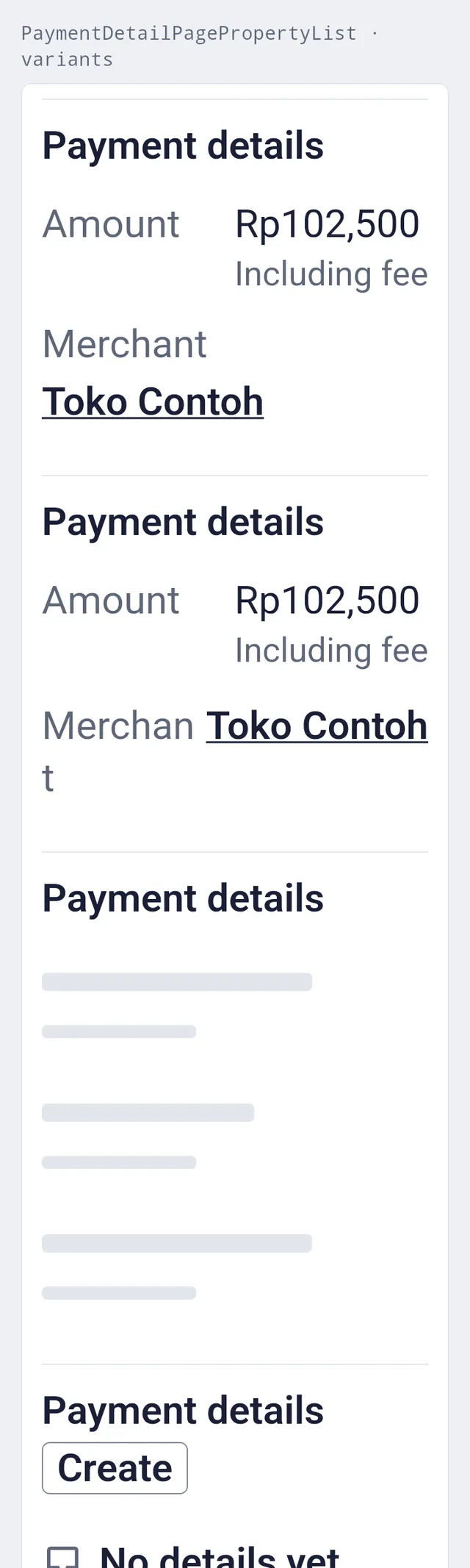
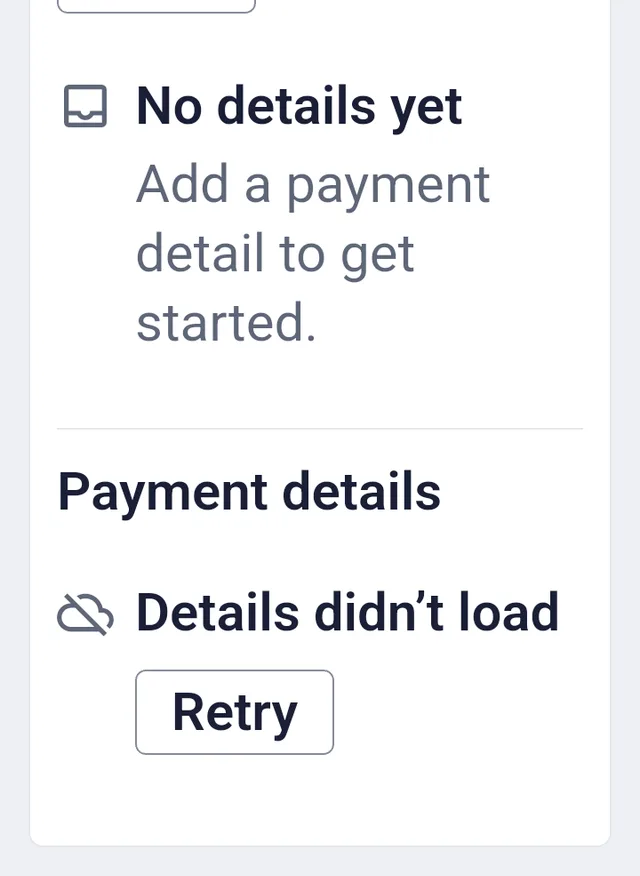
Section titled “States and content”Choose vertical for longer facts and horizontal for short values that fit beside their labels. Narrow and large-text layouts stack the content.
Which variant when
Section titled “Which variant when”| Situation | Variant / composition | Payment example |
|---|---|---|
| Merchant facts | vertical | Use a link-only value for support; place the module directly in DetailPage. |
Use Detail page table for repeated attempts.
States
Section titled “States”Use pending while facts load, an empty message when none are available, and a warning with retry when this supporting module fails.
Do and don’t
Section titled “Do and don’t”Do: Use a link-only value for support; place the module directly in DetailPage.
Don’t: Wrap a titled property module in another titled module.
Content guidelines
Section titled “Content guidelines”Use labels such as “Merchant” and “Reference”. Keep linked values descriptive and unavailable facts distinct from empty strings.
Accessibility
Section titled “Accessibility”Keep fact labels with their values. Linked values and overflow actions need descriptive labels.
A single link-only value centers with its label; at large text it wraps.
In the example app
Section titled “In the example app”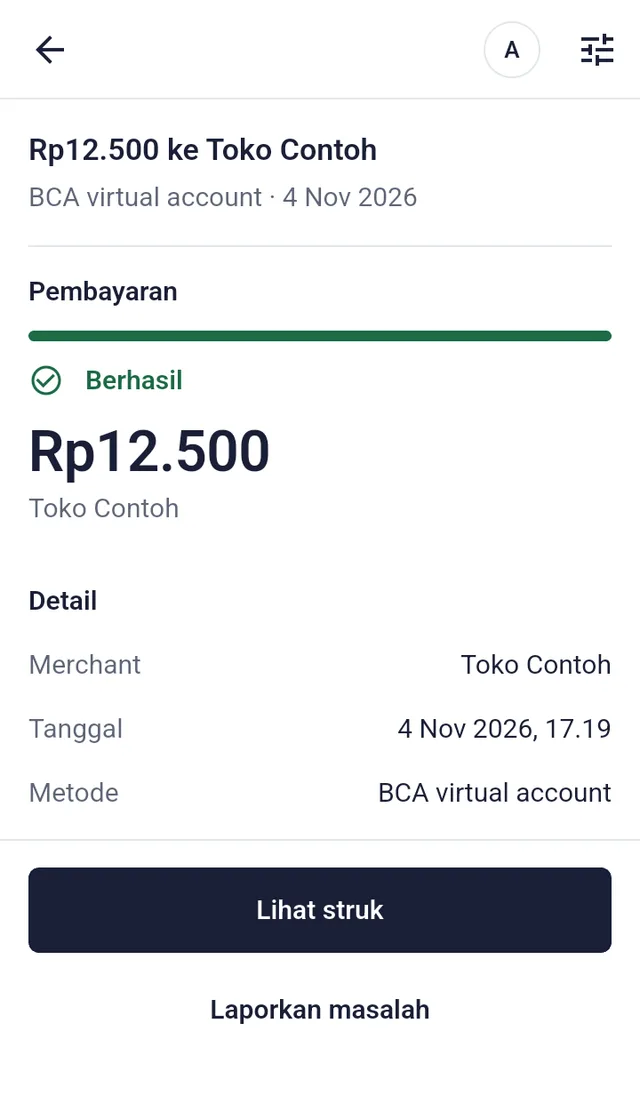
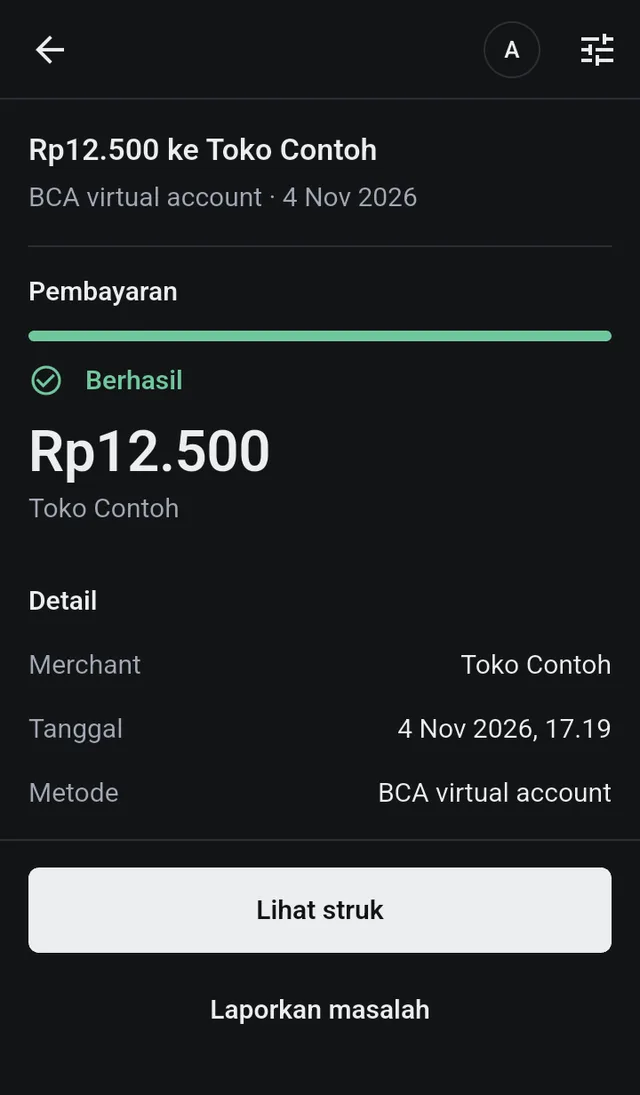
PaymentDetailPagePropertyList
class PaymentDetailPagePropertyList extends StatelessWidget · lib/src/pages/detail_page_property_list.dart
Property module with loading, empty and retry states.
| Parameter | Type | Default | Description |
|---|---|---|---|
title:required | String | — | Heading displayed above the content. |
pending:required | bool | — | Shows placeholders while the host loads content. |
items: | List<PaymentDetailProperty> | const [] | Host facts rendered in order. |
orientation: | Axis | Axis.vertical | Preferred arrangement of labels and values. |
onCreate: | VoidCallback? | — | Host action for adding a detail record. |
emptyMessage: | PaymentEmptyMessage? | — | Explanation and optional recovery action for missing content. |
errorText: | String? | — | Safe error copy displayed with the affected content. |
onRetry: | VoidCallback? | — | Retries the failed host request. |
extraActions: | List<PaymentLink> | const [] | Supporting actions in the module header. |
PaymentDetailProperty
class PaymentDetailProperty · lib/src/pages/detail_page_property_list.dart
A labeled set of related values.
| Parameter | Type | Default | Description |
|---|---|---|---|
label:required | String | — | Visible name identifying this value or control. |
values:required | List<PaymentDetailValue> | — | Related values displayed together. |
description: | String? | — | Persistent explanation below the heading or label. |
PaymentDetailValue
class PaymentDetailValue · lib/src/pages/detail_page_property_list.dart
One displayed detail value with optional secondary copy.
| Parameter | Type | Default | Description |
|---|---|---|---|
textrequiredpositional | String? | — | Plain detail value; absent when a link is used. |
subText: | String? | — | Supporting copy below a detail value. |
reference: | bool | false | Shows text as a reference or ID: monospace tabular text on the value edge, without a fill (D57). |
onCopy: | Future<bool> Function(String value)? | — | Host copy for text; adds a PaymentCopyButton whose glyph sits on the value edge. |
PaymentDetailValue.link(…)
| Parameter | Type | Default | Description |
|---|---|---|---|
linkrequiredpositional | PaymentLink? | — | Interactive detail value; absent for plain text. |
subText: | String? | — | Supporting copy below a detail value. |
PaymentEmptyMessage
class PaymentEmptyMessage · lib/src/content/empty_message.dart
Empty-state explanation and an optional next action.
| Parameter | Type | Default | Description |
|---|---|---|---|
titlerequiredpositional | String | — | What is empty. |
message: | String? | — | Why it is empty. |
actionLabel: | String? | — | Next action label. |
onAction: | VoidCallback? | — | Host action, supplied together with its label. |
icon: | IconData | Icons.inbox_outlined | Supporting visual cue. |