Data table
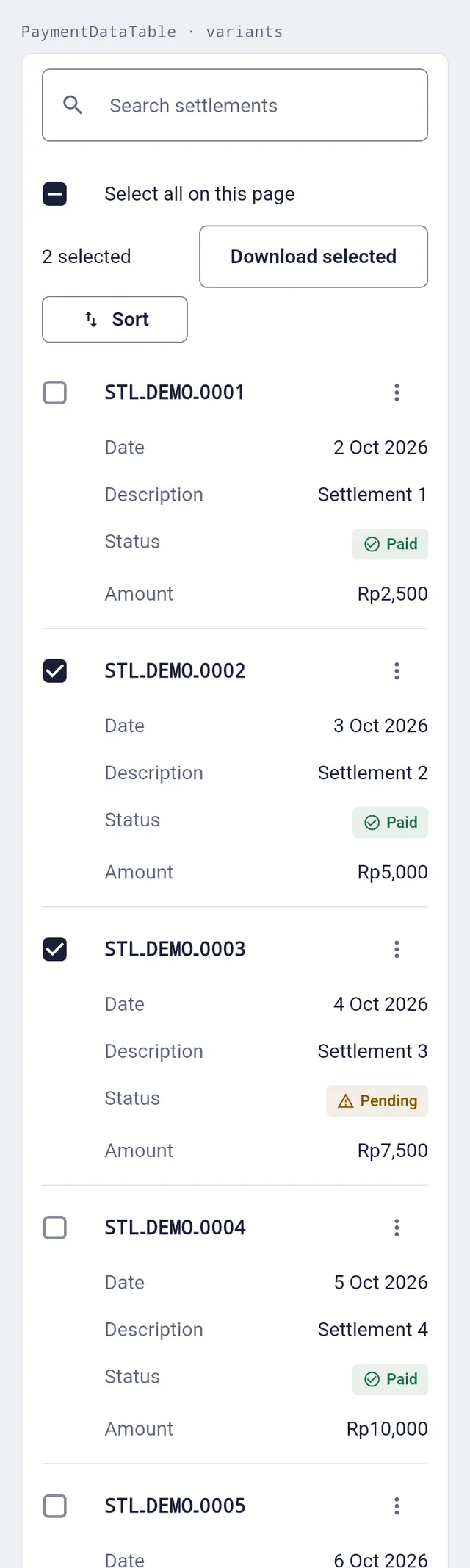
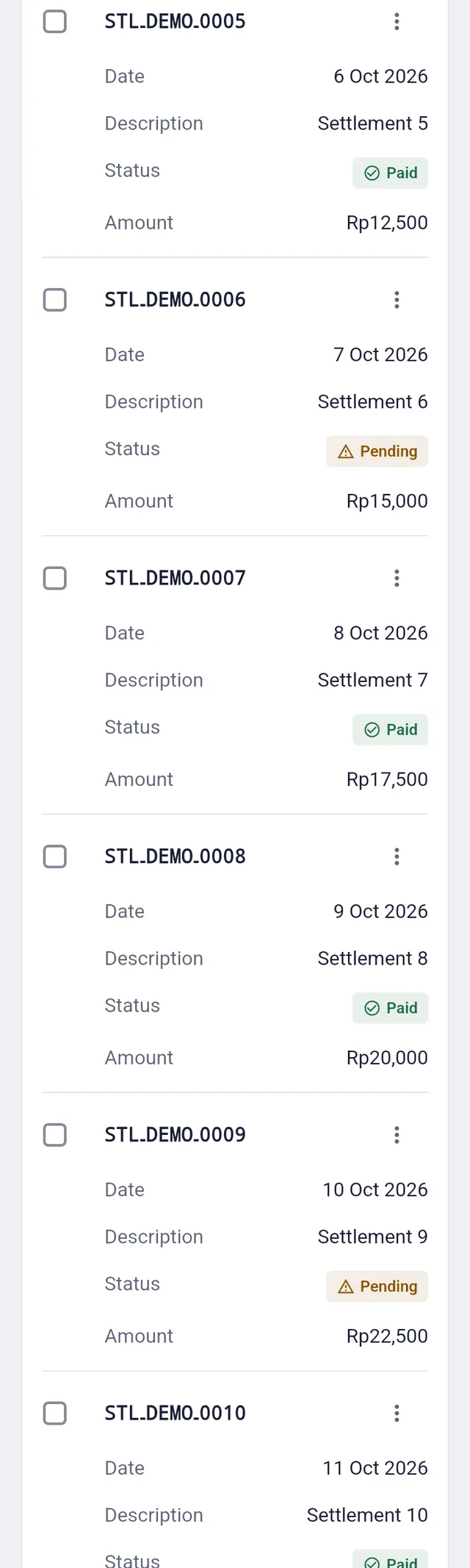
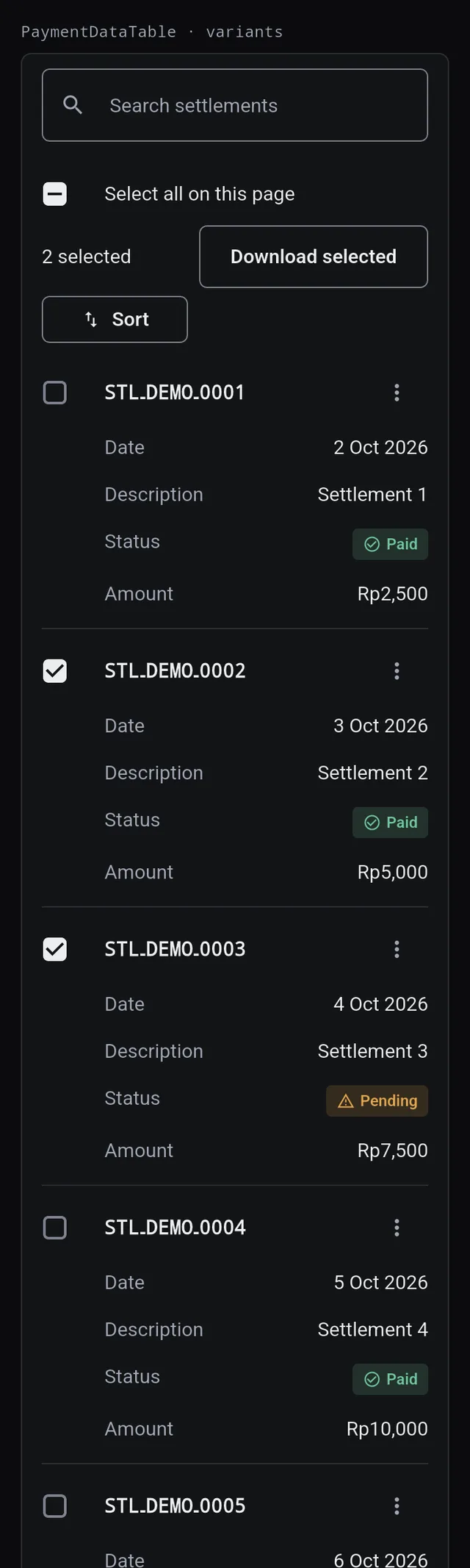
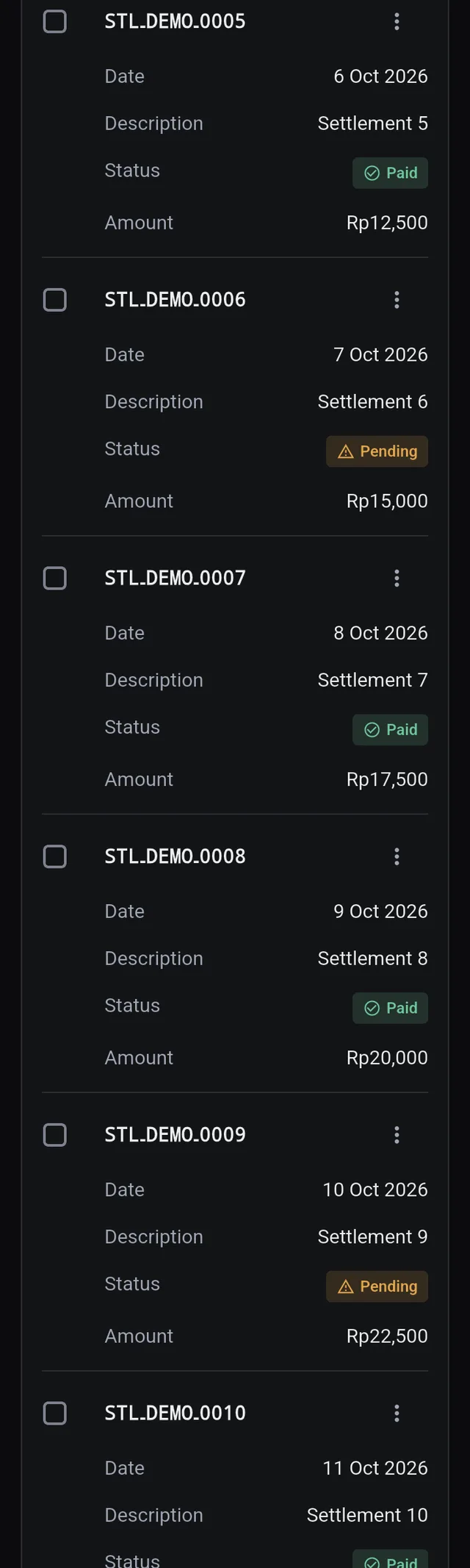
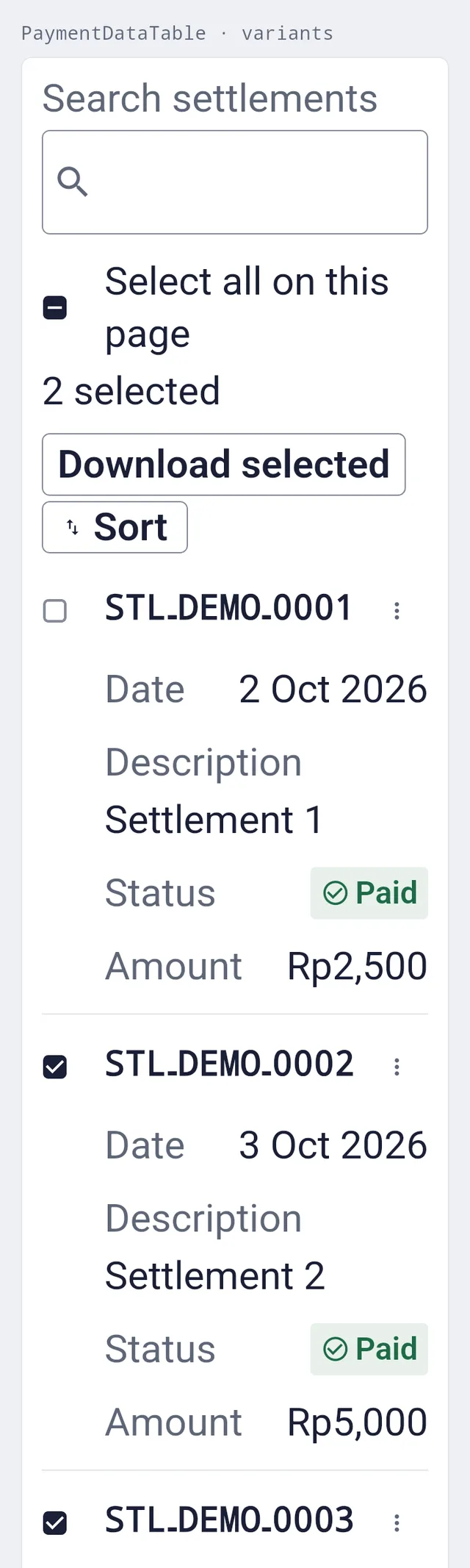
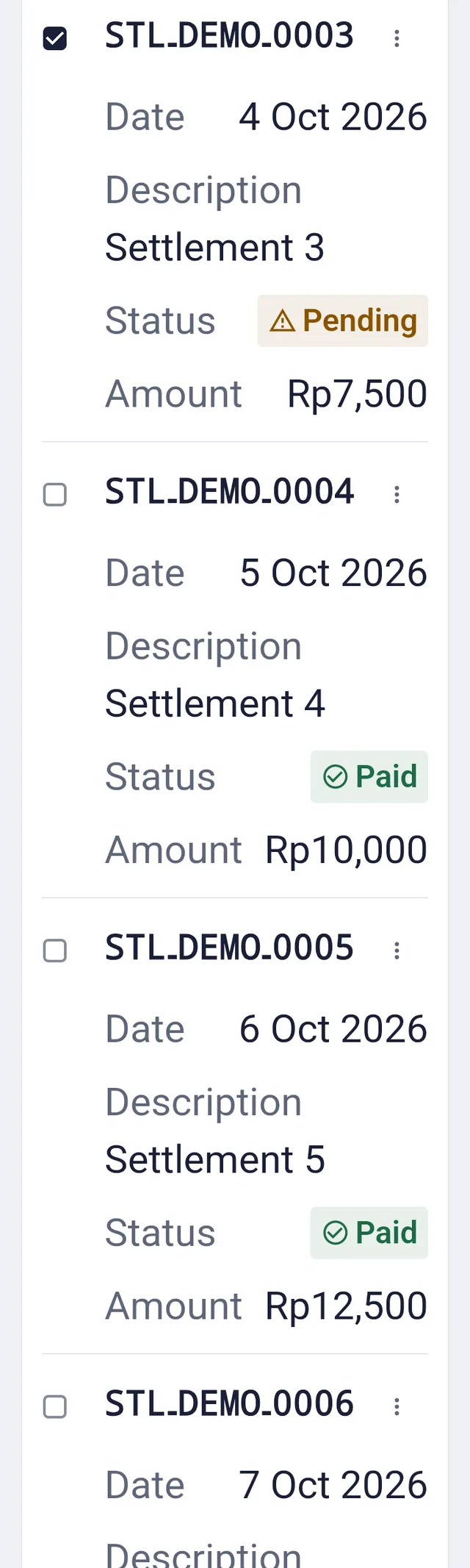
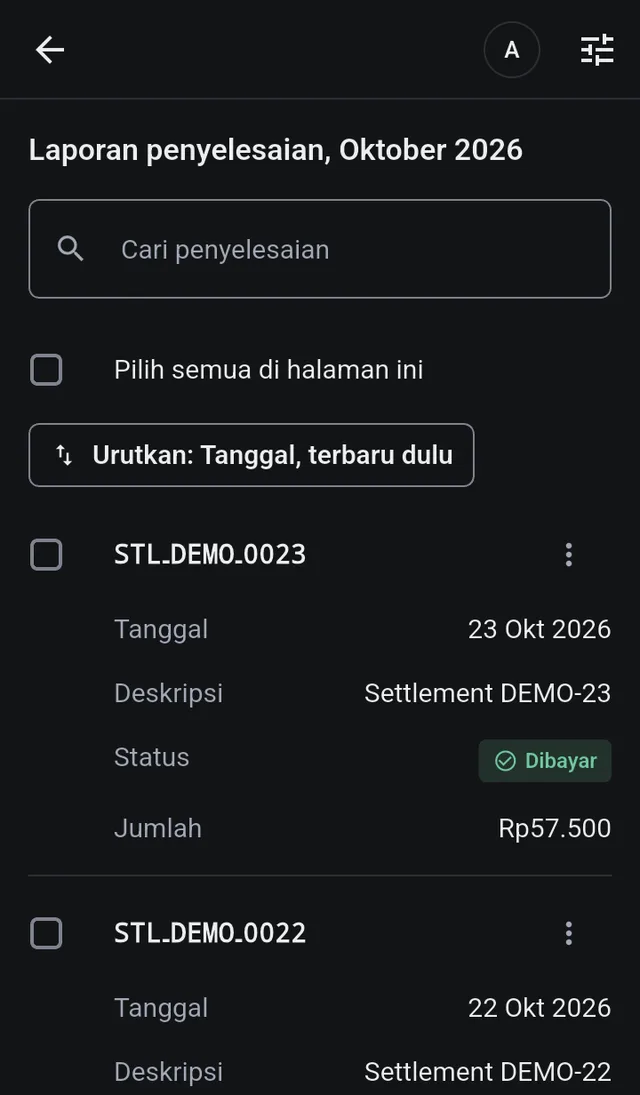
PaymentDataTable displays host records with typed cells, selection, row actions and paging. Select-all covers the current page. On narrow screens and at large text, columns become labeled rows.
With local paging or no pagination, the table filters through a host predicate and sorts copies of the rows. With offset or cursor paging, it displays rows as supplied and calls the host when sorting or paging changes.
Batch actions sit beside the selection count when they fit; otherwise they move below it without wrapping their labels. Column reorder and resize are unsupported. Leave their deprecated flags set to false.
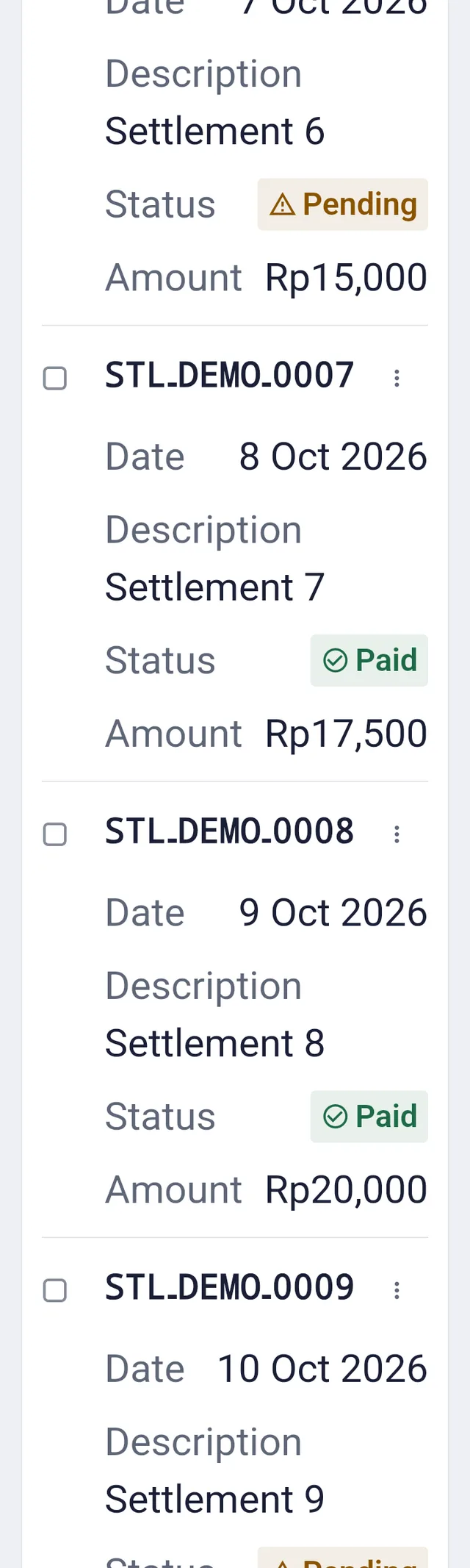
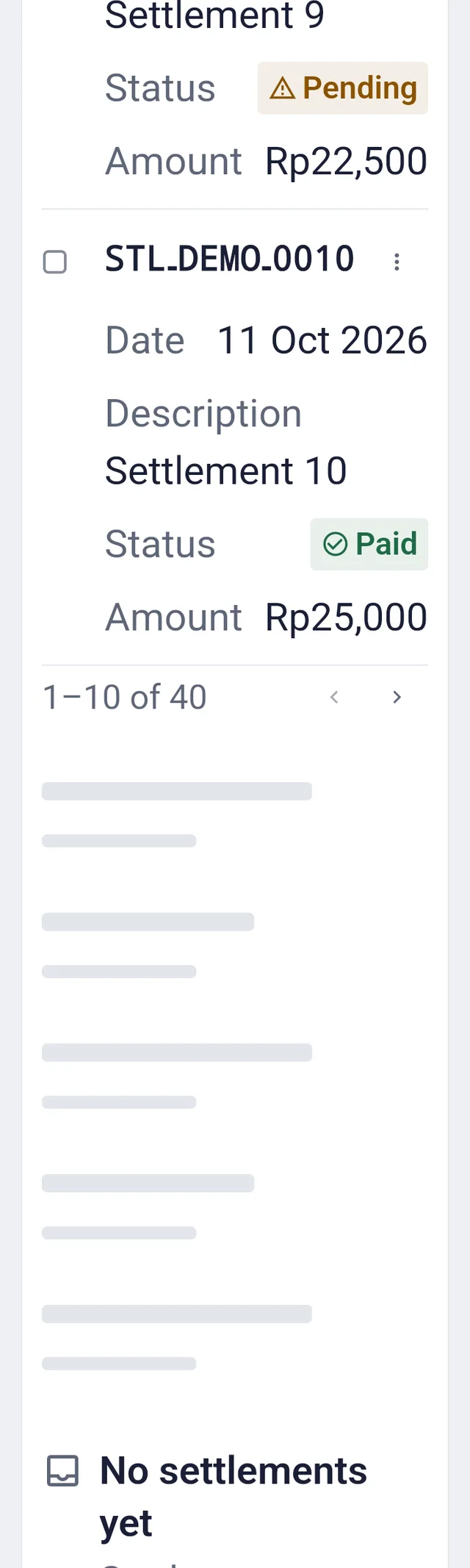
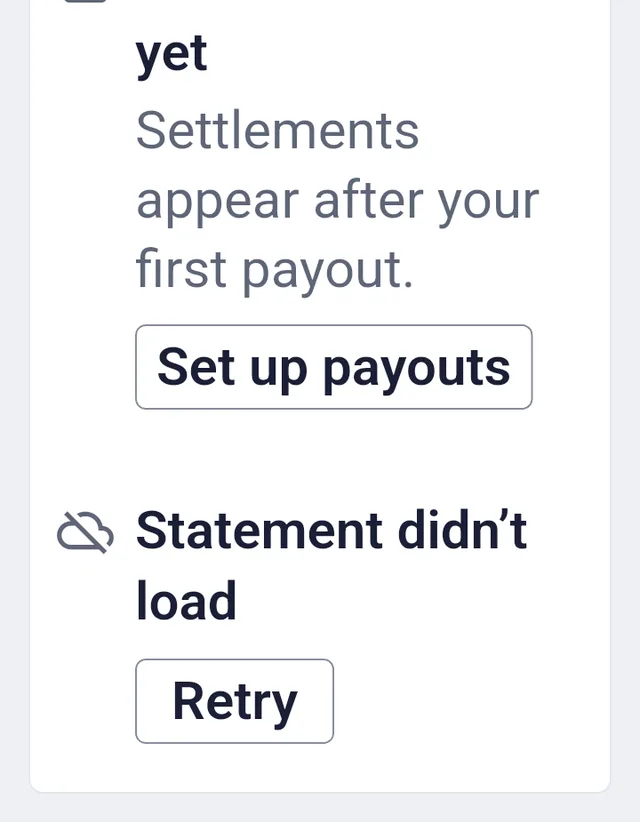
PaymentDataTable<int>( columns: columns, rows: const [], rowKey: (r) => '$r', pending: true, );Variants
Section titled “Variants”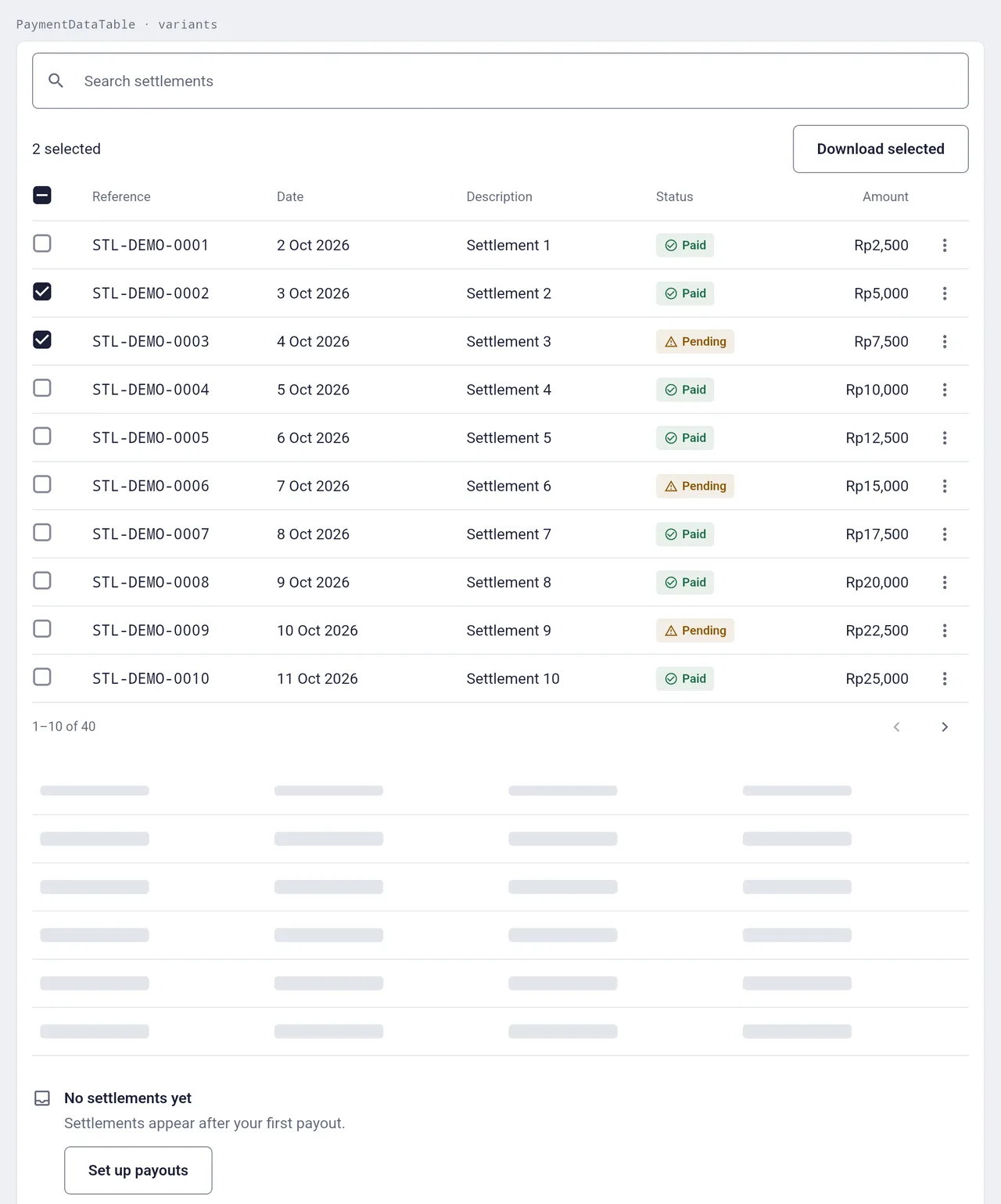
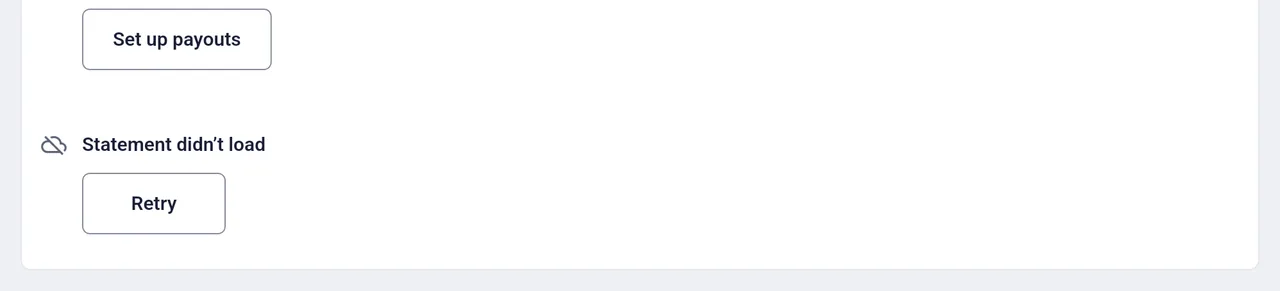
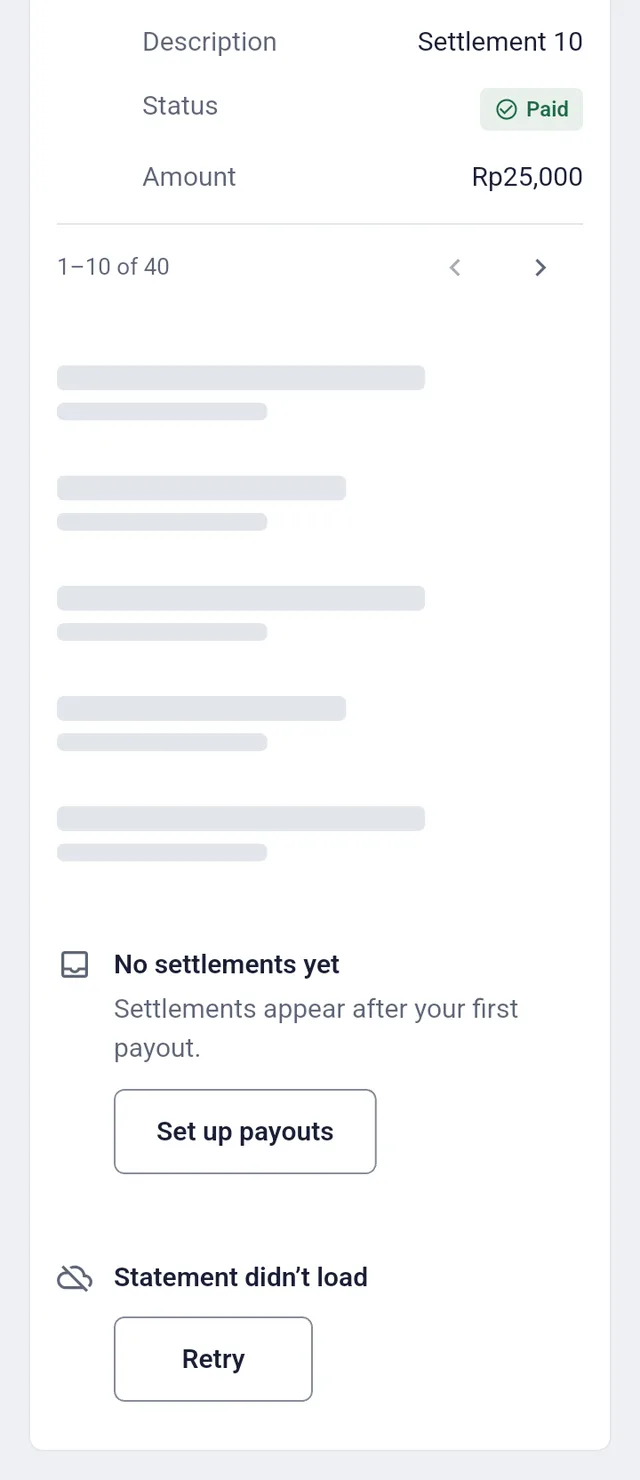
Variants: text, link, date, id, status, currency cells; local, offset, cursor pages.
States and content
Section titled “States and content”Choose local paging for records already held by the app. With offset or cursor paging, supply the current page and handle page and sort callbacks in the host.
Which variant when
Section titled “Which variant when”| Situation | Variant / composition | Payment example |
|---|---|---|
| Settlement selection and sort | local pages | Use offset/cursor callbacks for host pages; never reorder those rows locally. |
Use Table for static fees.
Choose paging by who holds the rows:
| Who holds the rows | Paging |
|---|---|
| The host supplied the complete list | Local paging |
| The host fetches one page at a time, with a numeric page position | Offset callbacks |
| The host fetches one page at a time, without a numeric position | Cursor callbacks |
States
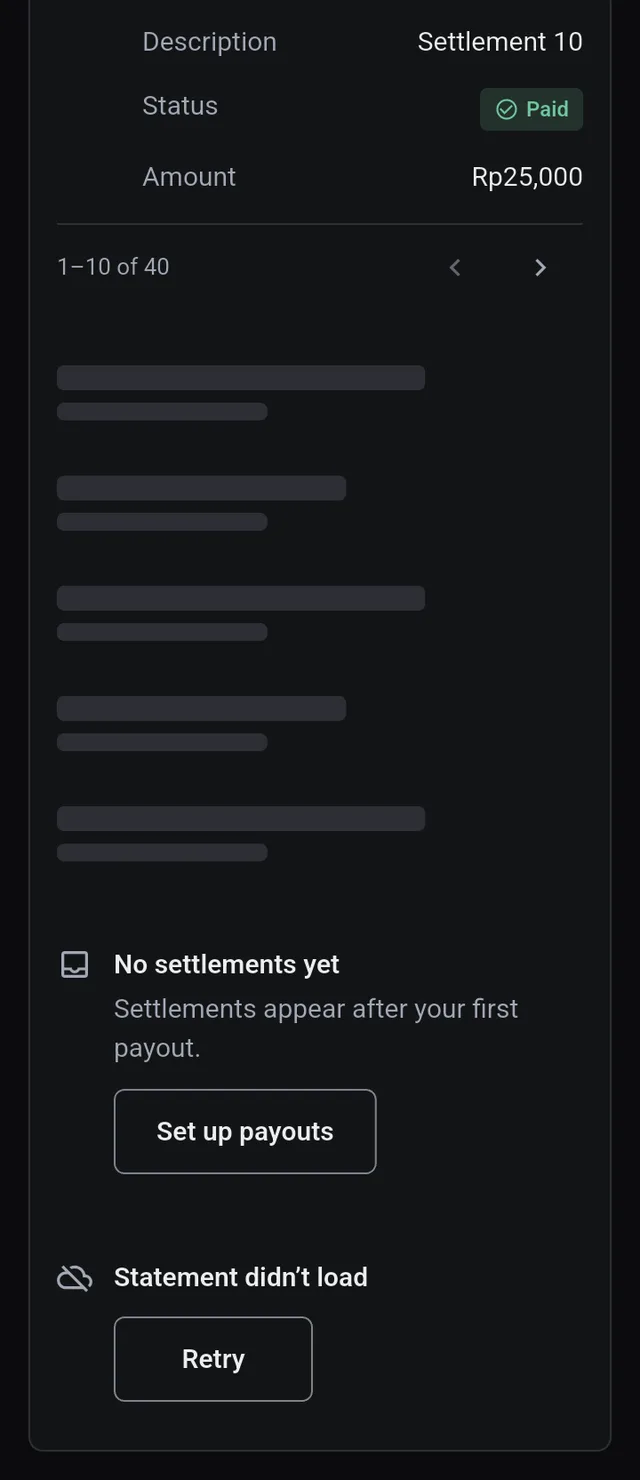
Section titled “States”The host supplies loading, error and empty state, selected row IDs and paging data. For server paging, keep sorting and filtering on the server as well.
Do and don’t
Section titled “Do and don’t”Do: Use offset/cursor callbacks for host pages; never reorder those rows locally.
Don’t: Enable deprecated column reorder or resize flags.
Content guidelines
Section titled “Content guidelines”Use short column labels and explicit status words. Keep currency visible and references distinguishable from amounts.
Accessibility
Section titled “Accessibility”Narrow rows retain column context in semantics. Select-all names its page scope, and sorting announces the column and direction.
On phones, select-all has a visible label. The sort trigger names its column and direction; Default order restores host order.
In the example app
Section titled “In the example app”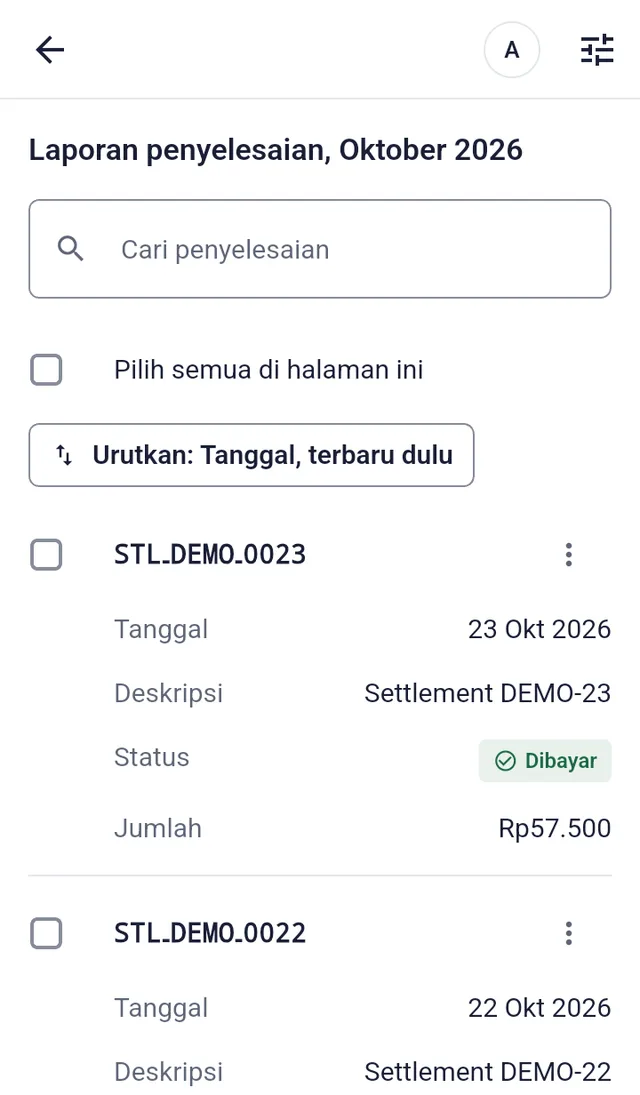
PaymentDataTable
class PaymentDataTable extends StatefulWidget · lib/src/content/data_table.dart
Responsive host data with page-scoped selection and local sort/filter.
| Parameter | Type | Default | Description |
|---|---|---|---|
columns:required | List<PaymentDataColumn<T>> | — | Column definitions in initial reading order. |
rows:required | List<T> | — | Host data; a complete local set or one host-controlled page. |
rowKey:required | String Function(T row) | — | Returns a stable unique selection key for a row. |
pagination: | PaymentPagination? | const PaymentPagination.local(pageSize: 25) | Page strategy; null displays all supplied rows. |
onRowPressed: | void Function(T row)? | — | Optional host action when a data row is pressed. |
rowActions: | List<PaymentRowActionEntry<T>> | const <Never>[] | Per-row actions and named groups. |
selection: | Set<String>? | — | Host-controlled selected row keys; null hides selection. |
onSelectionChanged: | ValueChanged<Set<String>>? | — | Reports the complete new selection to the host. |
batchActions: | List<PaymentButton> | const [] | Host actions displayed while rows are selected. |
pending: | bool | false | Replaces data with a static table skeleton. |
emptyMessage: | PaymentEmptyMessage? | — | Host explanation and optional next action for an empty table. |
errorText: | String? | — | Host load error shown with danger tone. |
onRetry: | VoidCallback? | — | Host retry action. |
initialSort: | PaymentDataSort? | — | Initial sort state for this table instance. |
onSortChanged: | ValueChanged<PaymentDataSort?>? | — | Reports sort intent, including null for host order. |
filter: | bool Function(T row, String query)? | — | Host predicate, permitted only for local data. |
filterQuery: | String? | — | Query passed to the host predicate. |
enableColumnReorder: | bool | false | Not supported (D28); must remain false. |
enableColumnResize: | bool | false | Not supported (D28); must remain false. |
onColumnOrderChanged: | ValueChanged<List<String>>? | — | Not supported (D28); configure columns through the host. |
caption: | String? | — | Spoken description of the data set. |
PaymentDataColumn
class PaymentDataColumn · lib/src/content/data_table.dart
One host-owned data column.
| Parameter | Type | Default | Description |
|---|---|---|---|
key:required | String | — | Stable column identifier. |
label:required | String | — | Visible and spoken label. |
value:required | Object? Function(T row) | — | Extracts a display value from a host row. |
cell: | PaymentCellType | PaymentCellType.text | Presentation for the extracted value. |
statusMap: | Map<String, StatusTone>? | — | Maps status text to semantic tones. |
onPressed: | void Function(T row)? | — | Host action for this row. |
hideHeaderLabel: | bool | false | Hides the visual heading while retaining its spoken label. |
pinned: | bool | false | Keeps this column fixed during horizontal scrolling. |
sortable: | bool | false | Enables the ascending, descending, host-order cycle. |
compare: | int Function(T a, T b)? | — | Optional comparison of host rows for local sorting. |
PaymentCellType
enum PaymentCellType · lib/src/content/data_table.dart
Supported host value presentations.
| Value | Description |
|---|---|
text | Text value. |
link | Link value. |
date | Date value. |
id | Id value. |
status | Status value. |
currency | Currency value. |
PaymentRowActionEntry
abstract class PaymentRowActionEntry · lib/src/content/data_table.dart
Closed family of row actions.
PaymentRowAction
class PaymentRowAction extends PaymentRowActionEntry<T> · lib/src/content/data_table.dart
An action on a host row.
| Parameter | Type | Default | Description |
|---|---|---|---|
id:required | String | — | Stable host action identifier. |
label:required | String | — | Visible and spoken label. |
onPressed:required | void Function(T row) | — | Host action for this row. |
destructive: | bool | false | Places this action in the separate destructive menu group. |
PaymentRowActionGroup
class PaymentRowActionGroup extends PaymentRowActionEntry<T> · lib/src/content/data_table.dart
A named action group.
| Parameter | Type | Default | Description |
|---|---|---|---|
id:required | String | — | Stable host action identifier. |
label:required | String | — | Visible and spoken label. |
actions:required | List<PaymentRowAction<T>> | — | Actions in this named group. |
PaymentPagination
class PaymentPagination · lib/src/content/data_table.dart
Page delivery strategy. Pages start at one.
PaymentPagination.local(…)
| Parameter | Type | Default | Description |
|---|---|---|---|
pageSize:required | int | — | Maximum rows per local page. |
onPageChanged: | ValueChanged<int>? | — | Reports the requested page to the host. |
PaymentPagination.offset(…)
| Parameter | Type | Default | Description |
|---|---|---|---|
page:required | int? | — | Host-controlled page number, starting at one. |
pageSize:required | int | — | Maximum rows per local page. |
totalItems:required | int? | — | Total host row count for offset paging. |
onPageChanged:required | ValueChanged<int>? | — | Reports the requested page to the host. |
PaymentPagination.cursor(…)
| Parameter | Type | Default | Description |
|---|---|---|---|
page:required | int? | — | Host-controlled page number, starting at one. |
pageSize:required | int | — | Maximum rows per local page. |
hasMore:required | bool? | — | Whether cursor paging can request a next page. |
onPageChanged:required | ValueChanged<int>? | — | Reports the requested page to the host. |
PaymentDataSort
class PaymentDataSort · lib/src/content/data_table.dart
Current column sort; null restores host order.
| Parameter | Type | Default | Description |
|---|---|---|---|
columnKeyrequiredpositional | String | — | Identifier of the sorted column. |
ascending: | bool | true | Whether values sort in ascending order. |
PaymentEmptyMessage
class PaymentEmptyMessage · lib/src/content/empty_message.dart
Empty-state explanation and an optional next action.
| Parameter | Type | Default | Description |
|---|---|---|---|
titlerequiredpositional | String | — | What is empty. |
message: | String? | — | Why it is empty. |
actionLabel: | String? | — | Next action label. |
onAction: | VoidCallback? | — | Host action, supplied together with its label. |
icon: | IconData | Icons.inbox_outlined | Supporting visual cue. |