Property list
PaymentPropertyList presents host-provided payment facts. The host computes amounts and owns every action.
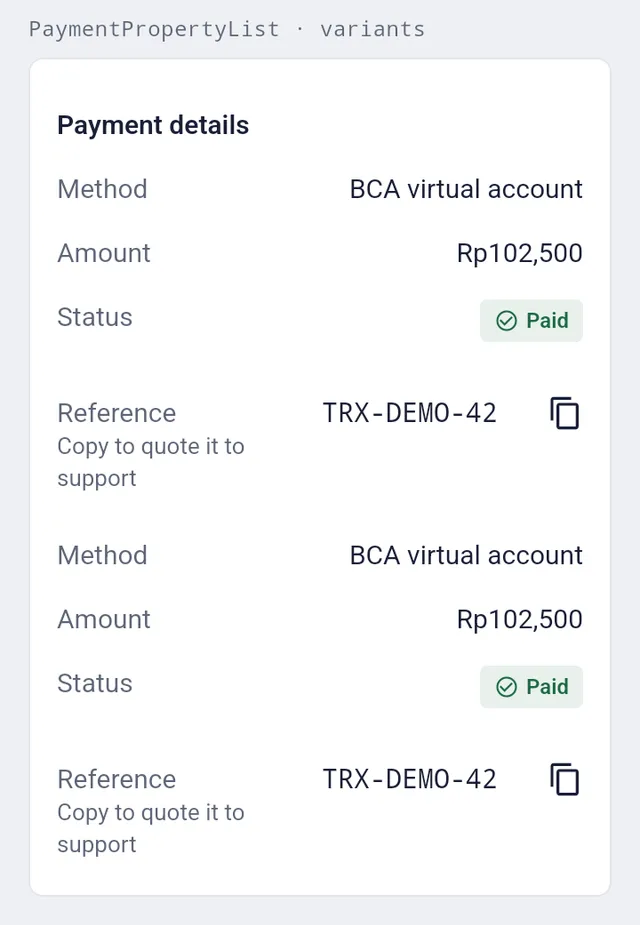
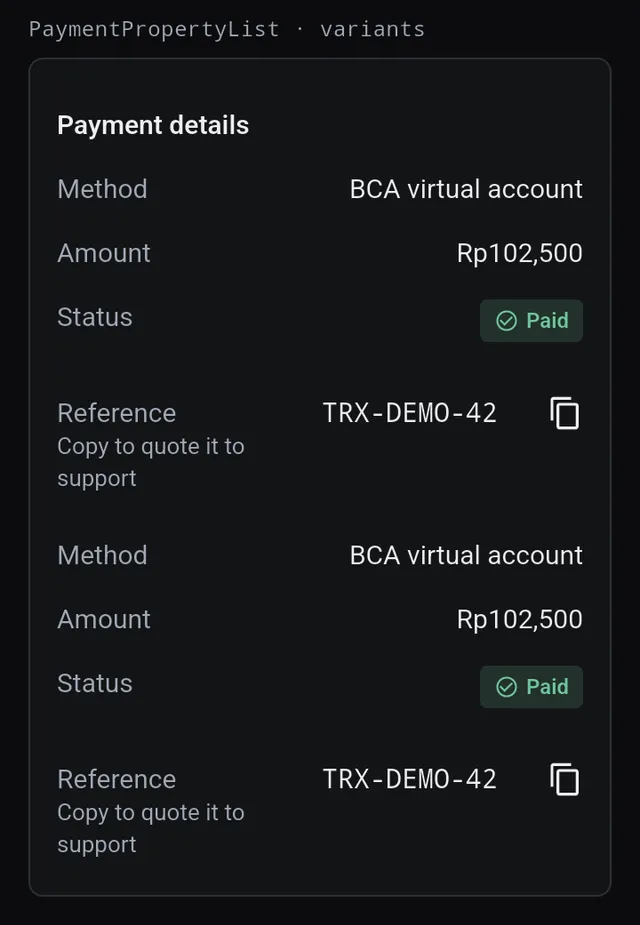
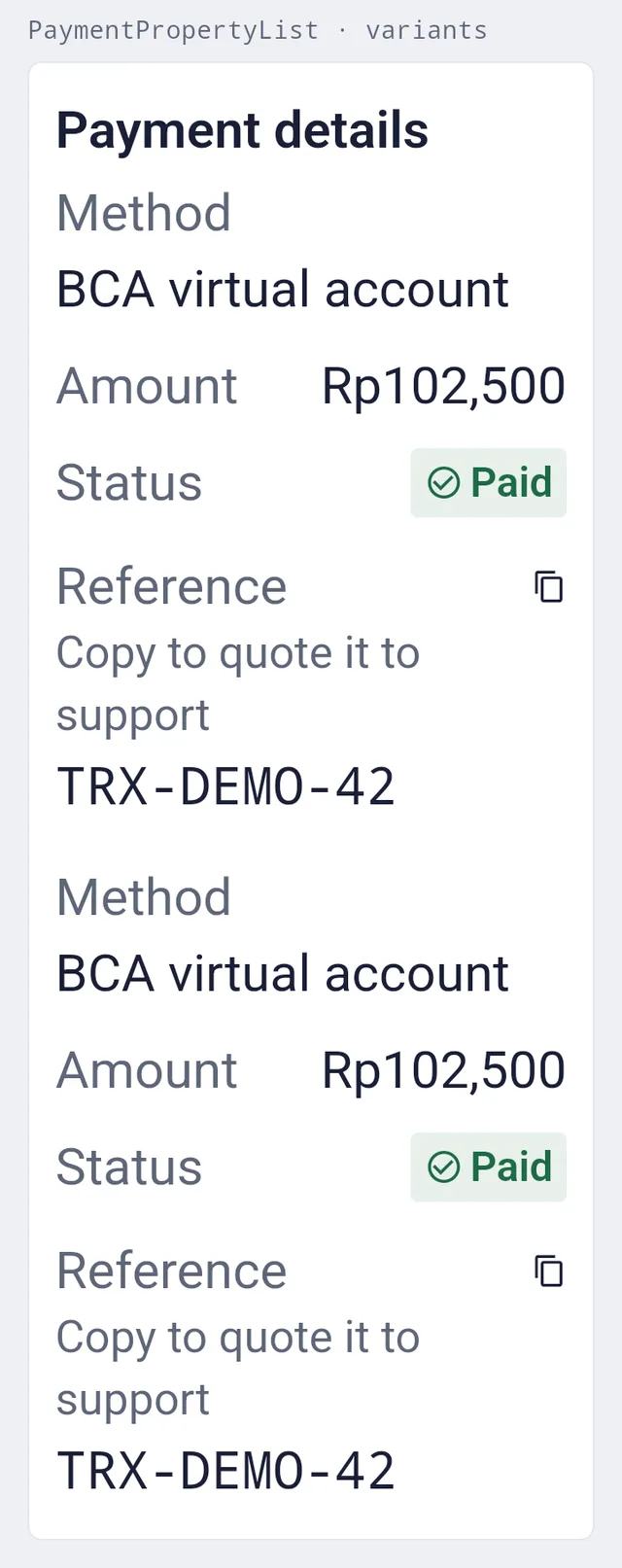
PaymentPropertyList(items: facts);Variants
Section titled “Variants”Variants: vertical, horizontal.
Use vertical for receipt and status details; horizontal for a few short summary facts. Show a reference or ID with reference: true and a PaymentCopyButton as trailing: monospace text on the value edge, no fill. Horizontal facts stack below 360 dp or at large text. Nested property lists are not supported.
Content and accessibility
Section titled “Content and accessibility”Use short, descriptive labels. Labels and narrow values wrap. Do show the currency beside an amount. Do not use color alone to communicate a result. Headings carry header semantics; facts merge their label and value. Wide table cells repeat their column label for assistive technology. Totals are computed by the host.
Which variant when
Section titled “Which variant when”| Situation | Variant / composition | Payment example |
|---|---|---|
| Sign-in data-sharing explanation | vertical | Use horizontal only for short facts that fit; narrow/large text stacks. |
Use Table for records with shared columns.
States
Section titled “States”The host supplies ready values. Use LoadingSkeleton.table for loading and StateMessage for an empty or failed load. Empty states should explain why and offer a next action.
Do and don’t
Section titled “Do and don’t”Do: Use horizontal only for short facts that fit; narrow/large text stacks.
Don’t: Use a property list to simulate selectable ledger rows.
Content guidelines
Section titled “Content guidelines”Use short fact labels and show the currency with amounts. Use linked values only when the host provides a destination.
Accessibility
Section titled “Accessibility”Keep each label with its value in reading order. Headings identify groups; linked values retain their link semantics.
In the example app
Section titled “In the example app”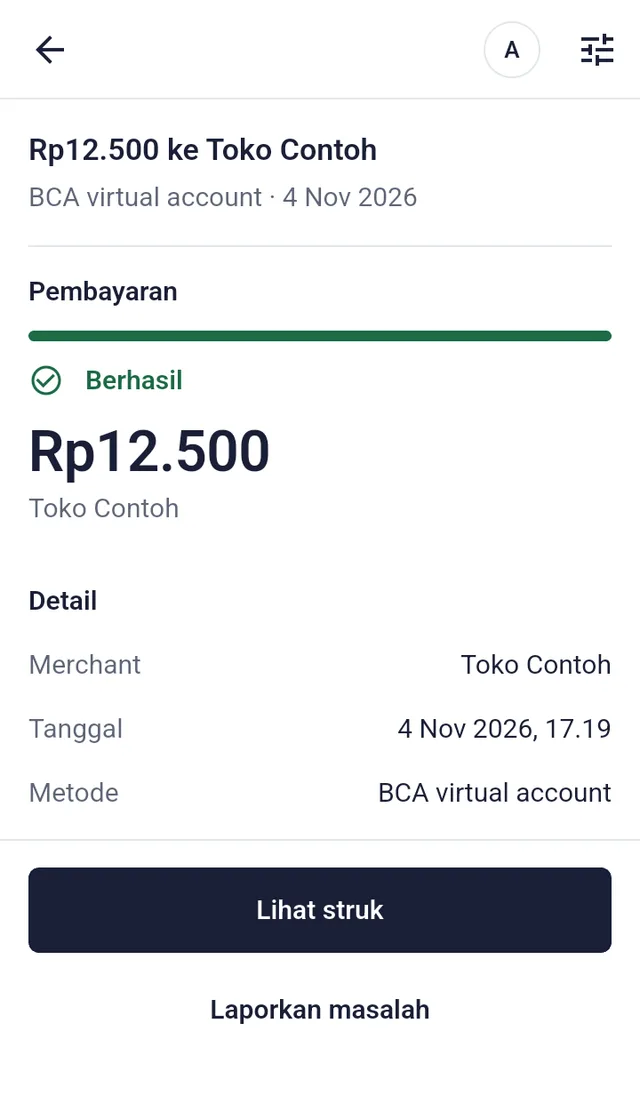
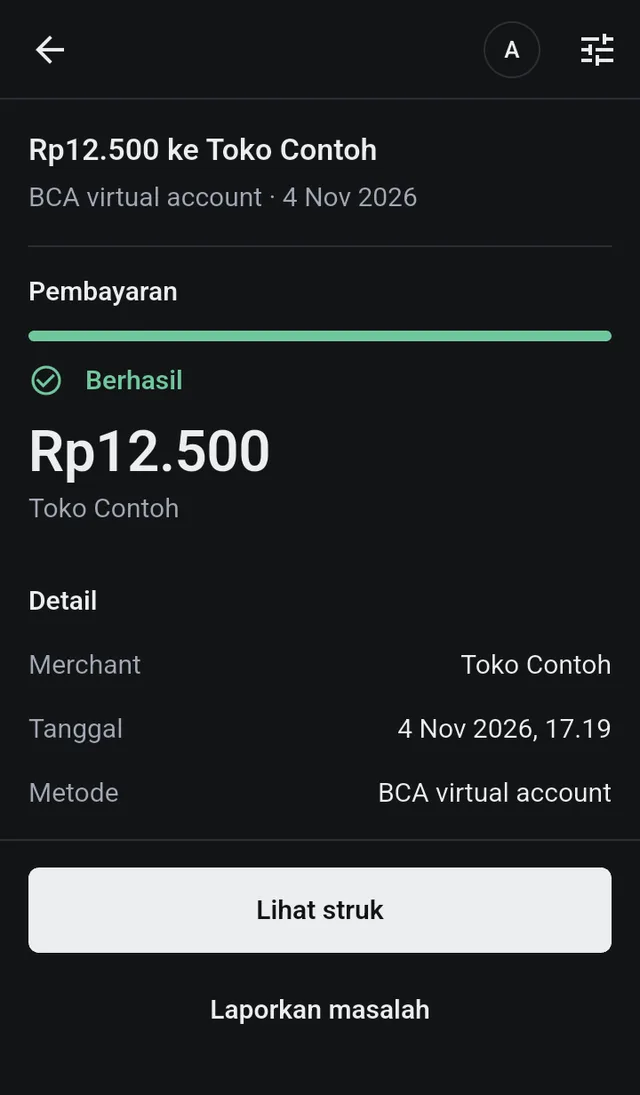
PaymentPropertyList
class PaymentPropertyList extends StatelessWidget · lib/src/content/property_list.dart
Label/value pairs, stacked or arranged horizontally when space permits.
| Parameter | Type | Default | Description |
|---|---|---|---|
items:required | List<PaymentPropertyListItem> | — | Facts in reading order. |
orientation: | Axis | Axis.vertical | Preferred arrangement; narrow or large text always stacks. |
title: | String? | — | Optional section heading. |
PaymentPropertyListItem
class PaymentPropertyListItem · lib/src/content/property_list.dart
A fact with exactly one text or widget value.
| Parameter | Type | Default | Description |
|---|---|---|---|
label:required | String | — | Descriptive label. |
valueText: | String? | — | Plain value. |
value: | Widget? | — | Rich value. |
emphasis: | bool | false | Emphasizes a total or important fact. |
caption: | String? | — | Supporting explanation. |
trailing: | Widget? | — | Optional action after the value, such as a PaymentCopyButton. |
reference: | bool | false | Shows valueText as a reference or ID: monospace tabular text on the value edge, without a fill (D57). Add a copy button as trailing. |