Onboarding view
KYC setup gets to current-step value first on phones, with all tasks in a collapsed accordion. At 840 dp a 280 dp task sidebar accompanies the current content. Variants: ready, pending, error, completed. Your app sets every task status. onCompleted fires post-frame once when completed turns true, including an initially completed view; there is no timer or kit navigation.
Pinned step action. primaryAction, with at most one quiet secondaryAction, is the current step’s submit. Given a bounded height the content scrolls and the actions pin to a footer above the bottom safe area, full width on phones; inside a scroll view they follow the content. The footer is hidden while pending or completed, when the step isn’t shown. A step’s form then leaves out its own button: IdentityForm takes an IdentityFormController, and VerificationReview takes inlineSubmit: false with VerificationReview.submitButton. See Verification.
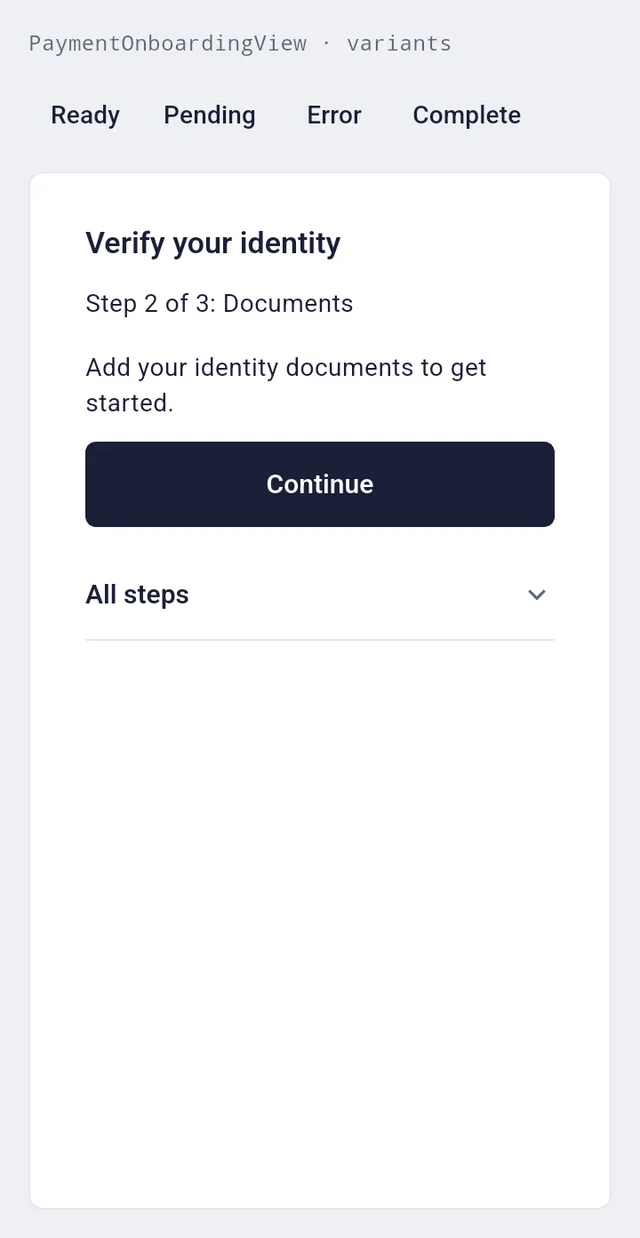
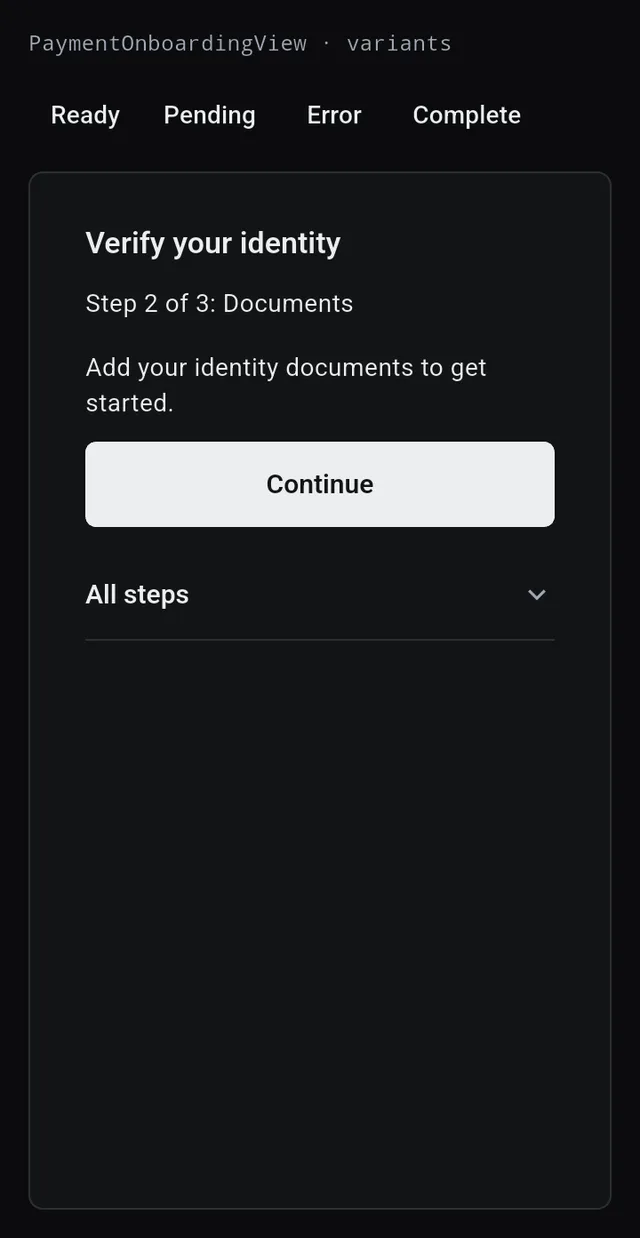
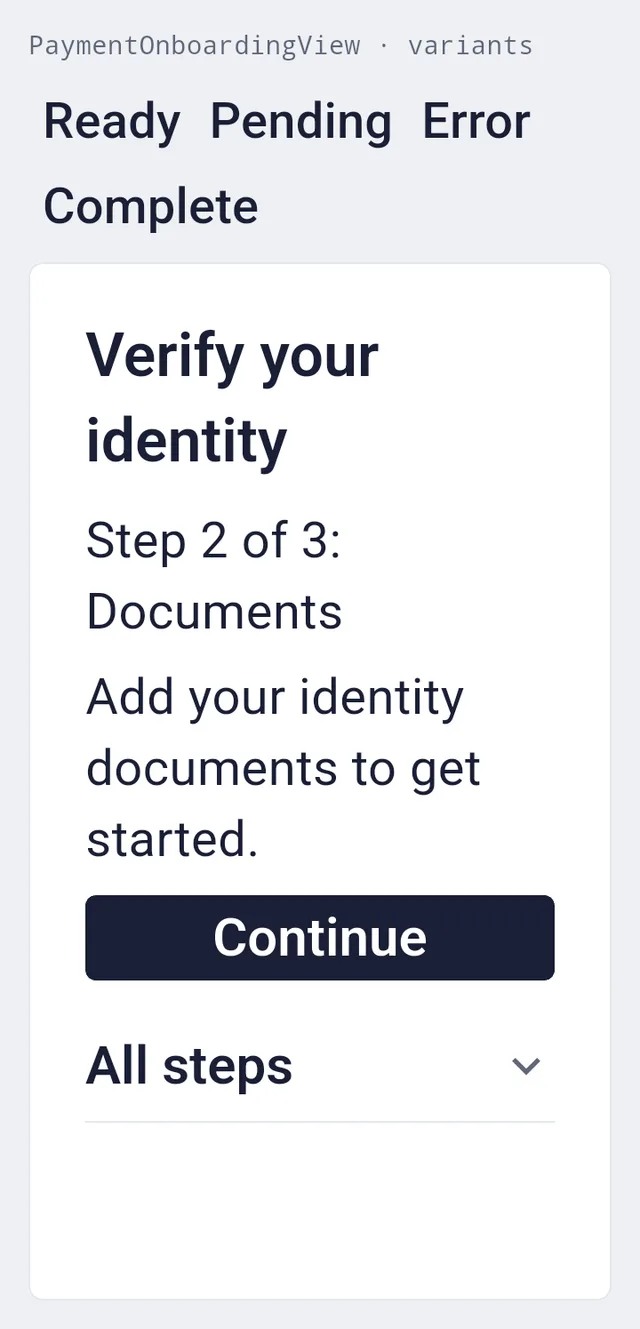
PaymentOnboardingView( title: 'Verify your identity', tasks: const [ PaymentTaskListItem( title: 'Identity', status: PaymentTaskStatus.complete, ), PaymentTaskListItem( title: 'Documents', status: PaymentTaskStatus.inProgress, subTasks: [ PaymentTaskListItem( title: 'KTP', status: PaymentTaskStatus.complete, ), PaymentTaskListItem(title: 'Selfie'), ], ), PaymentTaskListItem(title: 'Review'), ], pending: state == 1, error: state == 2 ? const PaymentBanner( tone: StatusTone.warning, title: 'Documents need attention', ) : null, completed: state == 3, child: Column( crossAxisAlignment: CrossAxisAlignment.stretch, spacing: PaymentTheme.of(context).space(PaymentSpace.block), children: [ const Text('Add your identity documents to get started.'), button('Continue', variant: PaymentButtonVariant.primary), ], ), );Variants
Section titled “Variants”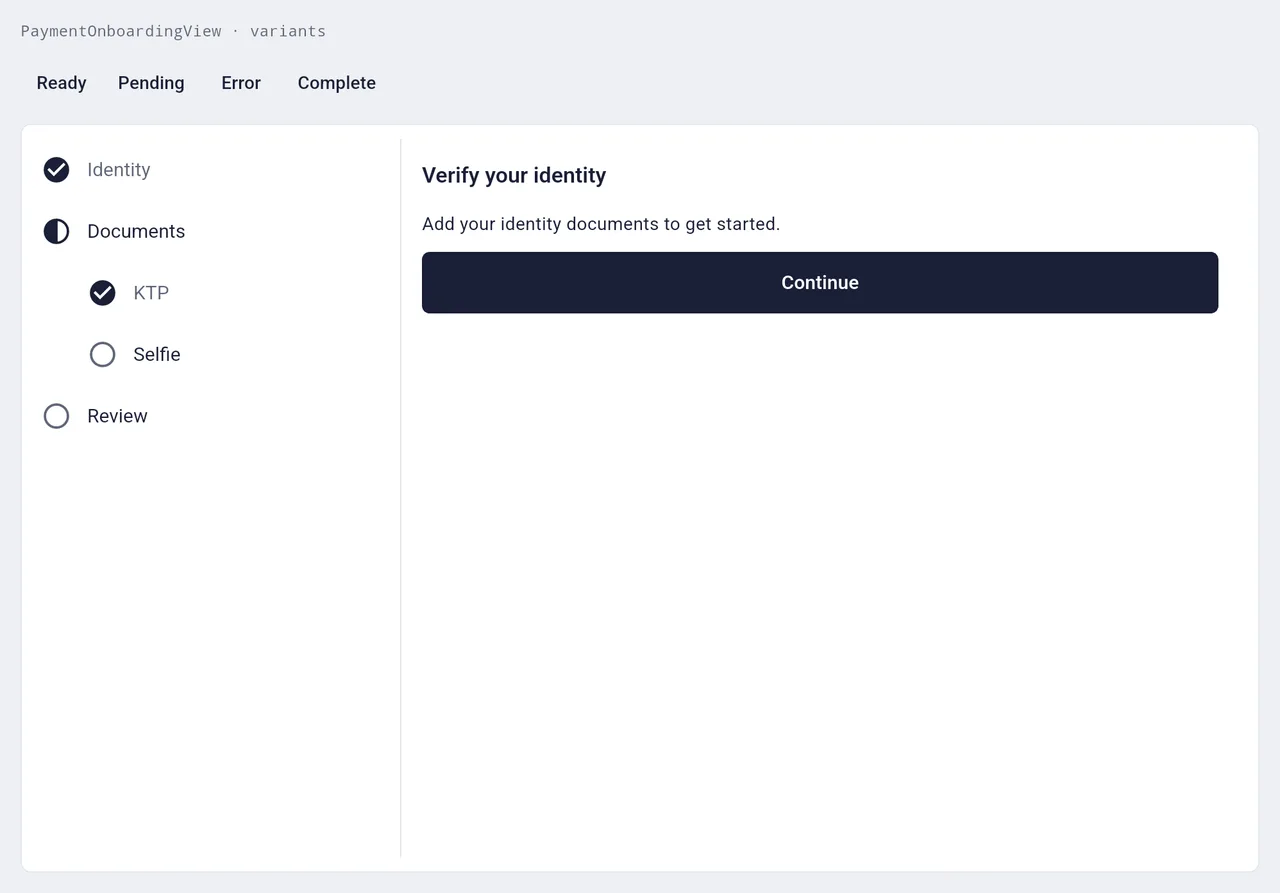
Variants: ready, pending, error, completed.
States and content
Section titled “States and content”Phones show the current step with tasks in a collapsed accordion. From 840 dp, a task sidebar sits beside the content.
Which variant when
Section titled “Which variant when”| Situation | Variant / composition | Payment example |
|---|---|---|
| KYC details/documents/review | ready | The host supplies task status and decides completion; current content precedes tasks on phones. |
Use Sign-in view for the external sign-in action.
States
Section titled “States”The host sets task status and completion. onCompleted reports completion once; the host decides when to navigate away.
Do and don’t
Section titled “Do and don’t”Do: The host supplies task status and decides completion; current content precedes tasks on phones.
Don’t: Treat the status result as another data-entry task.
Content guidelines
Section titled “Content guidelines”Name tasks by what the person needs to do. Show the host’s reason beside a blocked task and explain how to continue.
Accessibility
Section titled “Accessibility”Task marks include spoken status. Keep the current step and its pinned action reachable at large text.
Your app decides task states. Keep consent and verification results as separate steps.
In the example app
Section titled “In the example app”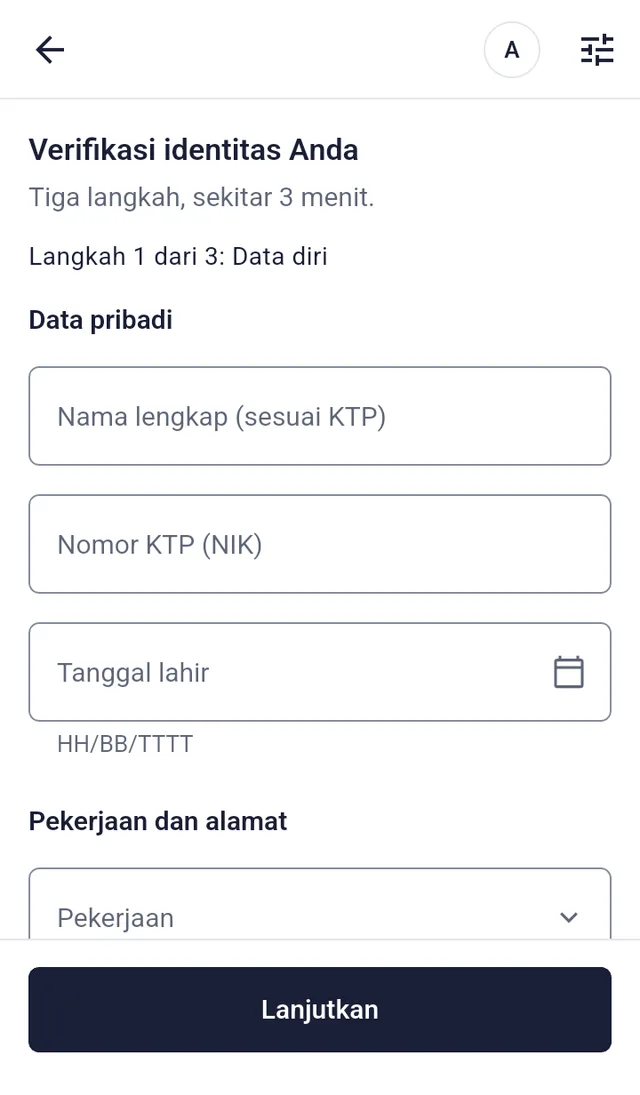
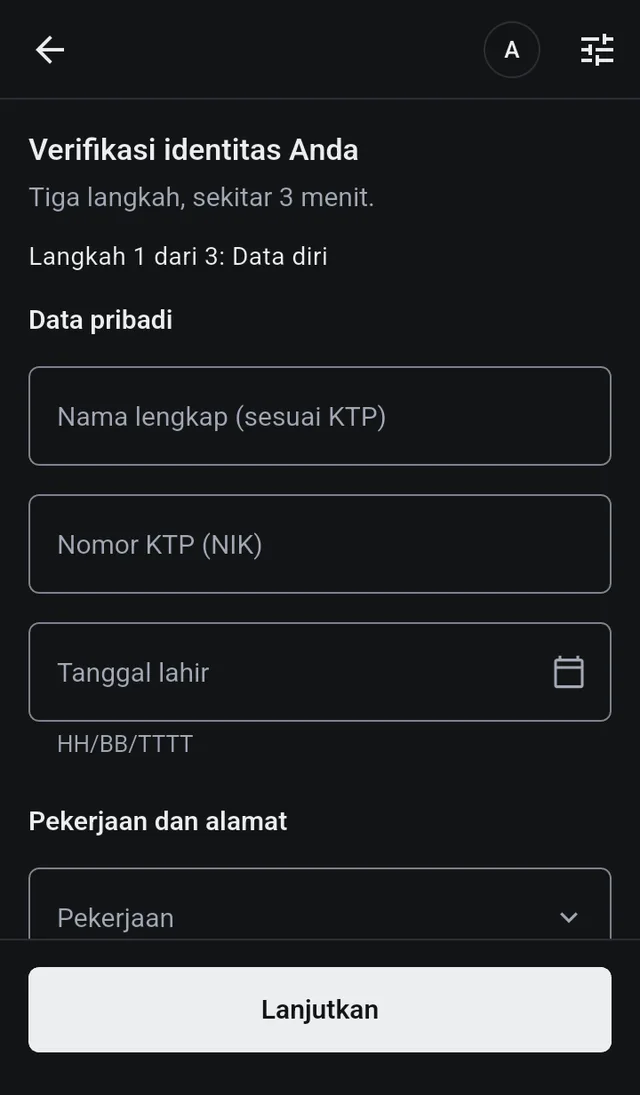
PaymentOnboardingView
class PaymentOnboardingView extends StatefulWidget · lib/src/views/onboarding_view.dart
Host-guided setup with current content before the task list on phones.
primaryAction, with at most one quiet secondaryAction, is the current step's submit. Given a bounded height the content scrolls and the actions pin to a footer at the bottom (D62); inside a scroll view they follow the content. A step's form then leaves its own button out: IdentityForm takes an IdentityFormController, and VerificationReview takes inlineSubmit: false with VerificationReview.submitButton here. Without actions the step's content keeps its own inline button, as before.
| Parameter | Type | Default | Description |
|---|---|---|---|
title:required | String | — | Heading displayed above the content. |
tasks:required | List<PaymentTaskListItem> | — | Tasks and progress states decided by the host. |
child:required | Widget | — | Content rendered inside this layout body. |
description: | String? | — | Persistent explanation below the heading or label. |
pending: | bool | false | Shows placeholders while the host loads content. |
error: | PaymentBanner? | — | Host error banner above the current task content. |
completed: | bool | false | Whether all host work is complete. |
onCompleted: | VoidCallback? | — | Host action for leaving the completed onboarding flow. |
primaryAction: | PaymentButton? | — | The current step's submit, pinned at the bottom (D62). Hidden while pending or completed, when the step's content isn't shown. |
secondaryAction: | PaymentButton? | — | Quiet only (D59), under primaryAction. |