Full page view
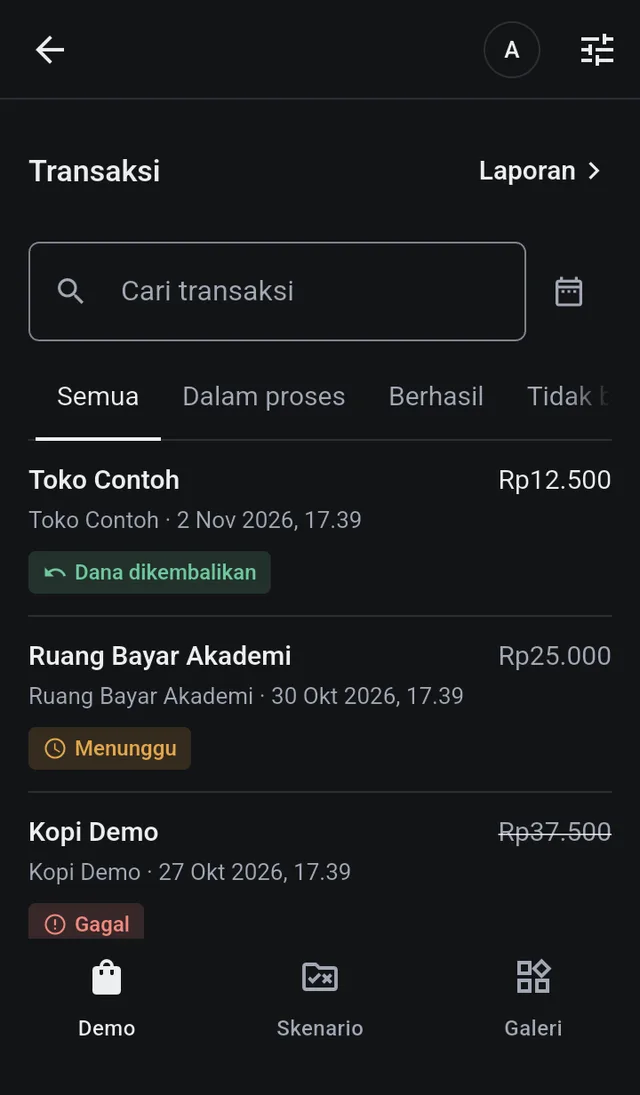
The transaction-history body for an AdaptiveNavShell. Variants: full page body. The header holds navigation only: pageLink sits on the title row as “Label ›”. The screen’s priority action, if it has one, pins in a bottom footer as primaryAction, with at most one quiet secondaryAction under it.
// example/lib/screens/steps/history_step.dart, simplifiedPaymentFullPageView(  title: 'Transaksi',  // Opens another screen: a link on the title row (D59a).  pageLink: PaymentLink(label: 'Laporan', onPressed: openStatement),  child: history,);
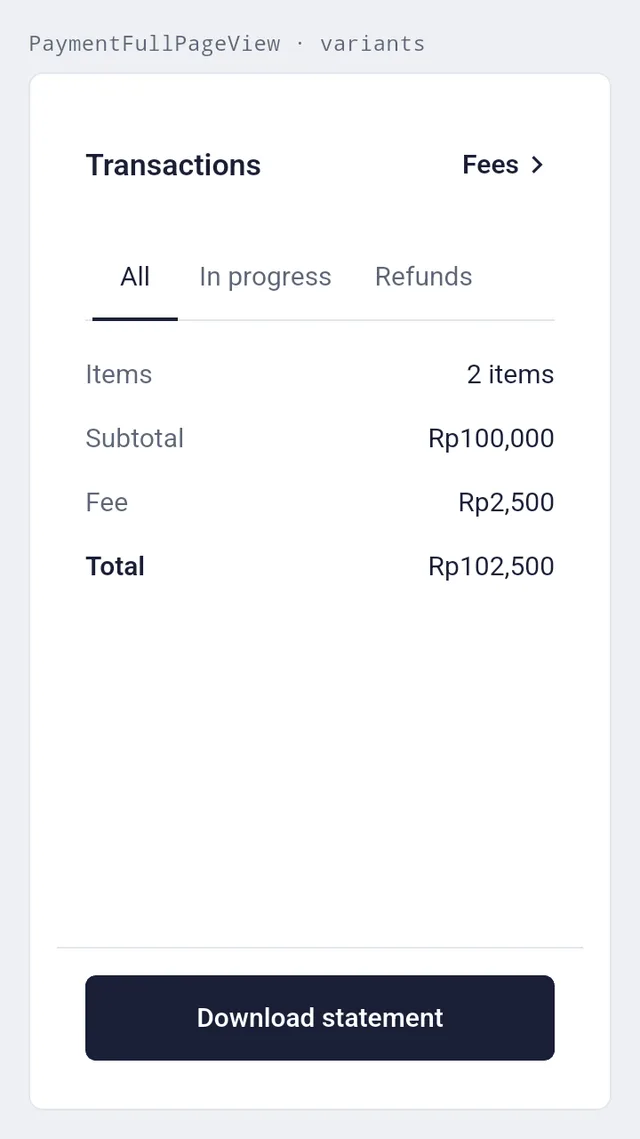
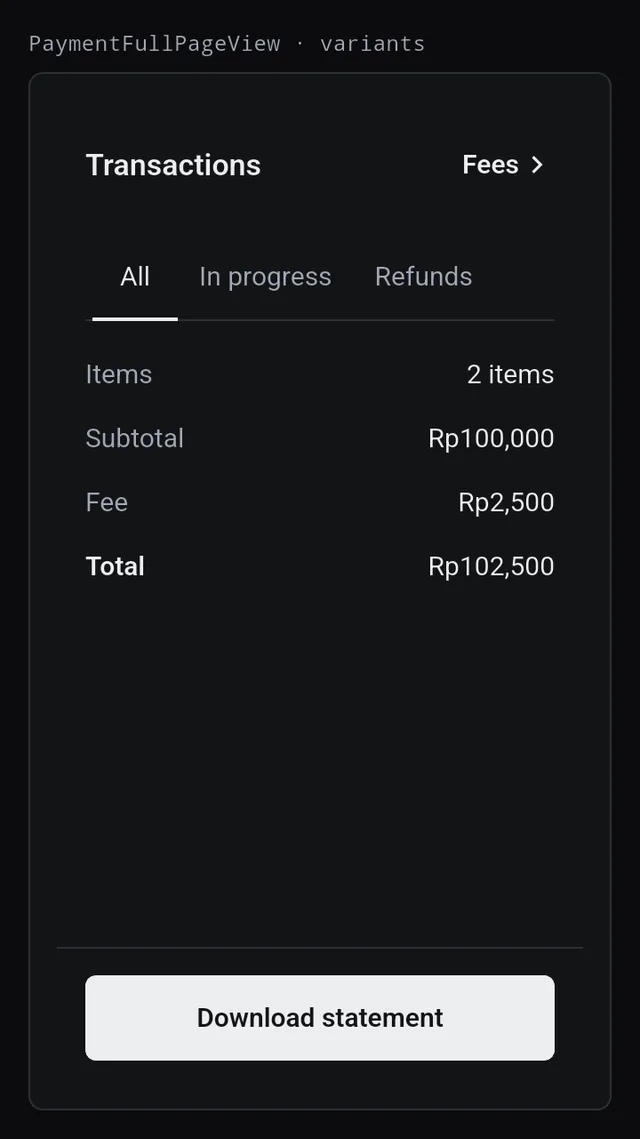
// example/lib/screens/gallery_views.dart, simplified: an operation is the// footer's primary action, not a header button (D62, Q3).PaymentFullPageView(  title: 'Transactions',  pageLink: PaymentLink(label: 'Fees', onPressed: openFees),  primaryAction: PaymentButton(label: 'Download statement', onPressed: download),  child: body,);
Header, footer and width
Section titled “Header, footer and width”- Phones (below 600 dp).
pageLinksits on the title row as “Label ›” with its 48 dp target. When the title on one line and the link don’t fit side by side, at normal text the link takes its own start-aligned line under the title, so the title never breaks inside a word.primaryActionandsecondaryActionpin in a footer above the bottom safe area, full width, primary on top. - Wide (600 dp and wider). Header, body and footer content sit in a centred column up to 640 dp; the hairlines and scroll bar still span the window. A
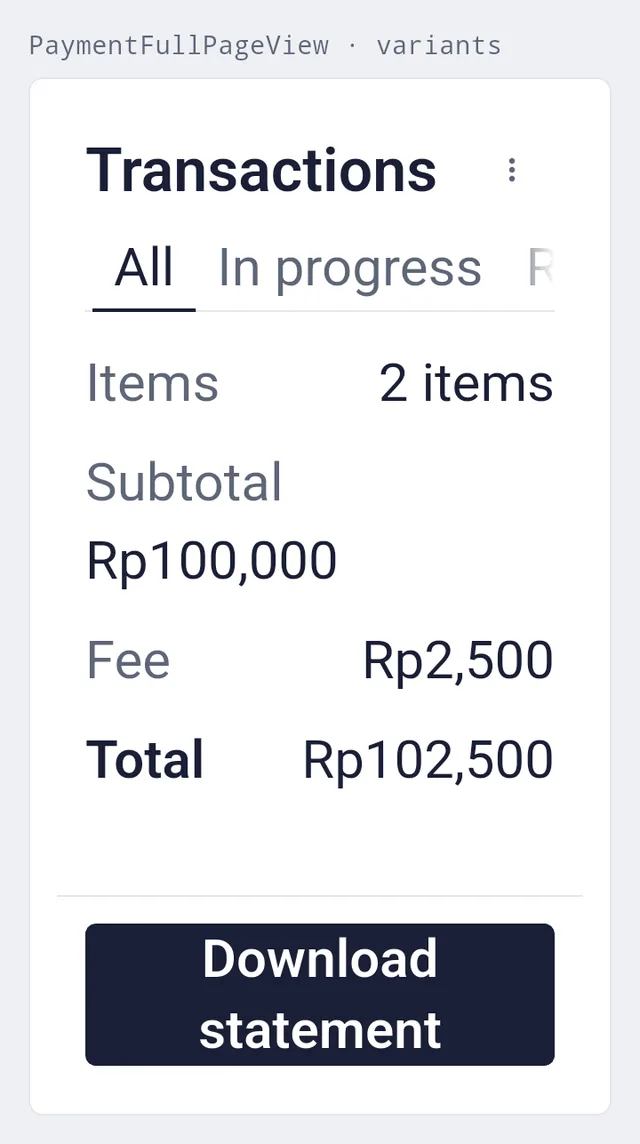
PaymentOverviewPagechild with a secondary column keeps two columns from 840 dp, capped at 1040 dp. Footer actions hug their labels at the end edge. - Large text. Above 1.5× the header scrolls away with the body instead of staying pinned. A non-external page link that cannot fit beside the title becomes the first item in the header’s ⋮ menu, merged with any existing actions. On phones this opens the D55 action sheet. External links always keep their own line so their external-navigation cue stays available.
Migration from pageAction
Section titled “Migration from pageAction”pageAction is deprecated. It still renders: on phones as a title-row link, on wide screens as a hug button. Pick the replacement by what the action does:
// BeforePaymentFullPageView(  title: 'Transactions',  pageAction: PaymentButton(label: 'Statement', onPressed: openStatement),  child: body,);
// After: it opens another screenPaymentFullPageView(  title: 'Transactions',  pageLink: PaymentLink(label: 'Statement', onPressed: openStatement),  child: body,);
// After: it is the screen's main stepPaymentFullPageView(  title: 'Transactions',  primaryAction: PaymentButton(label: 'Download statement', onPressed: download),  child: body,);
Variants
Section titled “Variants”Variants: full page body.
States and content
Section titled “States and content”Mount the view directly in a bounded host body. Use pageLink for header navigation and primaryAction for a pinned completion action.
Which variant when
Section titled “Which variant when”| Situation | Variant / composition | Payment example |
|---|---|---|
| History destination | full page body | Mount directly in the bounded host body; content owns one scroll region. |
Use Detail page for transaction modules and breadcrumbs.
States
Section titled “States”The host supplies page content and actions. Use a loading or error presentation for the affected content without adding a second scroll region.
Do and don’t
Section titled “Do and don’t”Do: Mount directly in the bounded host body; content owns one scroll region.
Don’t: Wrap a view in another unbounded scrolling page.
Content guidelines
Section titled “Content guidelines”Use the page title for the destination and the footer label for its main action. Avoid repeating a child module’s heading.
Accessibility
Section titled “Accessibility”The header and content share one scroll region at large text. Keep the footer actions reachable above the bottom safe area.
In the example app
Section titled “In the example app”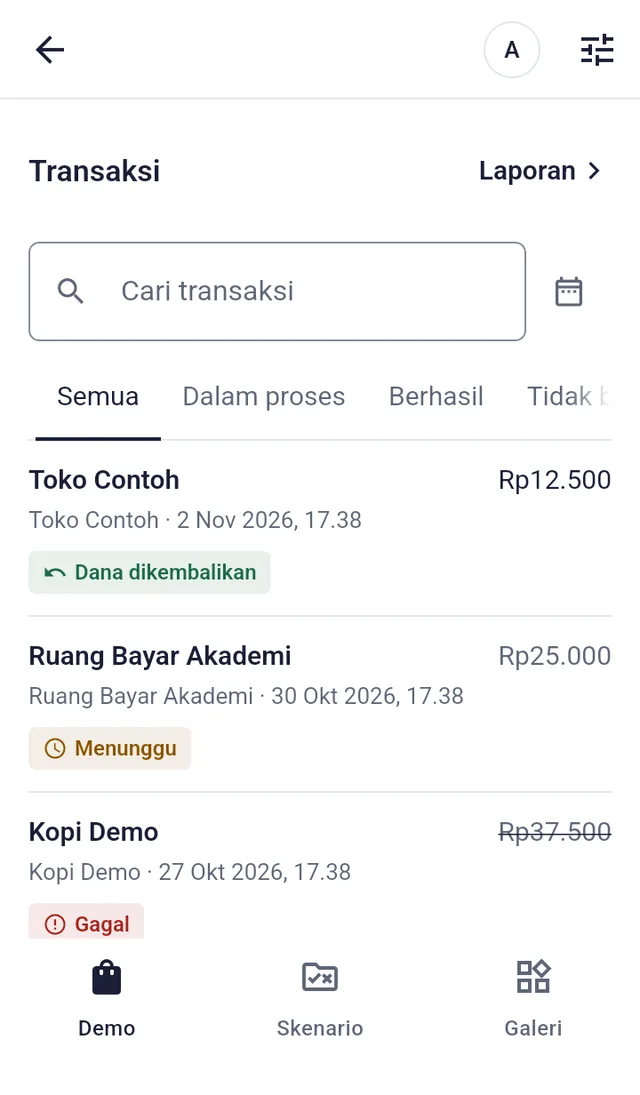
PaymentFullPageView
class PaymentFullPageView extends StatelessWidget · lib/src/views/full_page_view.dart
Full-page body; the host supplies its scaffold and navigation.
At 600 dp and wider the content sits in a centred column up to 640 dp; a PaymentOverviewPage child with a secondary column keeps two columns up to 1040 dp from 840 dp (D53). The header holds navigation only (pageLink); the screen's priority action pins to the footer (D62).
| Parameter | Type | Default | Description |
|---|---|---|---|
title:required | String | — | Heading displayed above the content. |
child:required | Widget | — | Content rendered inside this layout body. |
pageAction: | PaymentButton? | — | — |
pageLink: | PaymentLink? | — | Navigation on the title row, shown as "Label ›" (D59a). At large text, a link that cannot fit beside the title becomes the first item in the header's ⋮ menu (D83). At normal text it keeps its own line when it cannot fit. External links always keep their own line. |
primaryAction: | PaymentButton? | — | The screen's priority action, pinned in the footer (D62). |
secondaryAction: | PaymentButton? | — | At most one quiet action under the primary. |