Inline
Text roles for payment instructions and references.
PaymentInline('Total');Variants
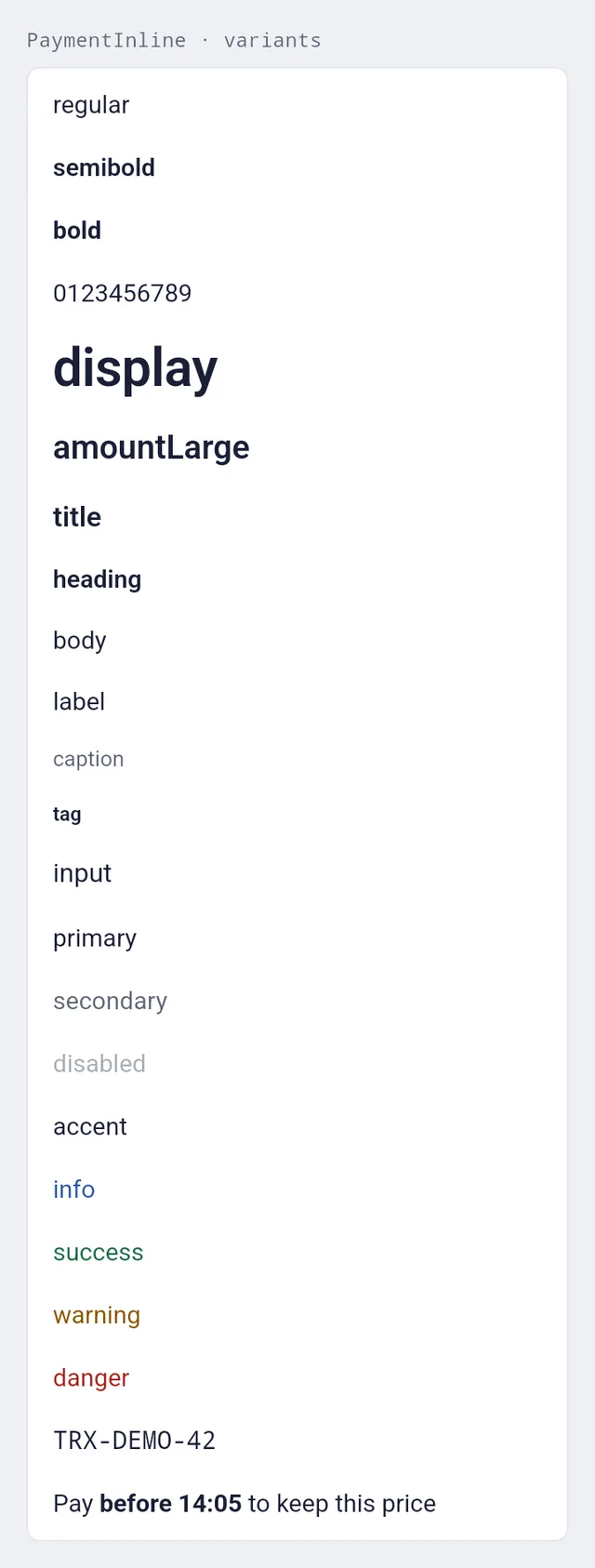
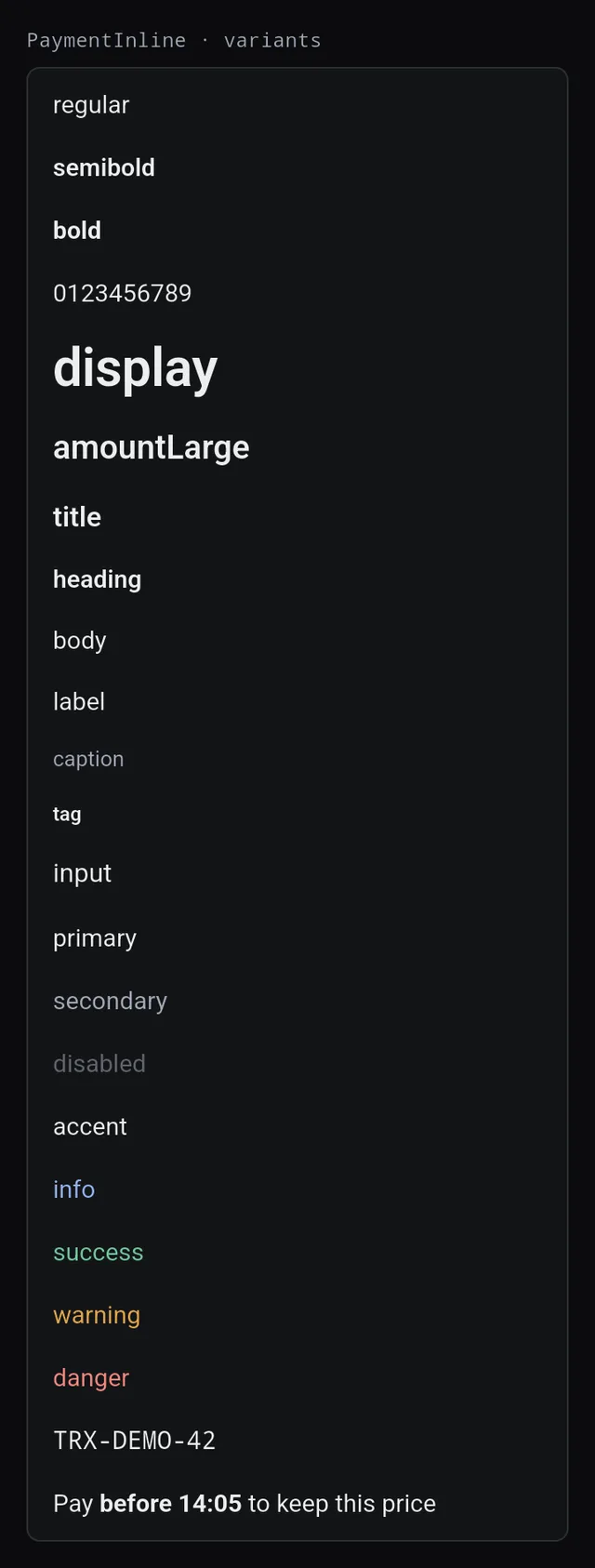
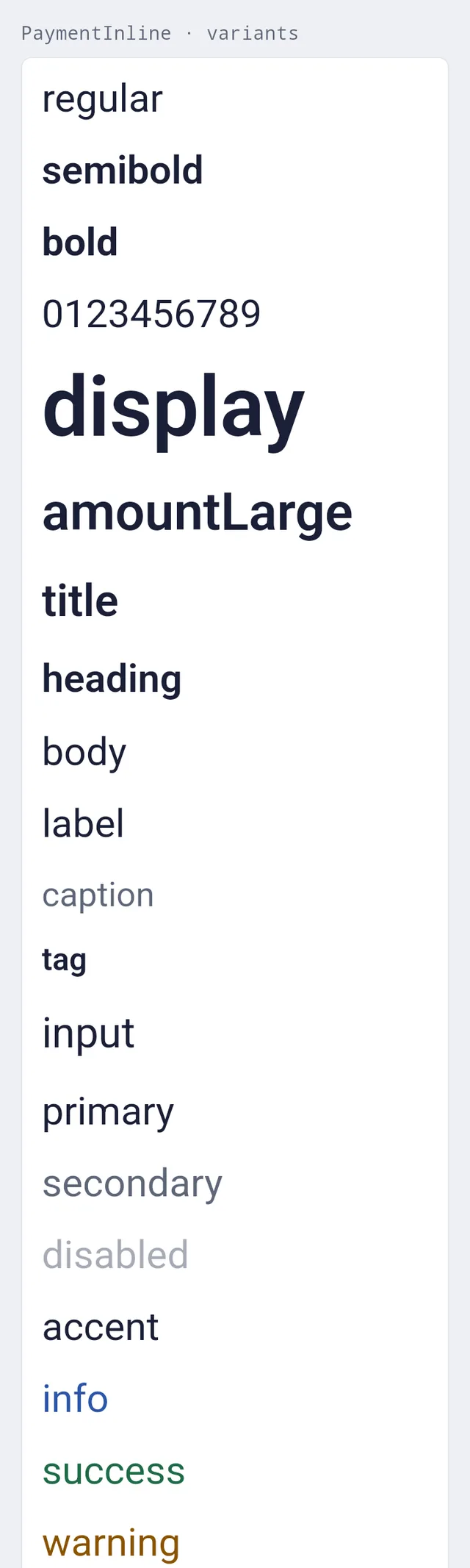
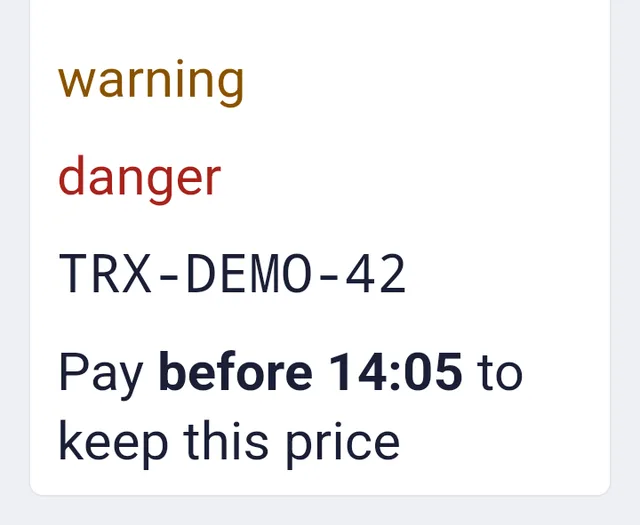
Section titled “Variants”Variants: nine text roles; regular, semibold, bold.
Text roles
Section titled “Text roles”Use title for a page title, heading for headings and subheadings, body for running text (semibold for emphasis), caption for supporting text and tag for a short label above a heading. Payment totals and entered amounts use amountLarge; the single screen amount uses display.
Which variant when
Section titled “Which variant when”| Situation | Variant / composition | Payment example |
|---|---|---|
| Amount label with supporting copy | body | Use the nine PaymentType roles and semantic text colors. |
Use Amount text for currency formatting.
States
Section titled “States”Inline text displays its supplied content and type role. It has no loading or interaction state.
Do and don’t
Section titled “Do and don’t”Do: Use the nine PaymentType roles and semantic text colors.
Don’t: Invent lead/kicker roles or raw font sizes.
Content guidelines
Section titled “Content guidelines”Use the role for the text’s place in the hierarchy. Use AmountText when the value needs currency formatting.
Accessibility
Section titled “Accessibility”Preserve reading order and allow text to wrap. Use text labels rather than color alone to communicate status.
PaymentInline
class PaymentInline extends StatelessWidget · lib/src/layout/layout.dart
Text in one type role.
| Parameter | Type | Default | Description |
|---|---|---|---|
textrequiredpositional | String? | — | text for this text. |
role: | PaymentTextRole | PaymentTextRole.body | role for this text. |
weight: | PaymentFontWeight? | — | weight for this text. |
color: | PaymentTextColor? | — | color for this text. |
tabular: | bool | false | tabular for this text. |
reference: | bool | false | reference for this text. |
maxLines: | int? | — | maxLines for this text. |
textAlign: | TextAlign? | — | textAlign for this text. |
PaymentInline.rich(…)
| Parameter | Type | Default | Description |
|---|---|---|---|
spansrequiredpositional | List<PaymentSpan> | — | spans for this text. |
role: | PaymentTextRole | PaymentTextRole.body | role for this text. |
PaymentSpan
class PaymentSpan · lib/src/layout/layout.dart
One styled run in rich inline text.
| Parameter | Type | Default | Description |
|---|---|---|---|
textrequiredpositional | String | — | Text content. |
weight: | PaymentFontWeight? | — | Running emphasis. |
color: | PaymentTextColor? | — | Semantic color. |
reference: | bool | false | Use the reference face. |
PaymentTextRole
enum PaymentTextRole · lib/src/foundation/payment_tokens.dart
The nine PaymentType roles; no additional role exists.
| Value | Description |
|---|---|
display | display: one display amount. |
amountLarge | amountLarge: totals and balances. |
title | title: sheet and app-bar titles. |
heading | heading: section titles. |
body | bodyFor(context): paragraphs. |
label | label: row labels and values. |
caption | caption: supporting text. |
tag | tag: short status words. |
input | input: field text. |
PaymentTextColor
enum PaymentTextColor · lib/src/foundation/payment_tokens.dart
Semantic text and icon colors.
| Value | Description |
|---|---|
primary | textPrimary. |
secondary | textSecondary. |
disabled | disabled. |
accent | accent. |
info | info.foreground. |
success | success.foreground. |
warning | warning.foreground. |
danger | danger.foreground. |
PaymentFontWeight
enum PaymentFontWeight · lib/src/foundation/payment_tokens.dart
Running-text emphasis only; choose a PaymentType role for hierarchy.
| Value | Description |
|---|---|
regular | FontWeight.w400. |
semibold | FontWeight.w600. |
bold | FontWeight.w700; emphasis inside running text only. |