Amount text
AmountText shows a Money value. It formats through the active locale’s MoneyFormat, uses tabular figures so digits line up, and gives screen readers the amount in words.
The widget formats the amount and currency you pass; it never adds, rounds or converts.
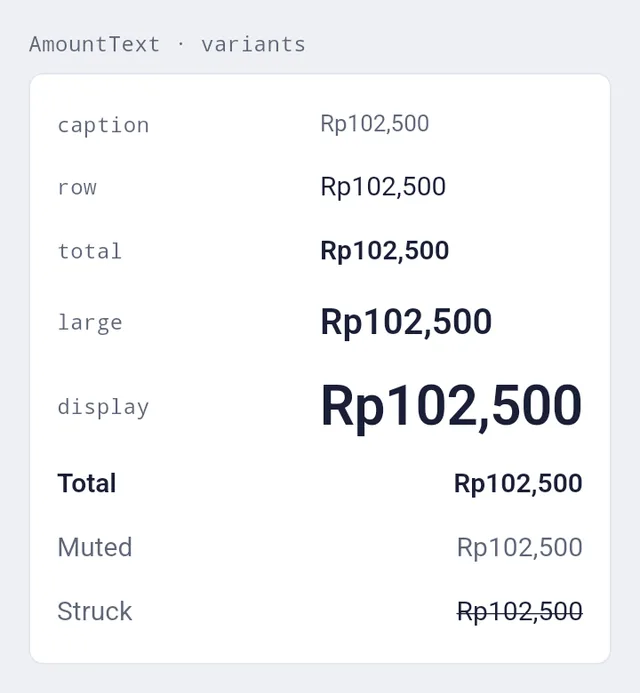
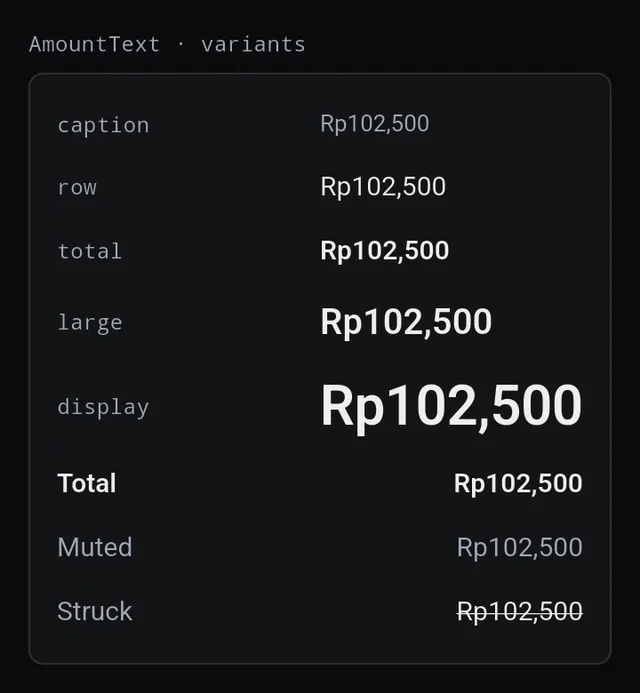
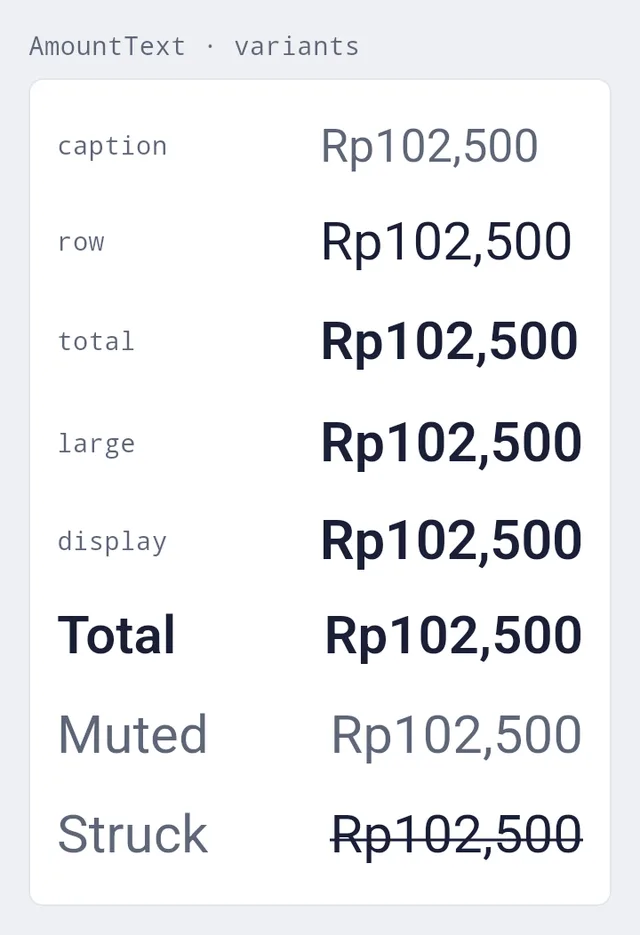
AmountText(Money.idr(fee));Variants
Section titled “Variants”Variants: caption, row, total, large, display.
| Variant | Role | Use |
|---|---|---|
| caption | 13/18 tabular | Legends and meta lines |
| row (default) | 15/20 regular tabular | Line items |
| total | 15/20 heading weight | Total row value |
| large | 20/28 amountLarge | Action bar, balance, chart headline |
| display | 32/36 display | The one display amount on a screen |
Large and display text cap at 1.6 times scaling. Total uses heading weight even when the host selects a heavier amount weight. Use style for color and decoration only, such as muted or struck values.
Migrate the deprecated emphasis: true to variant: AmountTextVariant.display.
AmountText(quote.total, variant: AmountTextVariant.display);Row amount
Section titled “Row amount”The default: the 15/20 label size, regular weight, aligned to the end. Use it inside rows.
Emphasis
Section titled “Emphasis”variant: AmountTextVariant.display uses the 32/36 display style with PaymentTheme.amountWeight. Use it for the one total per screen.
AmountText(quote.total, variant: AmountTextVariant.display);Custom style
Section titled “Custom style”style is merged over the base style, for example to strike through an amount, as the transaction list does for failed and canceled payments.
AmountText( record.amount, style: const TextStyle(decoration: TextDecoration.lineThrough),);Large text and long amounts
Section titled “Large text and long amounts”- Amounts 20 px and larger, and every display amount, follow text scaling only up to 1.6×, as platform large titles do.
- An amount that still does not fit scales down instead of being clipped. A hidden digit is worse than a smaller one.
- It never wraps: an amount is always one line.
Which variant when
Section titled “Which variant when”| Situation | Variant / composition | Payment example |
|---|---|---|
| Checkout payable amount | total | Use total once beside the Pay action; row for list amounts. |
Use Inline for non-money copy.
Choose the variant by where the amount is read:
| Where the amount is read | Variant |
|---|---|
| Supporting annotation | caption |
| Repeated transaction | row |
| Payable sum | total |
| Standalone summary | large |
| Main transaction amount | display |
States
Section titled “States”Pass the amount from the host. For failed or canceled payments, apply the documented strike-through style; a refund keeps the original amount unchanged.
Do and don’t
Section titled “Do and don’t”Do: Use total once beside the Pay action; row for list amounts.
Don’t: Format money with floating-point string concatenation.
Content guidelines
Section titled “Content guidelines”- Show the currency the host charges in. Do not convert in the UI.
- One display amount per screen. Two totals that look equal compete.
- Never animate an amount changing. Show the new value, and explain the change with a notice banner when it matters.
Accessibility
Section titled “Accessibility”- Screen readers hear
MoneyFormat.spoken, not the symbol-and-digits string.
In the example app
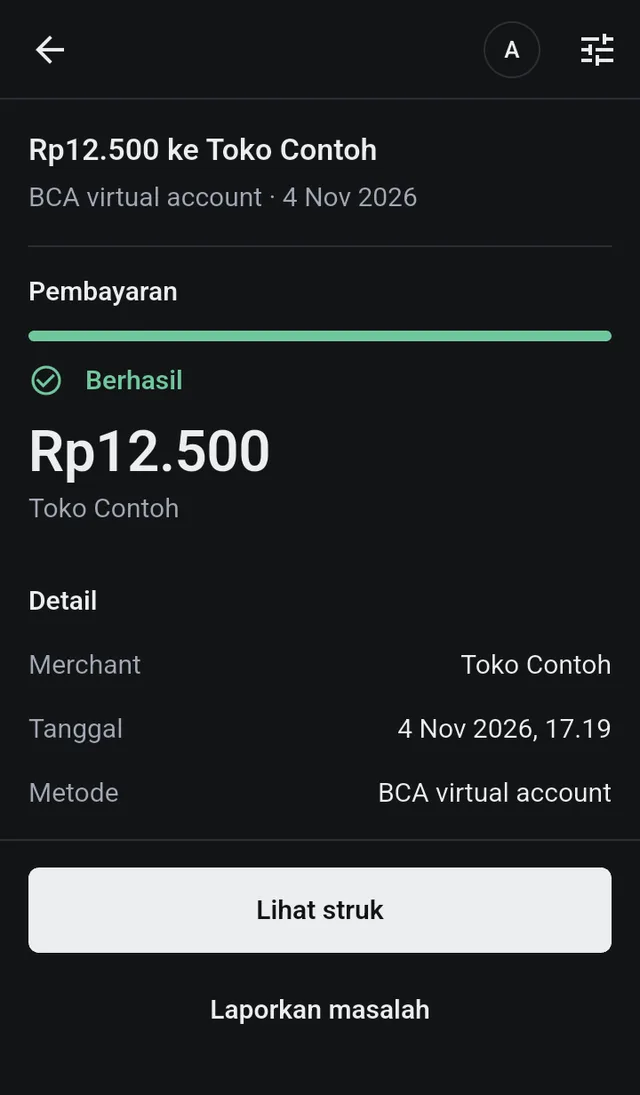
Section titled “In the example app”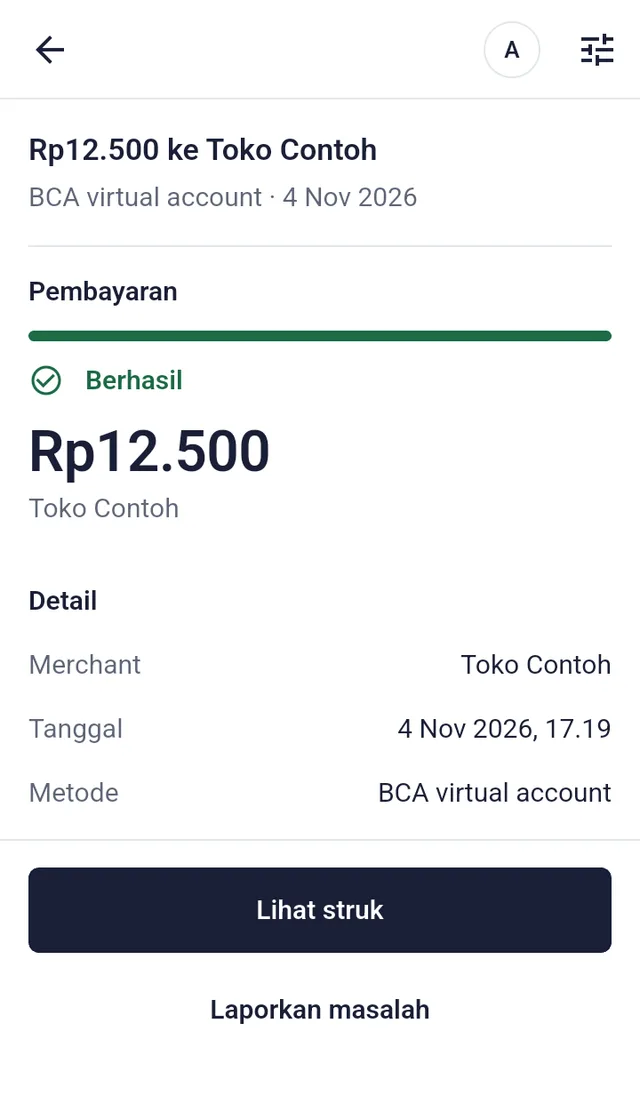
AmountText
class AmountText extends StatelessWidget · lib/src/foundation/primitives.dart
Renders Money with the active locale's formatter and a spoken label.
| Parameter | Type | Default | Description |
|---|---|---|---|
moneyrequiredpositional | Money | — | — |
style: | TextStyle? | — | Color and decoration only: muted or struck amounts. |
variant: | AmountTextVariant | AmountTextVariant.row | Semantic amount role. Default is the regular row label. |
emphasis: | bool | false | Legacy display amount, replaced by the display variant. |
AmountTextVariant
enum AmountTextVariant · lib/src/foundation/primitives.dart
The five amount looks. Nothing else exists.
| Value | Description |
|---|---|
caption | 13/18 caption for legends and meta lines. |
row | 15/20 regular label for line items. Default. |
total | 15/20 at heading weight for Total values. |
large | 20/28 headline amount, capped at 1.6 times text scale. |
display | 32/36 display amount, capped at 1.6 times text scale. |