State message
StateMessage replaces a list when there is nothing to show: no items yet, nothing matches a search, or the list failed to load. It is compact and left-aligned, so it reads as part of the list it replaces rather than as an illustration.
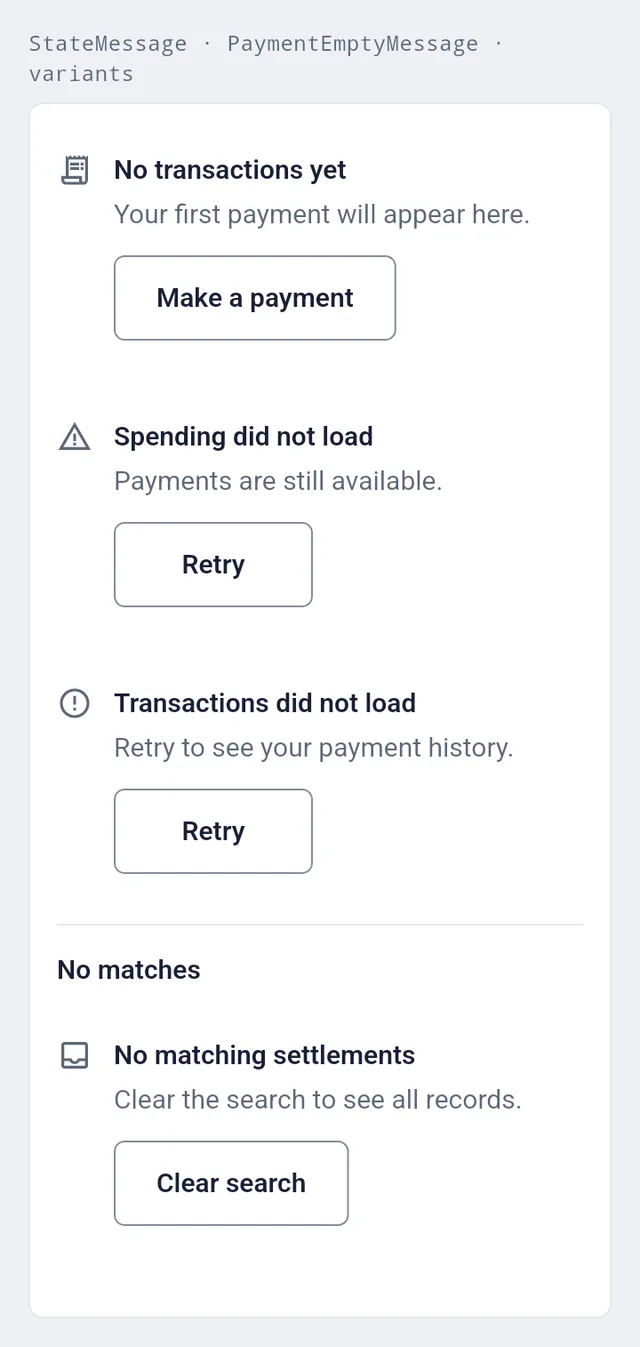
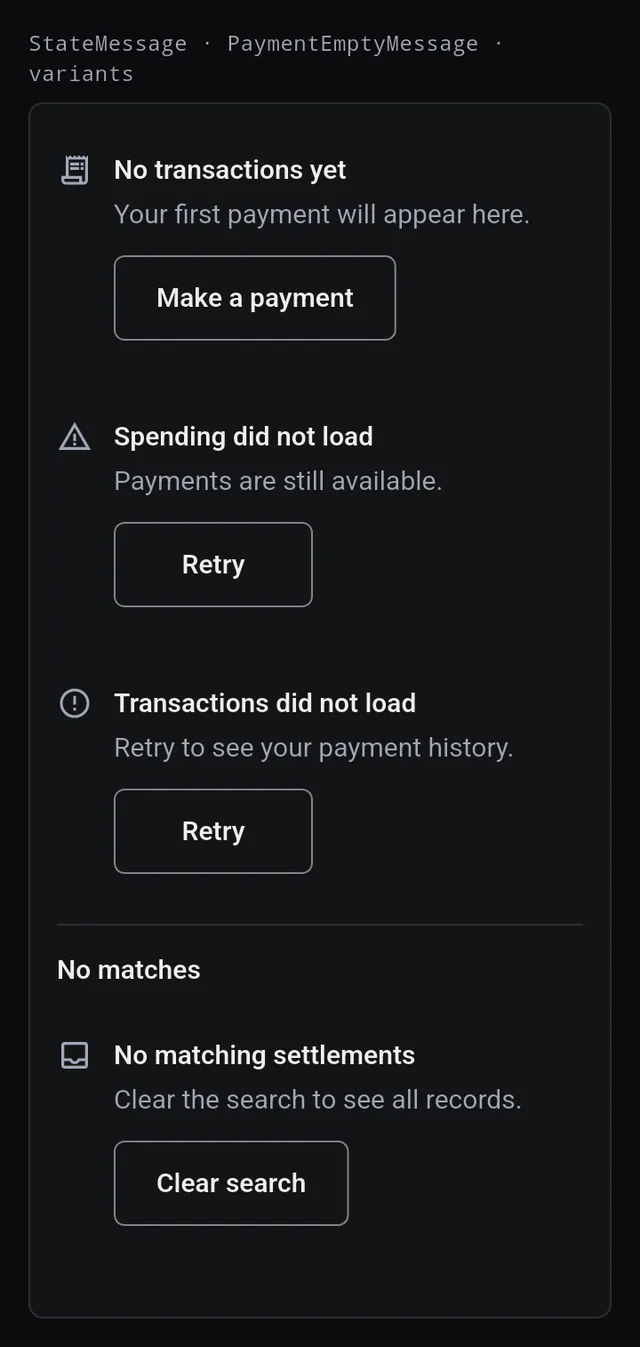
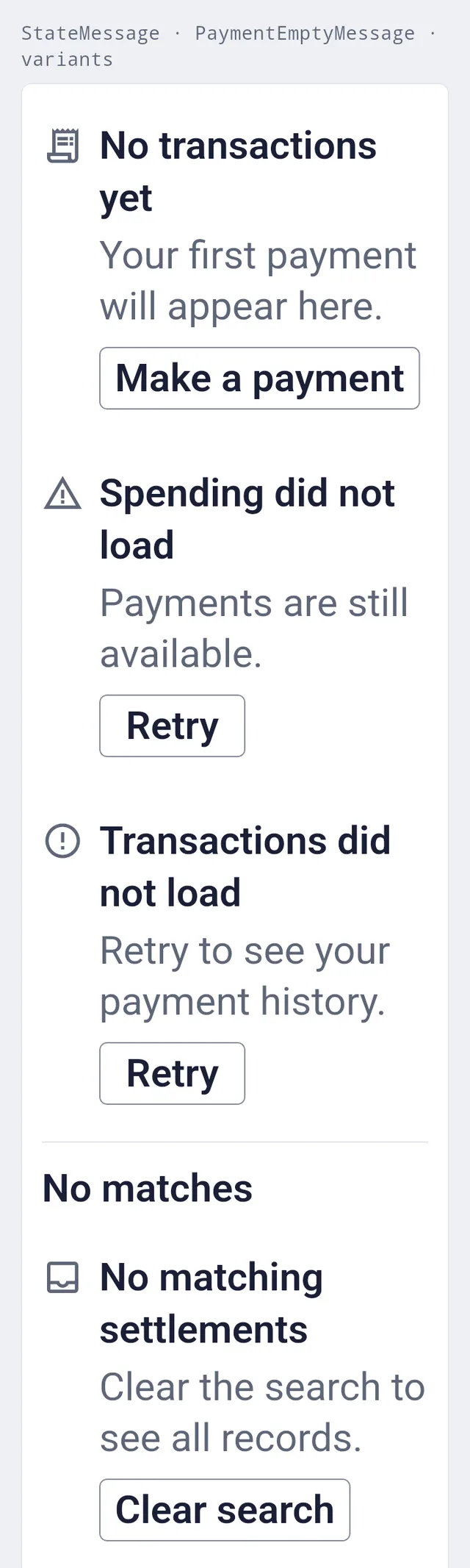

Minimal
Section titled “Minimal”Add the published package, then paste this complete example into lib/main.dart.
import 'package:flutter/material.dart';import 'package:rakit_ui/rakit_ui.dart';
void main() => runApp(MaterialApp(  home: Scaffold(    appBar: AppBar(title: const Text('Example')),    body: Builder(builder: (context) => Padding(      padding: const EdgeInsets.all(16),      child: const StateMessage(        icon: Icons.note_outlined,        title: 'No notes yet',        message: 'Notes you create will appear here.',      ),    )),  ),));
Variants
Section titled “Variants”Variants: neutral, info, success, warning, danger.
Nothing exists yet. Say what will appear here and how to get it.
const StateMessage( icon: Icons.bookmark_border, title: 'No saved billers', message: 'Save a biller after paying to find it here.',);No match
Section titled “No match”The list has items but none match the search or filter. Offer to clear the filter rather than a retry. TransactionHistory shows this state on its own.
Loading failed. Use tone: StatusTone.danger: the message is then announced to screen readers when it appears. Offer one way forward, usually “Try again”.
The action is a secondary button that hugs its label, inside the text column. It is never stretched across a module. The message uses the body size for the current text scale, like a banner’s.
PaymentEmptyMessage
Section titled “PaymentEmptyMessage”A required title explains missing module content; message adds context and actionLabel/onAction provide recovery. DataTable and detail modules use it for empty results. Do not replace it with an unlabelled icon.
Which variant when
Section titled “Which variant when”| Situation | Variant / composition | Payment example |
|---|---|---|
| No transactions or failed history | neutral | Explain why content is empty and offer recovery; danger is for primary-content failure. |
Use Banner when surrounding content remains useful.
States
Section titled “States”Distinguish no items, no matches and failed loading. The recovery action should address that state, such as clearing filters or retrying the request.
Do and don’t
Section titled “Do and don’t”Do: Explain why content is empty and offer recovery; danger is for primary-content failure.
Don’t: Show only No data without context or an available next action.
Content guidelines
Section titled “Content guidelines”- The title says what happened: “No saved billers”, “No payments match ‘pulsa’”, “Couldn’t load billers”.
- The message is one line on why or what to do next.
- One action at most. If there is nothing the person can do, leave it out.
- The headline carries the meaning, so the icon stays muted in every tone.
Accessibility
Section titled “Accessibility”- The message is one semantics container.
tone: StatusTone.dangermakes it a live region, so errors are announced. Other tones are read in place.
In the example app
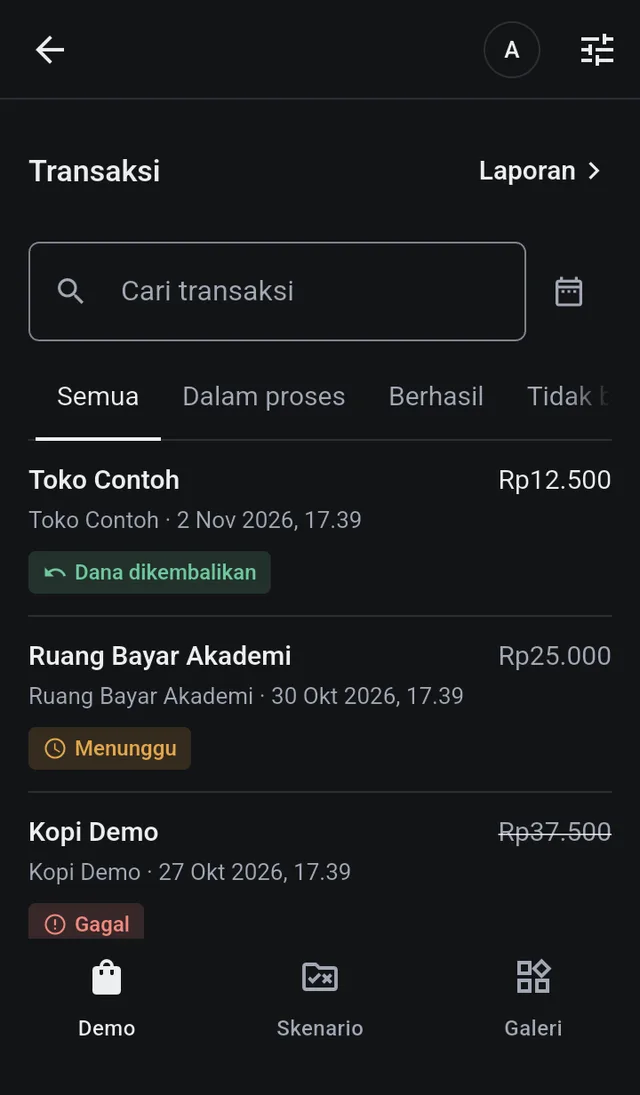
Section titled “In the example app”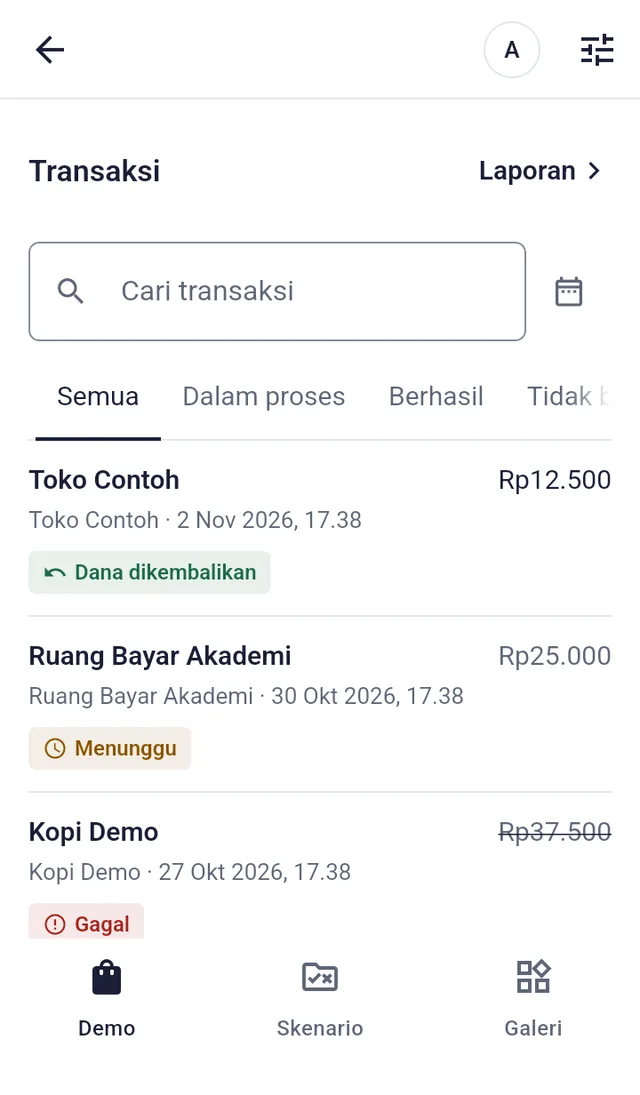
StateMessage
class StateMessage extends StatelessWidget · lib/src/interaction/interaction.dart
Empty, error and "nothing matches" states: what happened, one line on why, and at most one way forward. Compact and left-aligned, so it reads as part of the list it replaces rather than as an illustration. Padded by group (16) above and below.
| Parameter | Type | Default | Description |
|---|---|---|---|
icon:required | IconData | — | — |
title:required | String | — | — |
message: | String? | — | — |
tone: | StatusTone | StatusTone.neutral | StatusTone.danger announces the message when it appears. The headline carries the meaning, so the icon stays muted in every tone. |
actionLabel: | String? | — | — |
onAction: | FutureOr<void> Function()? | — | — |
PaymentEmptyMessage
class PaymentEmptyMessage · lib/src/content/empty_message.dart
Empty-state explanation and an optional next action.
| Parameter | Type | Default | Description |
|---|---|---|---|
titlerequiredpositional | String | — | What is empty. |
message: | String? | — | Why it is empty. |
actionLabel: | String? | — | Next action label. |
onAction: | VoidCallback? | — | Host action, supplied together with its label. |
icon: | IconData | Icons.inbox_outlined | Supporting visual cue. |
See also
Section titled “See also”- Loading skeleton
- Transaction history, which uses all three states.
Use Data table for settlement selection, actions and paging. Empty tables accept a host explanation and next action.