Views and pages
Views and pages are bodies without a Scaffold. Your app supplies the Scaffold, tab, route or sheet. Give a view bounded height so it manages one scroll region. Use showPaymentFocusView when the kit should present the focused task as an overlay.
SizedBox.expand( key: ValueKey('flow-view-${c.step.name}'), child: _StepBody(coordinator: c),);Use DetailPage at the top level, never inside FullPageView. Put non-scrolling OverviewPage inside FullPageView, as A01 history does after its list. Primary/secondary module lists accept page modules, detail property lists, detail tables and chart modules. Do not wrap an already titled module in another title.
| Task | Composition |
|---|---|
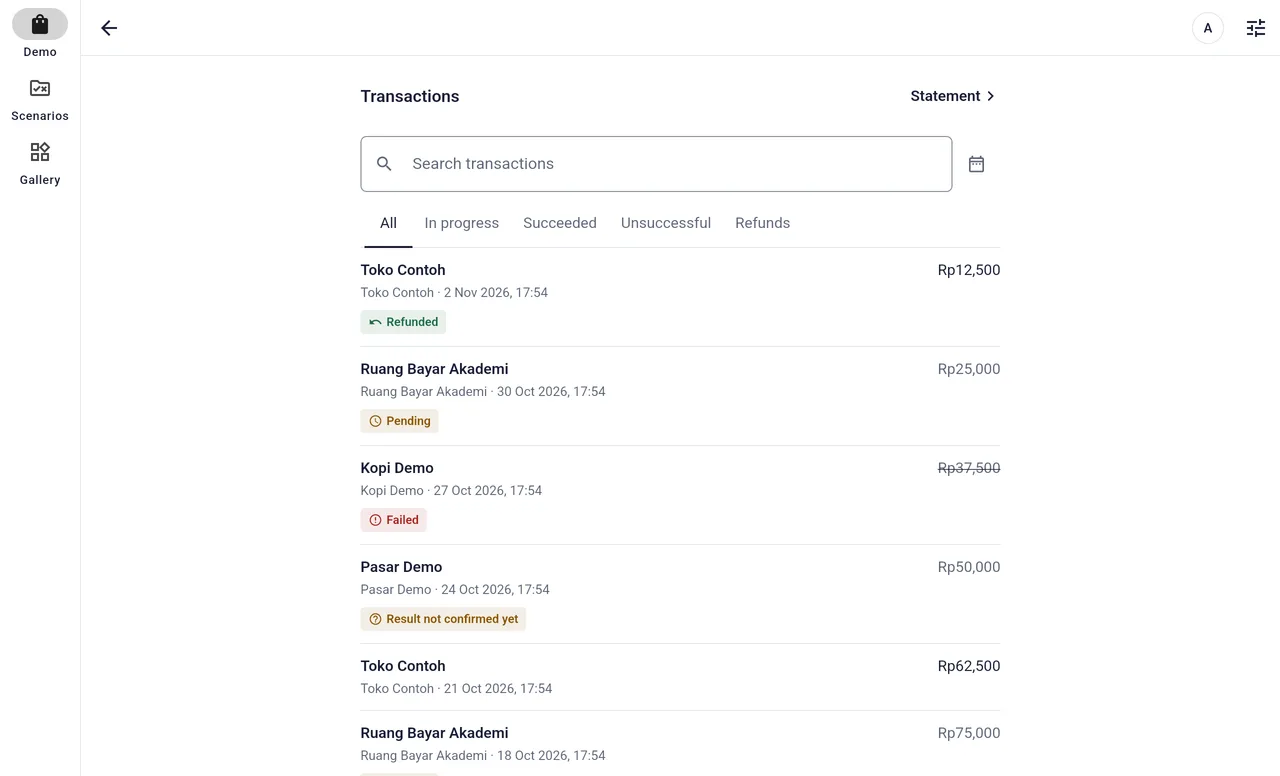
| History and spending (A01) | FullPageView → active-filter chips → TransactionHistory (search with the date-range button, tabs or, on phones at large text, a status filter button, rows), then OverviewPage → ChartModule and the month’s figures |
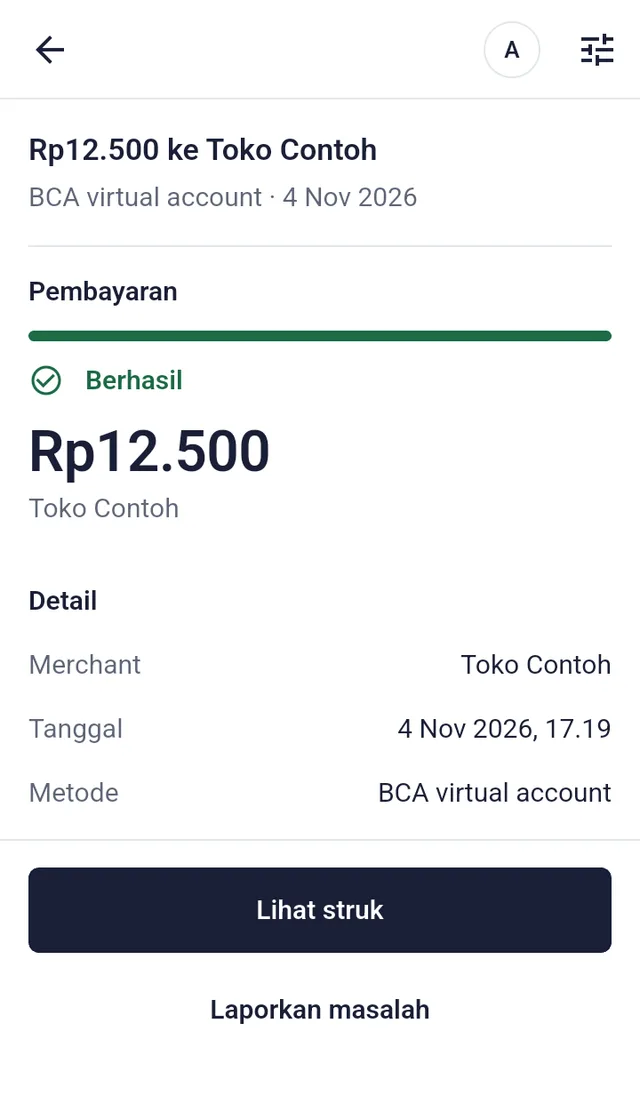
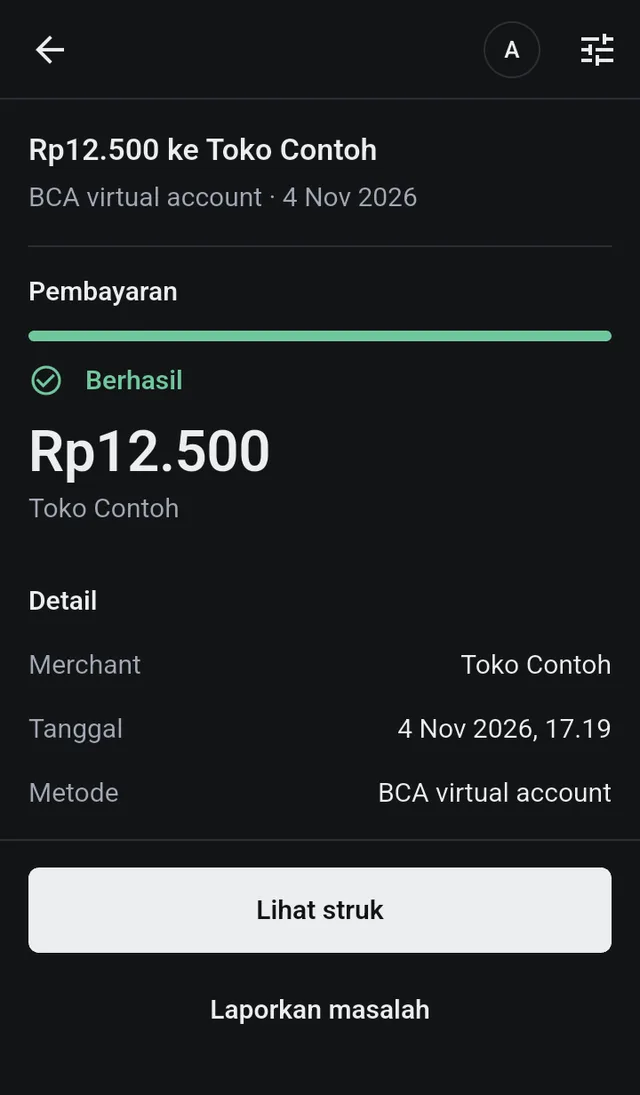
| Transaction (A02) | DetailPage → payment module, attempts table, merchant properties |
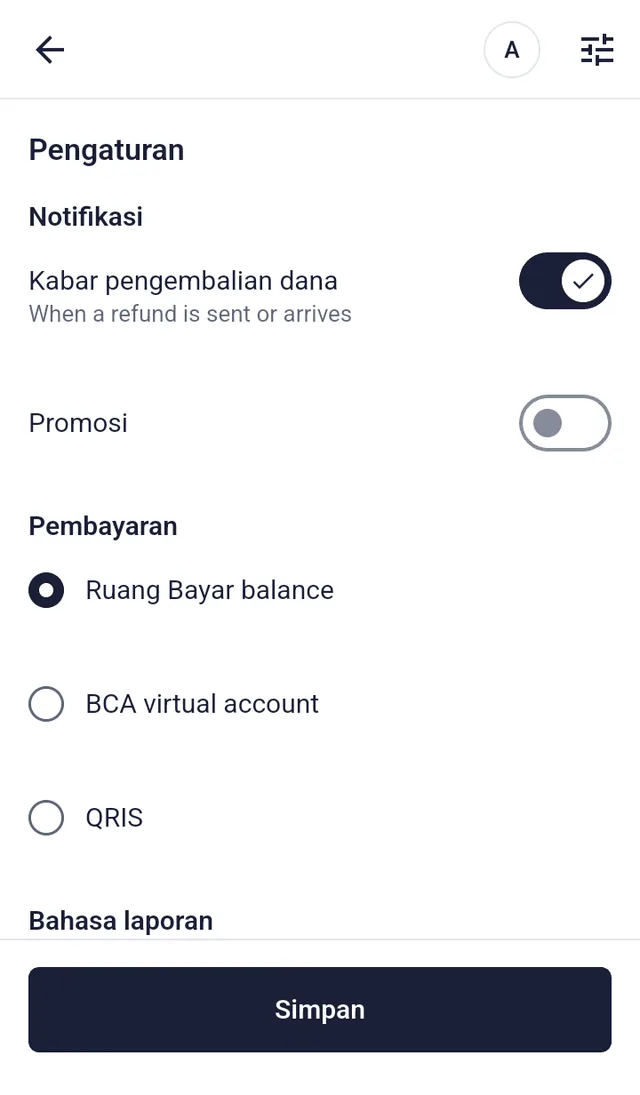
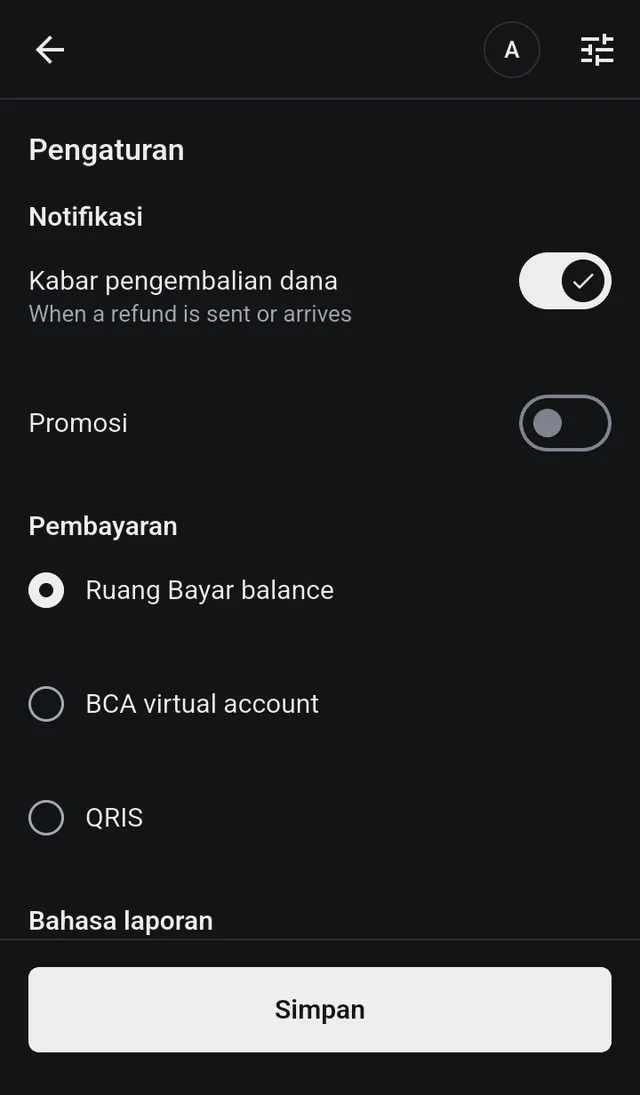
| Edit settings (A05) | SettingsView → grouped controls, one Save footer |
| Report (A02) | FocusView → facts, category, message, Send and Cancel |
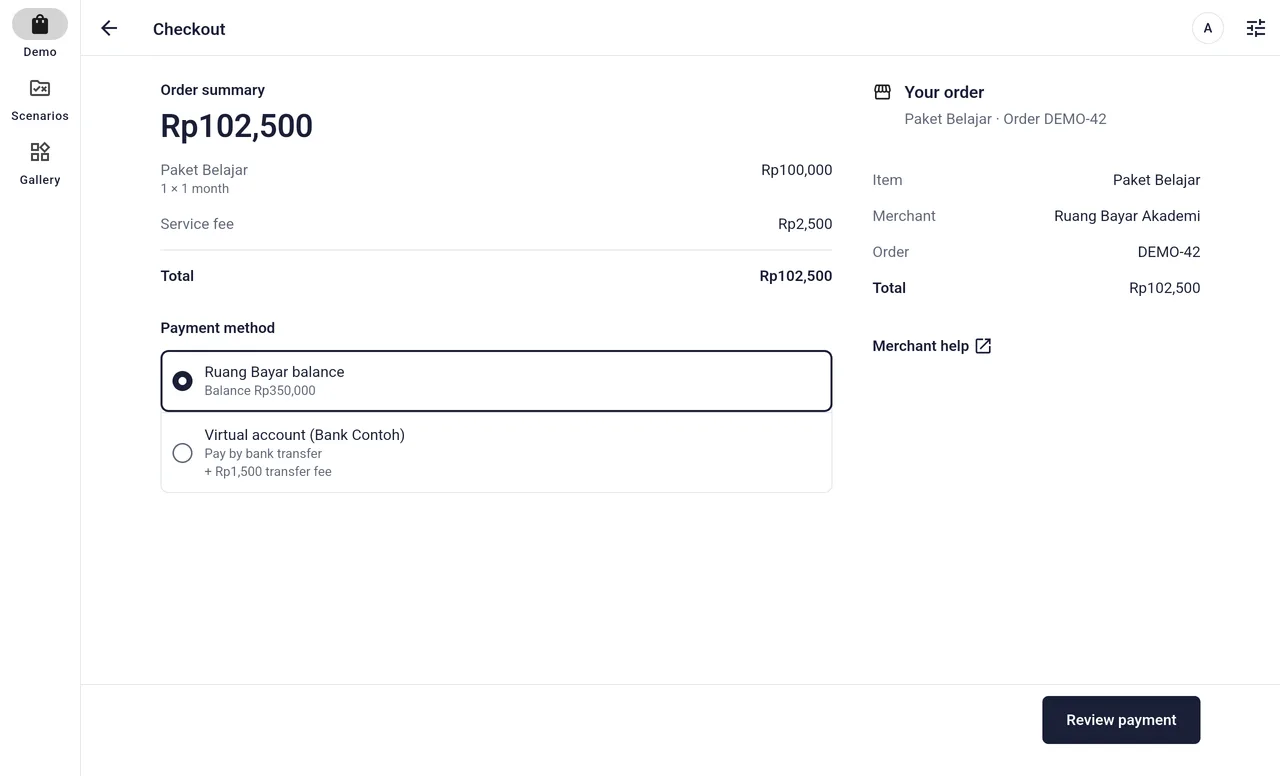
The phone footer stacks full-width primary then secondary actions. Supporting context beside wide checkout carries no second Pay action.
Header, footer and column (UI review P5)
Section titled “Header, footer and column (UI review P5)”- The header holds navigation. On phones, one action is a title-row link “Label ›”; two or more go behind ⋮. No button stacks under the title. The title never breaks inside a word: when it doesn’t fit on one line beside the link, the link moves to its own start-aligned line under the title (UI review P7a).
- The priority action sits at the bottom. Full-page views and detail pages pin
primaryActionwith at most one quietsecondaryActionin a footer above the bottom safe area. An operation that was the only header action becomes the footer primary (Q3). - One back control. On phones, drop the breadcrumb when the app bar already goes back.
- Centred column. From 600 dp the content sits in a centred column up to 640 dp; two-column pages keep two columns from 840 dp, capped at 1040 dp. Hairlines and scroll bars span the window. A pinned footer takes the column of the content above it: views pass their cap to their footer, and a
PaymentActionBartakes it throughmaxContentWidth, so a two-column checkout’s action ends at the content’s end edge (#84). Measure the column from the width the page gets, not the window, when a side rail takes part of it. - Large text. Above 1.5× the header scrolls with the body.