Chart module
Show monthly spending with a host-computed headline, a chart and explicit loading, empty and retry states. Put it directly in OverviewPage.
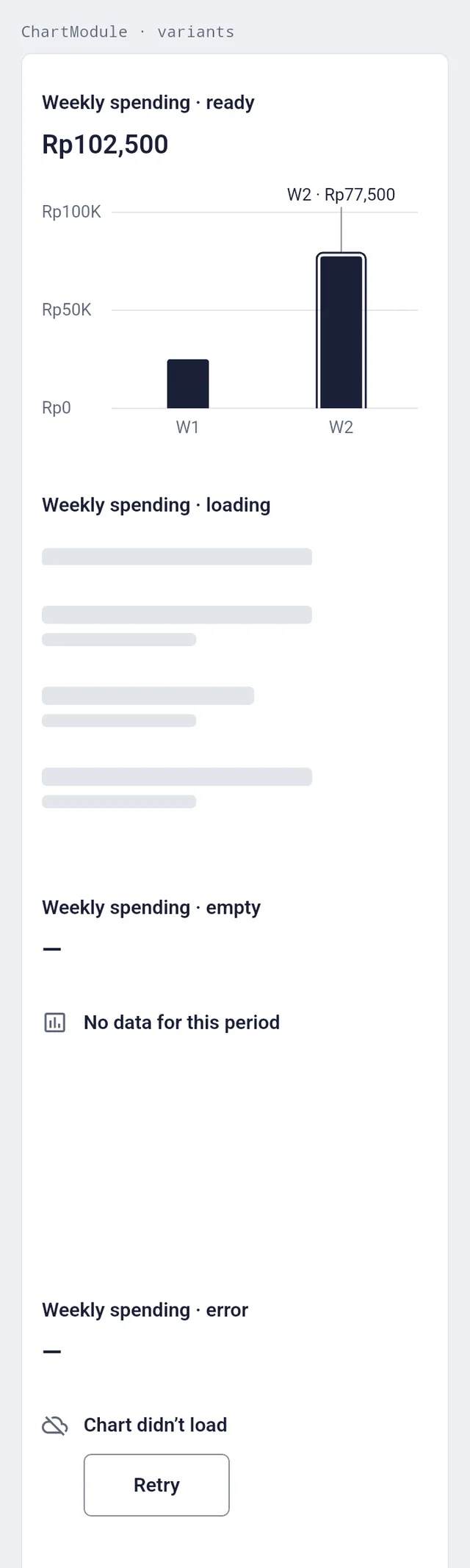

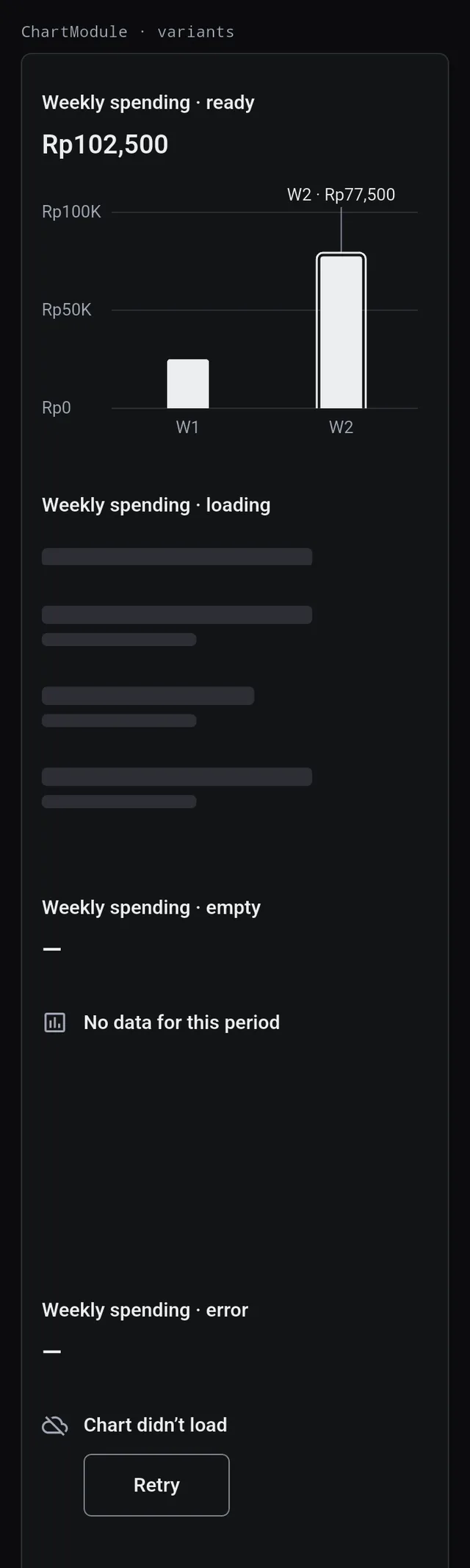

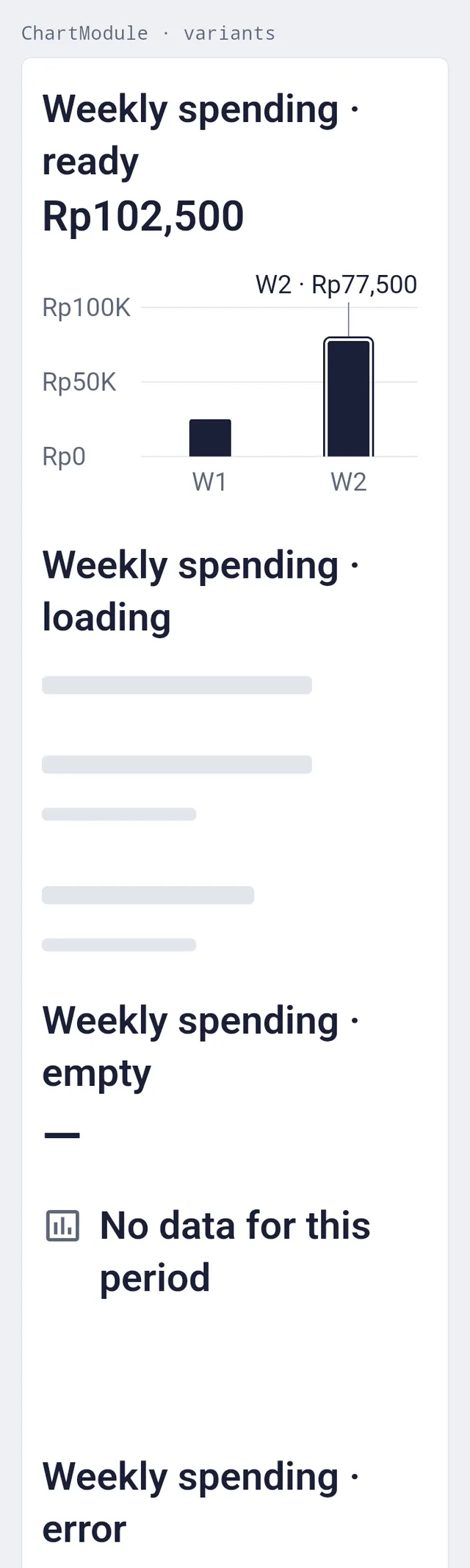
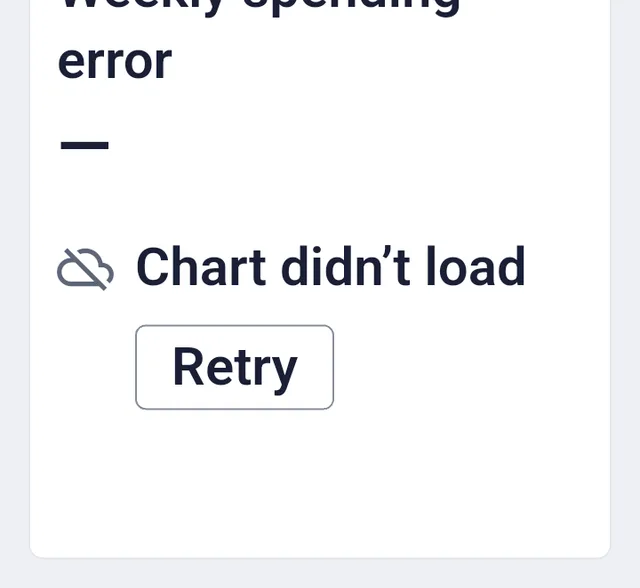
ChartModule( title: 'Spending, this month vs last month', state: ChartState.ready, showHeadline: false, height: kind == 'meter' ? null : 180, chart: chart, );Variants
Section titled “Variants”Variants: ready, loading, empty, error.
Which variant when
Section titled “Which variant when”| Situation | Variant / composition | Payment example |
|---|---|---|
| Monthly spending | ready | The host supplies headline and chart state; retry repeats only the chart request. |
Use Overview page to arrange several modules.
Choose the state from what the host knows:
| The host knows… | State |
|---|---|
| The request is pending | loading |
| The request failed | error, with retry |
| There are no readings | empty, with an explanation |
| Readings are available | ready, with the chart |
States
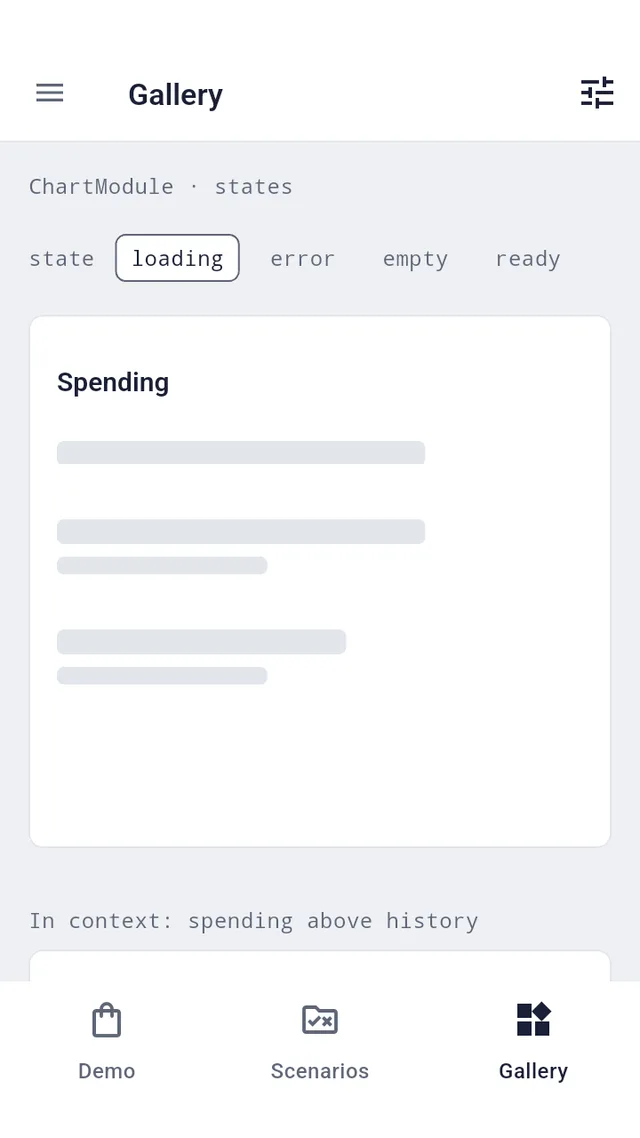
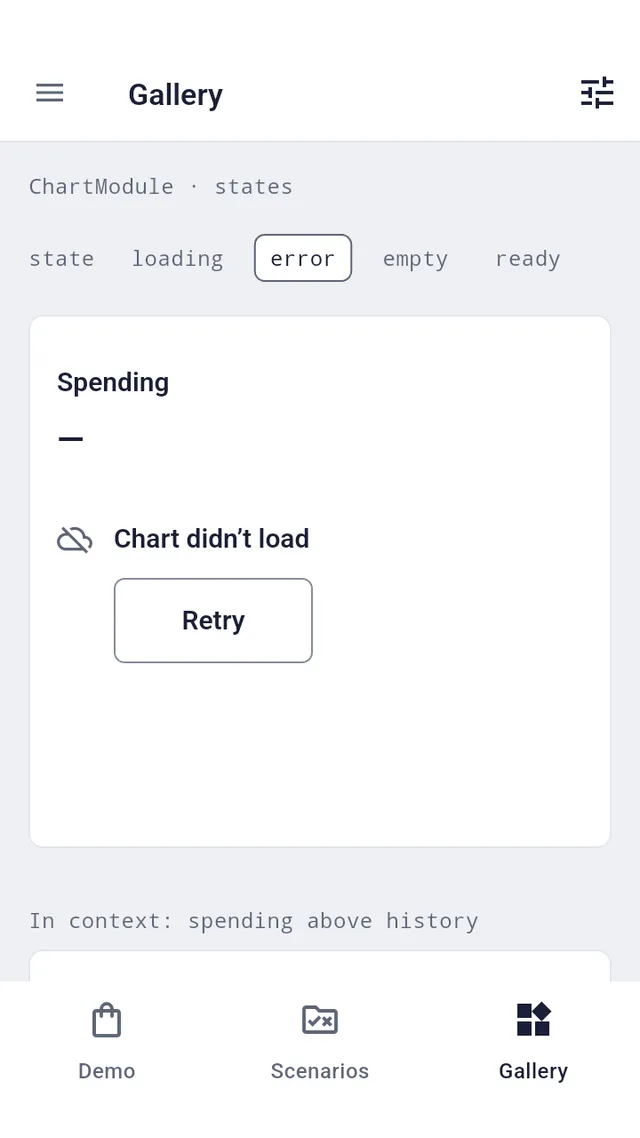
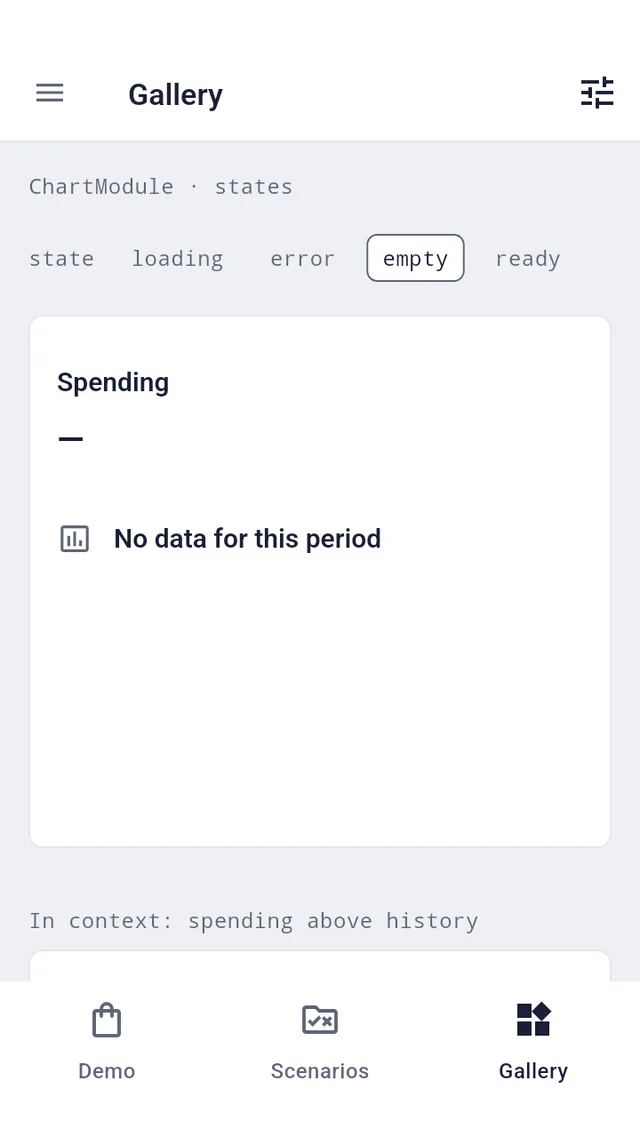
Section titled “States”The headline block reserves a caption line only when you pass headlineCaption or delta, so a bare amount sits right above the chart’s value band. Above 1.5× text the plot height is capped at compactHeight; heights stay identical across loading, error, empty and ready. The one exception is a ready multi-series line or bar chart whose value label stacks each series name over its value: the plot area grows by those extra lines so the plot itself keeps its height. Loading keeps the module heading and chart shape. Empty explains the absence of readings; error offers host retry. Ready requires a chart and uses only the supplied headline.
Do and don’t
Section titled “Do and don’t”Do: The host supplies headline and chart state; retry repeats only the chart request.
Don’t: Compute ledger totals inside the chart widget.
Content guidelines
Section titled “Content guidelines”Name what the headline measures and the period it covers. Explain an empty or failed plot in its message, with a retry action when available.
Accessibility
Section titled “Accessibility”Supply a headline and chart summary that identify the data without relying on color. Keep error messages and retry reachable at large text.
In the example app
Section titled “In the example app”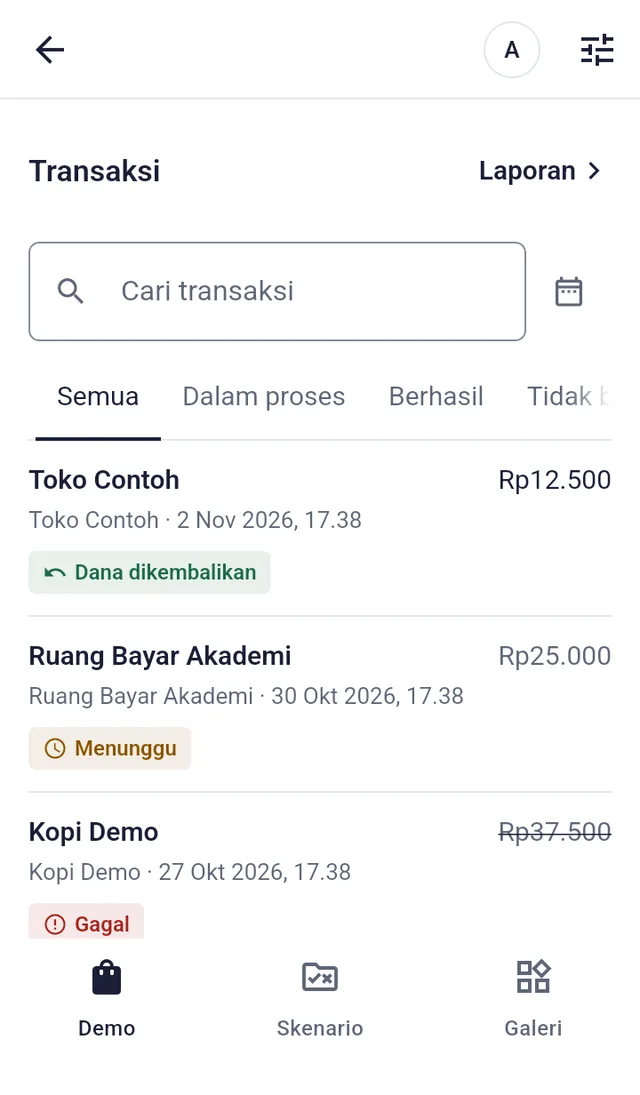
ChartModule
class ChartModule extends StatelessWidget · lib/src/charts/charts.dart
A chart section with stable loading, empty and error states.
| Parameter | Type | Default | Description |
|---|---|---|---|
title:required | String | — | Title. |
state:required | ChartState | — | State. |
chart: | Widget? | — | Chart. |
headline: | Money? | — | Host-provided amount. The kit never computes a headline total. |
headlineCaption: | String? | — | Headline Caption. |
showHeadline: | bool | true | Show Headline. |
delta: | String? | — | Delta. |
deltaTone: | StatusTone | StatusTone.neutral | Delta Tone. |
height: | double? | compactHeight | Height. |
emptyTitle: | String? | — | Empty Title. |
emptyMessage: | String? | — | Empty Message. |
errorMessage: | String? | — | Error Message. |
onRetry: | FutureOr<void> Function()? | — | On Retry. |
trailing: | Widget? | — | Trailing. |
ChartState
enum ChartState · lib/src/charts/chart_models.dart
Host-owned chart loading state.
| Value | Description |
|---|---|
loading | Fetch in progress. |
ready | Data available. |
empty | No data available. |
error | Fetch failed. |